 1 di 12
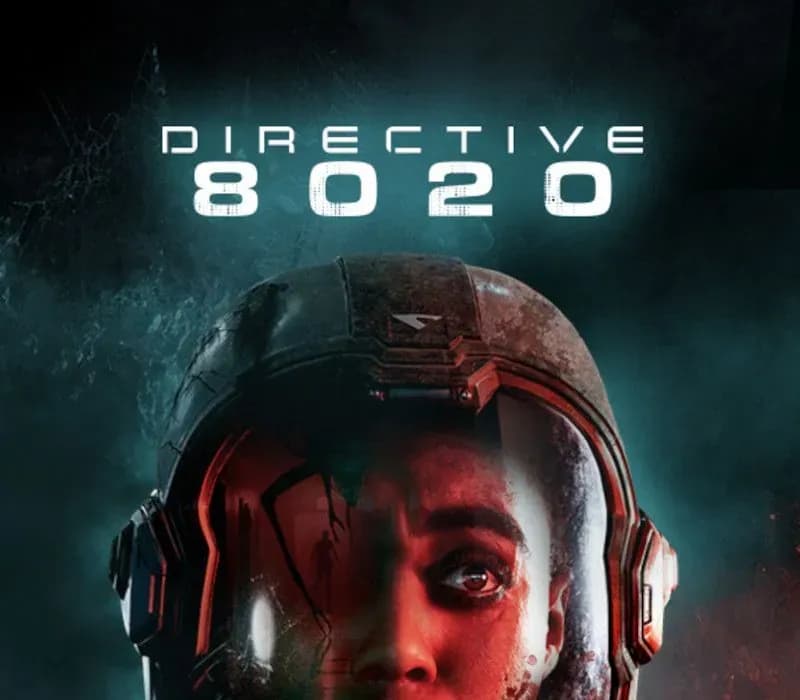
Directive 8020 PS5 Account
Uscita: 12 mag 2026 · Sviluppatore: Supermassive Games · Editore: Avalanche Studios
Directive 8020 — PSN account for PS5, Global. Not a code — read the account-ban notice before buying.
- Paga in sicurezzaImmediata
- Key visibile nel tuo account~60 s
- Riscatta su PlayStationAttivazione diretta
 Pago Móvil
 Binance Pay
 Crypto
 Portafoglio
154.000+ vendite nel negozio e sui marketplace · Ultimo ordine consegnato: 32 minuti fa
Come attivarla
- 1Accendi la tua console PlayStation, seleziona «Aggiungi utente» e scegli «Inizia» (non selezionare «Gioca come ospite temporaneo»).
- 2Accedi a PlayStation Network con l'email e la password dell'account consegnato e, se richiesto, inserisci il codice 2FA fornito.
- 3Attiva la condivisione della console: su PS5 vai su Impostazioni -> Utenti e account -> Altro -> «Condivisione della console e gioco offline» -> Abilita (su PS4: Impostazioni -> Gestione account -> «Attiva come PS4 principale»).
- 4Apri la Raccolta giochi -> «La tua raccolta», avvia il download del gioco acquistato e torna al tuo profilo personale principale per giocare e ottenere i trofei.
Informazioni sul gioco
Directive 8020 PS5 Account: account di gioco per PlayStation, senza blocco regionale.
Important — please read before buying: This is a PlayStation account created and supplied by a third-party seller, not a code for your own account. Sony's Terms of Service do not allow buying or selling PSN accounts, so a ban of the account (or restrictions on the console) is a likely possibility, though not a certainty, and we cannot guarantee the account will not be restricted. Do not change the account's country/region or add a payment method; play on your own profile via Console Sharing and Offline Play.
From the creators of UNTIL DAWN and THE QUARRY, an all-new cinematic sci-fi horror adventure that blends intense survival gameplay with meaningful choices and a branching storyline.
Earth is dying and humanity is running out of time. 12 light years from home, Tau Ceti f offers a small sliver of hope. When the colony ship Cassiopeia crash lands on the planet, its crew soon realize they are far from being alone.
Hunted by an alien organism capable of mimicking its prey, the crew of the Cassiopeia must outwit their pursuers to make it home alive. As they battle to survive, they are confronted with the hardest choice of all: to save themselves, they must risk the lives of everyone on Earth.
Featuring Hollywood actor, Lashana Lynch (Bob Marley: One Love, The Woman King) as the ground-breaking astronaut, ‘Young’, experience immersive cinematic storytelling and edge-of-your-seat horror on a deep space mission to save humanity.
Evade a deadly alien threat that roams the dark corridors of the ship, intent on eradicating human life. Overcome your enemies using improvised weapons, lightning reflexes, and stealth.
Encounter an alien lifeform that perfectly imitates its prey. Years of training and trust are lost among the crew when their enemy hides in plain sight. Who is human and who is not? Your choices are now more important than ever!
Rewrite your destiny and change the course of your story with our new Turning Points story tree. Uncover multiple endings, unlock hidden paths, and save your crew from their fateful deaths.
Recruit up to five players to join you on your mission in couch-co-op movie night mode. Choose which crew members to control and work together with your friends to survive alien infiltrators, deadly dilemmas, and catastrophic system failures.
Domande frequenti
Per quale regione è?
Questa è la versione Global: non è bloccata per regione.
Come attivo Directive 8020 PS5 Account su PlayStation?
1. Accendi la tua console PlayStation, seleziona «Aggiungi utente» e scegli «Inizia» (non selezionare «Gioca come ospite temporaneo»). 2. Accedi a PlayStation Network con l'email e la password dell'account consegnato e, se richiesto, inserisci il codice 2FA fornito. 3. Attiva la condivisione della console: su PS5 vai su Impostazioni -> Utenti e account -> Altro -> «Condivisione della console e gioco offline» -> Abilita (su PS4: Impostazioni -> Gestione account -> «Attiva come PS4 principale»). 4. Apri la Raccolta giochi -> «La tua raccolta», avvia il download del gioco acquistato e torna al tuo profilo personale principale per giocare e ottenere i trofei.
Cosa significa «account»?
Ricevi i dati di accesso di un account PlayStation che possiede già il gioco.
Recensioni dei clienti
Vedi tutte le recensioni e scrivi la tua
Recensioni dei clienti
Nessuno ha ancora recensito questo gioco. Se lo compri, raccontaci com'è andata.