
 1 di 7
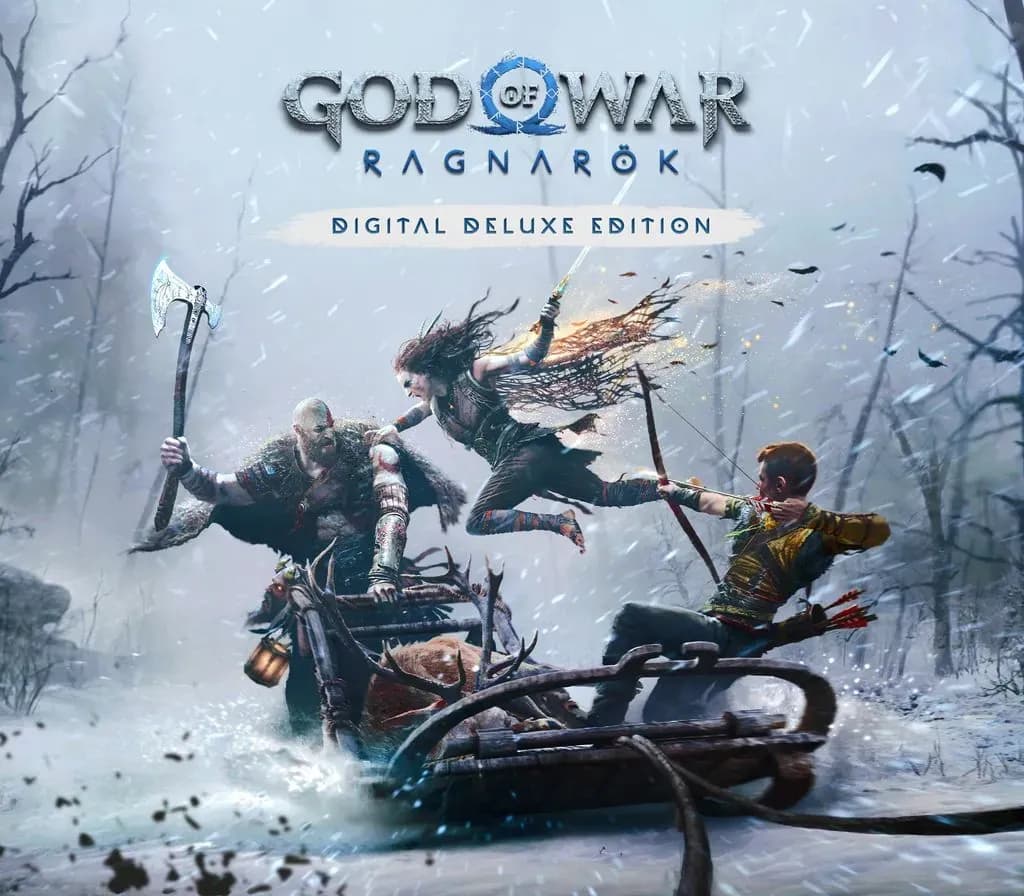
God of War Ragnarök Deluxe Edition PS4 Account
Uscita: 9 nov 2022 · Sviluppatore: Santa Monica Studio · Editore: PlayStation Publishing LLC
God of War Ragnarök Deluxe Edition — PSN account for PS4, Global. Not a code — read the account-ban notice before buying.
Scegli la tua versione
Il tuo paese: Stati Uniti- Paga in sicurezzaImmediata
- Key visibile nel tuo account~60 s
- Riscatta su PlayStationAttivazione diretta
 Pago Móvil
 Binance Pay
 Crypto
 Portafoglio
154.000+ vendite nel negozio e sui marketplace · Ultimo ordine consegnato: 34 minuti fa
Come attivarla
- 1Accendi la tua console PlayStation, seleziona «Aggiungi utente» e scegli «Inizia» (non selezionare «Gioca come ospite temporaneo»).
- 2Accedi a PlayStation Network con l'email e la password dell'account consegnato e, se richiesto, inserisci il codice 2FA fornito.
- 3Attiva la condivisione della console: su PS5 vai su Impostazioni -> Utenti e account -> Altro -> «Condivisione della console e gioco offline» -> Abilita (su PS4: Impostazioni -> Gestione account -> «Attiva come PS4 principale»).
- 4Apri la Raccolta giochi -> «La tua raccolta», avvia il download del gioco acquistato e torna al tuo profilo personale principale per giocare e ottenere i trofei.
Informazioni sul gioco
God of War Ragnarök Deluxe Edition PS4 Account: account di gioco per PlayStation, senza blocco regionale.
Important — please read before buying: This is a PlayStation account created and supplied by a third-party seller, not a code for your own account. Sony's Terms of Service do not allow buying or selling PSN accounts, so a ban of the account (or restrictions on the console) is a likely possibility, though not a certainty, and we cannot guarantee the account will not be restricted. Do not change the account's country/region or add a payment method; play on your own profile via Console Sharing and Offline Play.
THE NORSE SAGA CONTINUES The sequel to the critically acclaimed God of War (2018), God of War Ragnarök picks up with Fimbulwinter well underway. Kratos and Atreus must journey to each of the Nine Realms in search of answers as Odin’s forces in Asgard prepare for a prophesied battle that will end the world. Along the way, they will explore stunning, mythical landscapes, and face fearsome enemies in the form of Norse gods and monsters. As the threat of Ragnarök grows ever closer, Kratos and Atreus must choose between the safety of their family and the safety of the realms. A FUTURE, UNWRITTEN Atreus seeks knowledge to help him understand the prophecy of “Loki” and establish his role in Ragnarök. Kratos must decide whether he will be chained by the fear of repeating his mistakes or break free of his past to be the father Atreus needs. FLUID, EXPRESSIVE COMBAT The Leviathan Axe, Blades of Chaos, and Guardian Shield return alongside a host of new abilities for both Kratos and Atreus. Kratos’ deadly Spartan skills will be tested like never before as he battles gods and monsters across Nine Realms to protect his family. EXPLORE VAST REALMS Journey through dangerous and stunning landscapes as Kratos and Atreus search for answers. MASTER THYSELF IN GOD OF WAR RAGNARÖK: VALHALLA Available right at launch with your purchase of God of War Ragnarök is access to the God of War Ragnarök: Valhalla DLC for no additional cost!
Domande frequenti
Per quale regione è?
Questa è la versione Global: non è bloccata per regione.
Come attivo God of War Ragnarök Deluxe Edition PS4 Account su PlayStation?
1. Accendi la tua console PlayStation, seleziona «Aggiungi utente» e scegli «Inizia» (non selezionare «Gioca come ospite temporaneo»). 2. Accedi a PlayStation Network con l'email e la password dell'account consegnato e, se richiesto, inserisci il codice 2FA fornito. 3. Attiva la condivisione della console: su PS5 vai su Impostazioni -> Utenti e account -> Altro -> «Condivisione della console e gioco offline» -> Abilita (su PS4: Impostazioni -> Gestione account -> «Attiva come PS4 principale»). 4. Apri la Raccolta giochi -> «La tua raccolta», avvia il download del gioco acquistato e torna al tuo profilo personale principale per giocare e ottenere i trofei.
Cosa significa «account»?
Ricevi i dati di accesso di un account PlayStation che possiede già il gioco.
Recensioni dei clienti
Vedi tutte le recensioni e scrivi la tua
Recensioni dei clienti
Nessuno ha ancora recensito questo gioco. Se lo compri, raccontaci com'è andata.
Potrebbe piacerti anche
 −70%
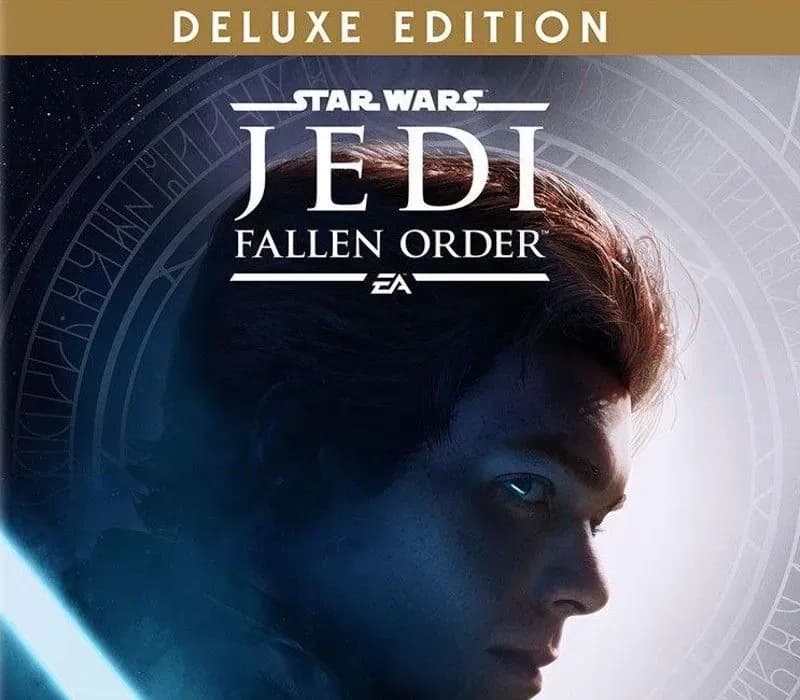
Star Wars Jedi: Fallen Order Deluxe Edition PS4 Account
 −69%
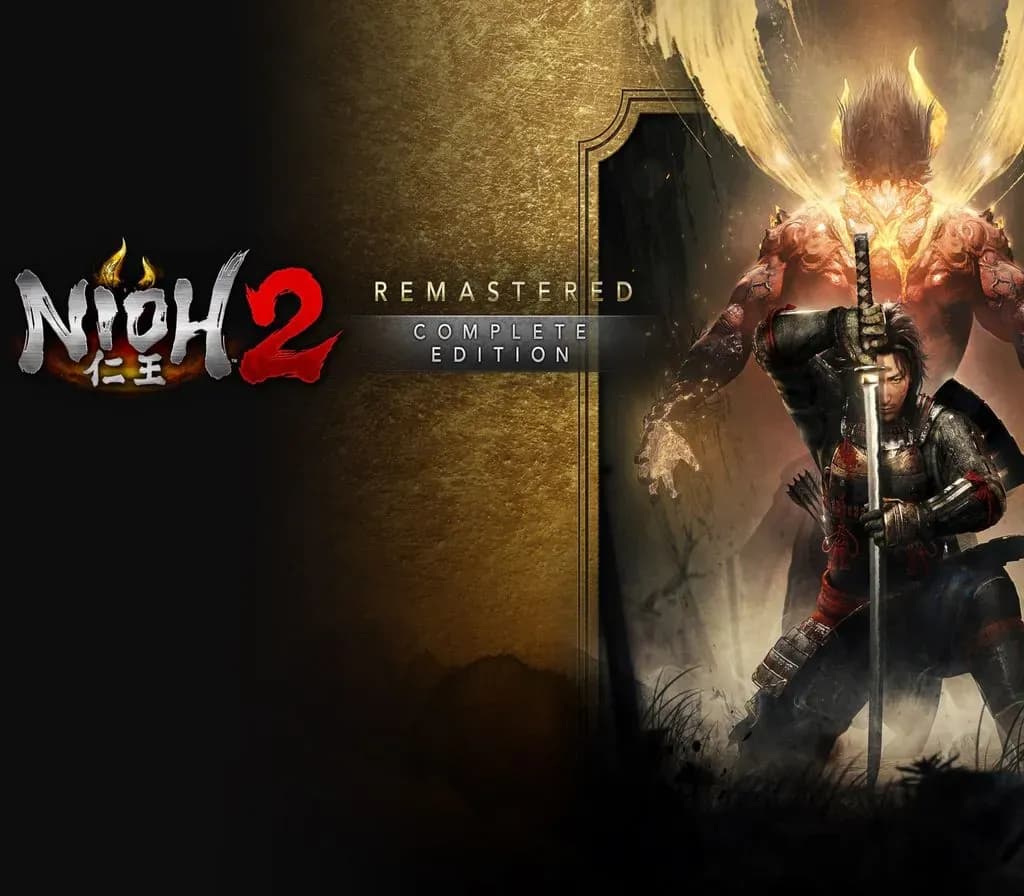
Nioh 2 Remastered – The Complete Edition PS4 Account
 −63%
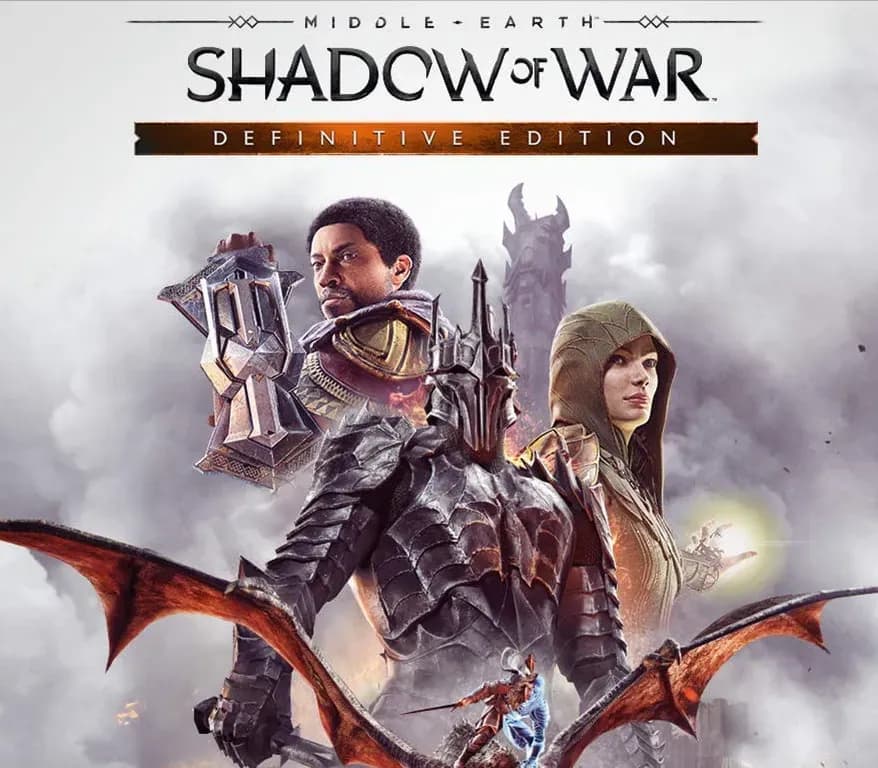
Middle-earth: Shadow of War Definitive Edition PS4/PS5 Account
 −75%
Marvel's Spider-Man GOTY PS4 Account
 −67%