 1 di 7
Like a Dragon: Infinite Wealth PS4/PS5 Account
Uscita: 26 gen 2024 · Sviluppatore: RGG Studio · Editore: SEGA
Like a Dragon: Infinite Wealth — PSN account for PS4/PS5, Global. Not a code — read the account-ban notice before buying.
- Paga in sicurezzaImmediata
- Key visibile nel tuo account~60 s
- Riscatta su PlayStationAttivazione diretta
 Pago Móvil
 Binance Pay
 Crypto
 Portafoglio
154.000+ vendite nel negozio e sui marketplace · Ultimo ordine consegnato: 32 minuti fa
Come attivarla
- 1Accendi la tua console PlayStation, seleziona «Aggiungi utente» e scegli «Inizia» (non selezionare «Gioca come ospite temporaneo»).
- 2Accedi a PlayStation Network con l'email e la password dell'account consegnato e, se richiesto, inserisci il codice 2FA fornito.
- 3Attiva la condivisione della console: su PS5 vai su Impostazioni -> Utenti e account -> Altro -> «Condivisione della console e gioco offline» -> Abilita (su PS4: Impostazioni -> Gestione account -> «Attiva come PS4 principale»).
- 4Apri la Raccolta giochi -> «La tua raccolta», avvia il download del gioco acquistato e torna al tuo profilo personale principale per giocare e ottenere i trofei.
Informazioni sul gioco
Like a Dragon: Infinite Wealth PS4/PS5 Account: account di gioco per PlayStation, senza blocco regionale.
Important — please read before buying: This is a PlayStation account created and supplied by a third-party seller, not a code for your own account. Sony's Terms of Service do not allow buying or selling PSN accounts, so a ban of the account (or restrictions on the console) is a likely possibility, though not a certainty, and we cannot guarantee the account will not be restricted. Do not change the account's country/region or add a payment method; play on your own profile via Console Sharing and Offline Play.
EPIC EMOTIONAL DRAMA
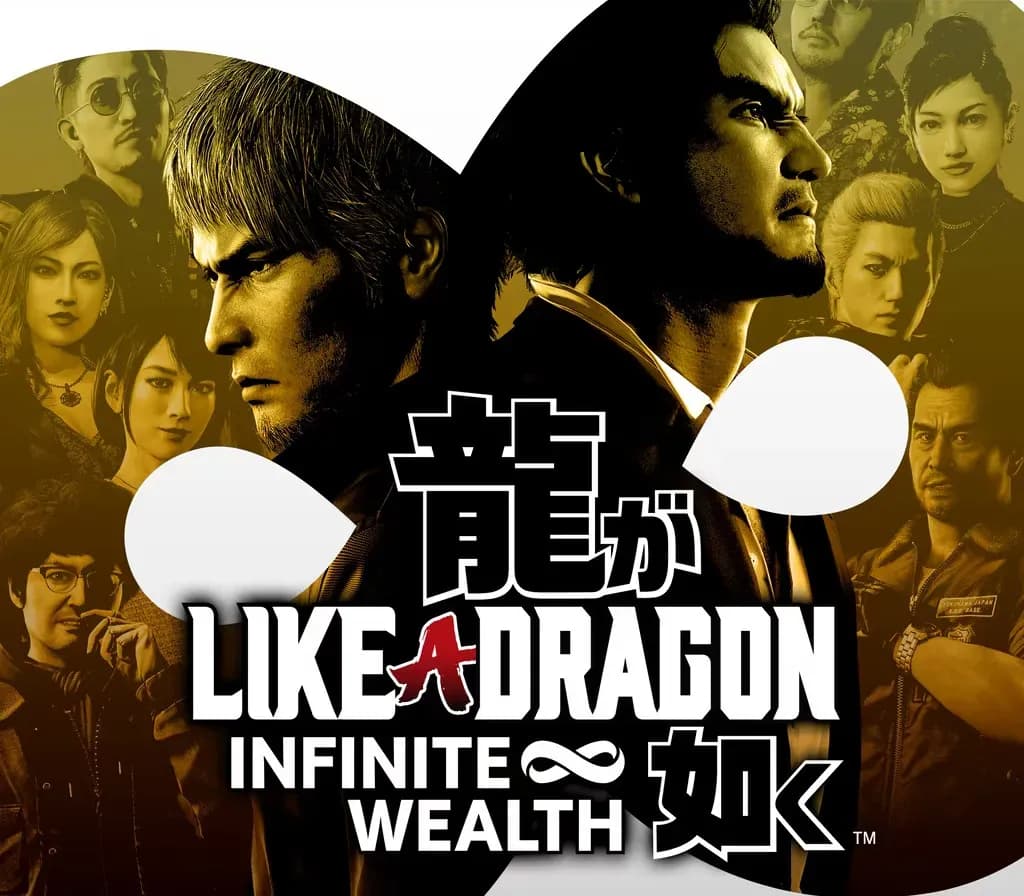
Two larger-than-life heroes brought together by the hand of fate, or perhaps something more sinister…
Ichiban Kasuga, an unstoppable underdog who’s no stranger to crawling up from rock bottom, and Kazuma Kiryu, a broken man facing down his last days.
BEST-IN-CLASS RPG ACTION
Experience one-of-a-kind combat with dynamic, fast-paced RPG battles where the battlefield becomes your weapon, and anything goes. Adapt your party’s skills to the situation with outlandish jobs and customizations to strategically subdue enemies with over-the-top moves.
INFINITE ADVENTURE
Live it up in Japan and explore all that Hawaii has to offer in an adventure so big it spans the Pacific. Unforgettable moments await at every step of the journey with a unique mix of quests and activities to enjoy at your leisure.
Deluxe Edition Content
- Like a Dragon: Infinite Wealth game - Master Vacation Bundle: Explore a bonus dungeon, get special Sujimon, resort guests, outfits, new game+ & more
Ultimate Edition Content
- Like a Dragon: Infinite Wealth game - Master Vacation Bundle: Explore a bonus dungeon, get special Sujimon, resort guests, outfits, new game+ & more - Assorted Outfit Bundle: Customize your party's look with outfits & swimwear - Sujimon & Resort Bundle: Get legendary Sujimon, resort guests and special boosters - Yakuza CD Collection Set: Increase your in-game playlist with classic karaoke tracks
Domande frequenti
Per quale regione è?
Questa è la versione Global: non è bloccata per regione.
Come attivo Like a Dragon: Infinite Wealth PS4/PS5 Account su PlayStation?
1. Accendi la tua console PlayStation, seleziona «Aggiungi utente» e scegli «Inizia» (non selezionare «Gioca come ospite temporaneo»). 2. Accedi a PlayStation Network con l'email e la password dell'account consegnato e, se richiesto, inserisci il codice 2FA fornito. 3. Attiva la condivisione della console: su PS5 vai su Impostazioni -> Utenti e account -> Altro -> «Condivisione della console e gioco offline» -> Abilita (su PS4: Impostazioni -> Gestione account -> «Attiva come PS4 principale»). 4. Apri la Raccolta giochi -> «La tua raccolta», avvia il download del gioco acquistato e torna al tuo profilo personale principale per giocare e ottenere i trofei.
Cosa significa «account»?
Ricevi i dati di accesso di un account PlayStation che possiede già il gioco.
Recensioni dei clienti
Vedi tutte le recensioni e scrivi la tua
Recensioni dei clienti
Nessuno ha ancora recensito questo gioco. Se lo compri, raccontaci com'è andata.