
 1 di 8
Marvel's Spider-Man GOTY PS5 Account
Uscita: 7 set 2018 · Sviluppatore: Insomniac Games · Editore: PlayStation Publishing LLC
Marvel's Spider-Man GOTY — PSN account for PS5, Global. Not a code — read the account-ban notice before buying.
Scegli la tua versione
- Paga in sicurezzaImmediata
- Key visibile nel tuo account~60 s
- Riscatta su PlayStationAttivazione diretta
 Pago Móvil
 Binance Pay
 Crypto
 Portafoglio
154.000+ vendite nel negozio e sui marketplace · Ultimo ordine consegnato: 33 minuti fa
Come attivarla
- 1Accendi la tua console PlayStation, seleziona «Aggiungi utente» e scegli «Inizia» (non selezionare «Gioca come ospite temporaneo»).
- 2Accedi a PlayStation Network con l'email e la password dell'account consegnato e, se richiesto, inserisci il codice 2FA fornito.
- 3Attiva la condivisione della console: su PS5 vai su Impostazioni -> Utenti e account -> Altro -> «Condivisione della console e gioco offline» -> Abilita (su PS4: Impostazioni -> Gestione account -> «Attiva come PS4 principale»).
- 4Apri la Raccolta giochi -> «La tua raccolta», avvia il download del gioco acquistato e torna al tuo profilo personale principale per giocare e ottenere i trofei.
Informazioni sul gioco
Marvel's Spider-Man GOTY PS5 Account: account di gioco per PlayStation, senza blocco regionale. Prezzo: $8.82, il 77% in meno (Prezzo consigliato: $39.99).
Important — please read before buying: This is a PlayStation account created and supplied by a third-party seller, not a code for your own account. Sony's Terms of Service do not allow buying or selling PSN accounts, so a ban of the account (or restrictions on the console) is a likely possibility, though not a certainty, and we cannot guarantee the account will not be restricted. Do not change the account's country/region or add a payment method; play on your own profile via Console Sharing and Offline Play.
At the same time, he’s struggling to balance his chaotic personal life and career while the fate of Marvel’s New York rests upon his shoulders.Key Features Be Greater When iconic Marvel villains threaten Marvel’s New York, Peter Parker and Spider-Man’s worlds collide. To save the city and those he loves, he must rise up and be greater. Feel like Spider-Man After eight years behind the mask, Peter Parker is a crime-fighting master. Feel the full power of a more experienced Spider-Man with improvisational combat, dynamic acrobatics, fluid urban traversal and environmental interactions. Worlds collide The worlds of Peter Parker and Spider-Man collide in an original action-packed story. In this new Spider-Man universe, iconic characters from Peter and Spider-Man’s lives have been reimagined, placing familiar characters in unique roles. Marvel’s New York is your playground The Big Apple comes to life in Marvel’s Spider-Man. Swing through vibrant neighborhoods and catch breathtaking views of iconic Marvel and Manhattan landmarks. Use the environment to defeat villains with epic takedowns in true blockbuster action. Enjoy The City That Never Sleeps complete content Following the events of the main story of Marvel’s Spider-Man Remastered, experience the continuation of Peter Parker’s journey in Marvel’s Spider-Man: The City That Never Sleeps, three story chapters with additional missions and challenges to discover.
Domande frequenti
Per quale regione è?
Questa è la versione Global: non è bloccata per regione.
Come attivo Marvel's Spider-Man GOTY PS5 Account su PlayStation?
1. Accendi la tua console PlayStation, seleziona «Aggiungi utente» e scegli «Inizia» (non selezionare «Gioca come ospite temporaneo»). 2. Accedi a PlayStation Network con l'email e la password dell'account consegnato e, se richiesto, inserisci il codice 2FA fornito. 3. Attiva la condivisione della console: su PS5 vai su Impostazioni -> Utenti e account -> Altro -> «Condivisione della console e gioco offline» -> Abilita (su PS4: Impostazioni -> Gestione account -> «Attiva come PS4 principale»). 4. Apri la Raccolta giochi -> «La tua raccolta», avvia il download del gioco acquistato e torna al tuo profilo personale principale per giocare e ottenere i trofei.
Cosa significa «account»?
Ricevi i dati di accesso di un account PlayStation che possiede già il gioco.
Recensioni dei clienti
Vedi tutte le recensioni e scrivi la tua
Recensioni dei clienti
Nessuno ha ancora recensito questo gioco. Se lo compri, raccontaci com'è andata.
Potrebbe piacerti anche
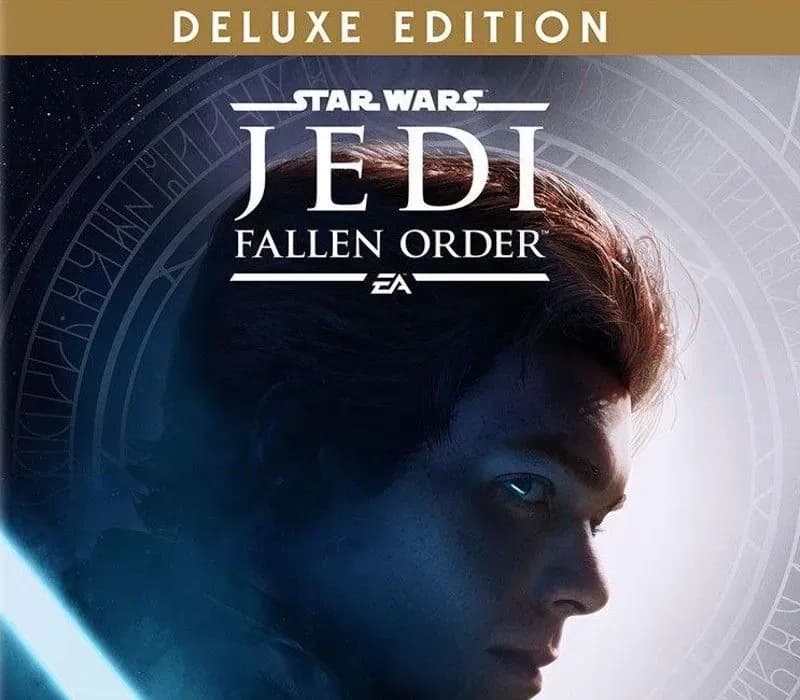 −70%
Star Wars Jedi: Fallen Order Deluxe Edition PS4 Account
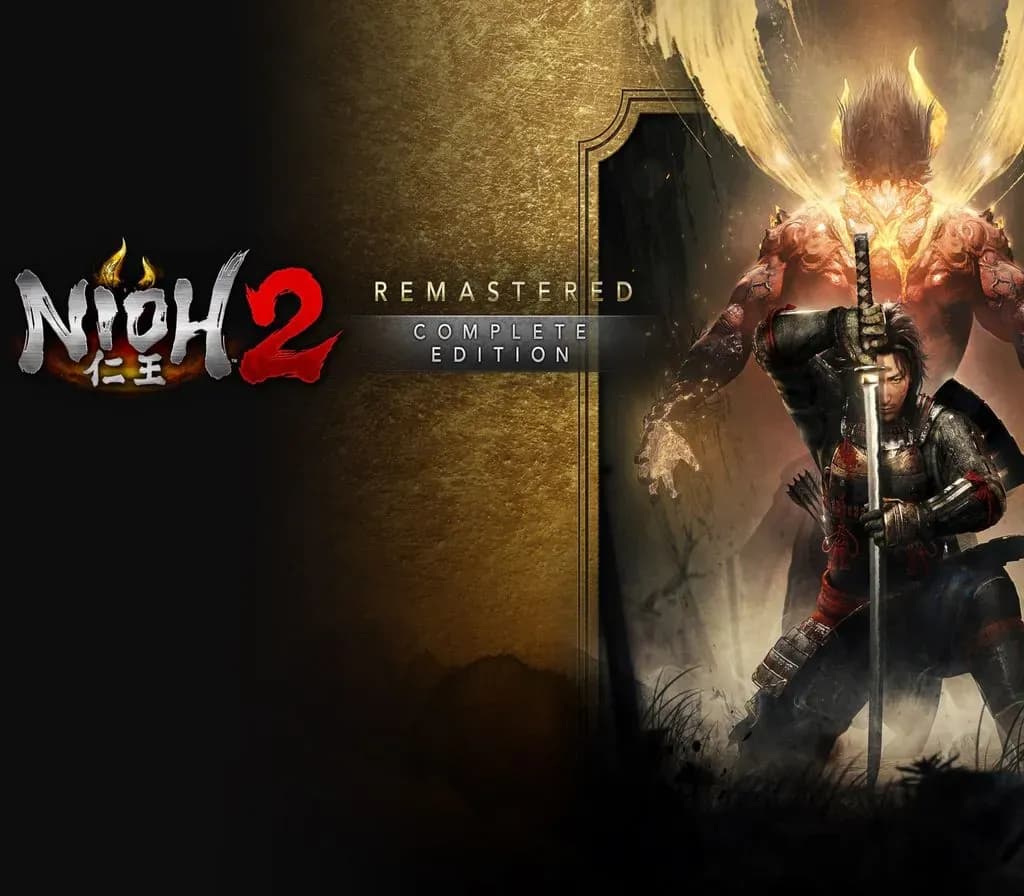 −69%
Nioh 2 Remastered – The Complete Edition PS4 Account
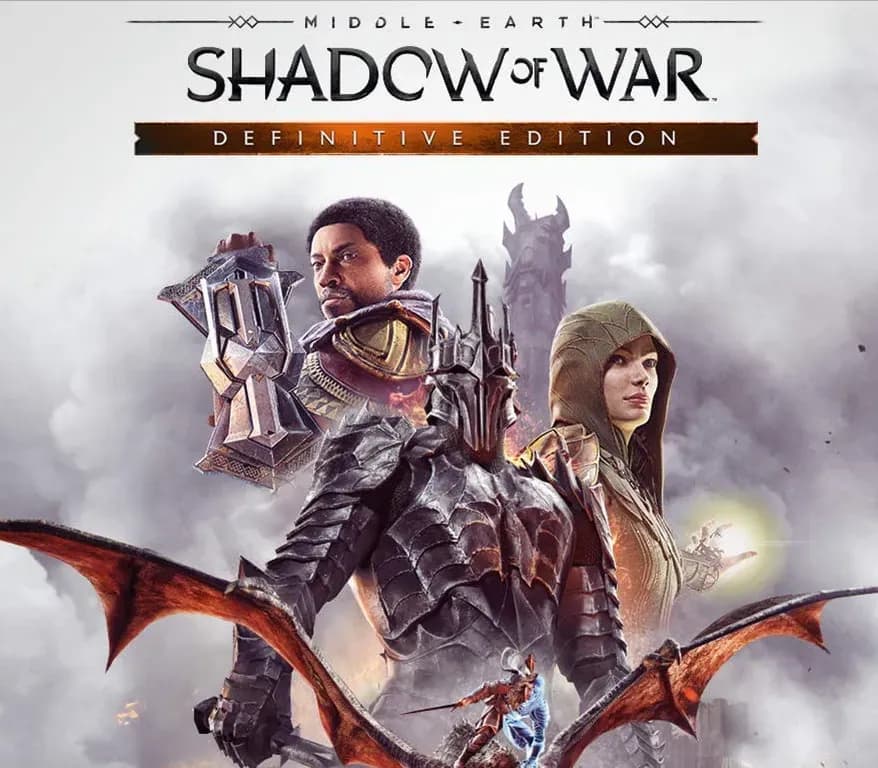 −63%
Middle-earth: Shadow of War Definitive Edition PS4/PS5 Account
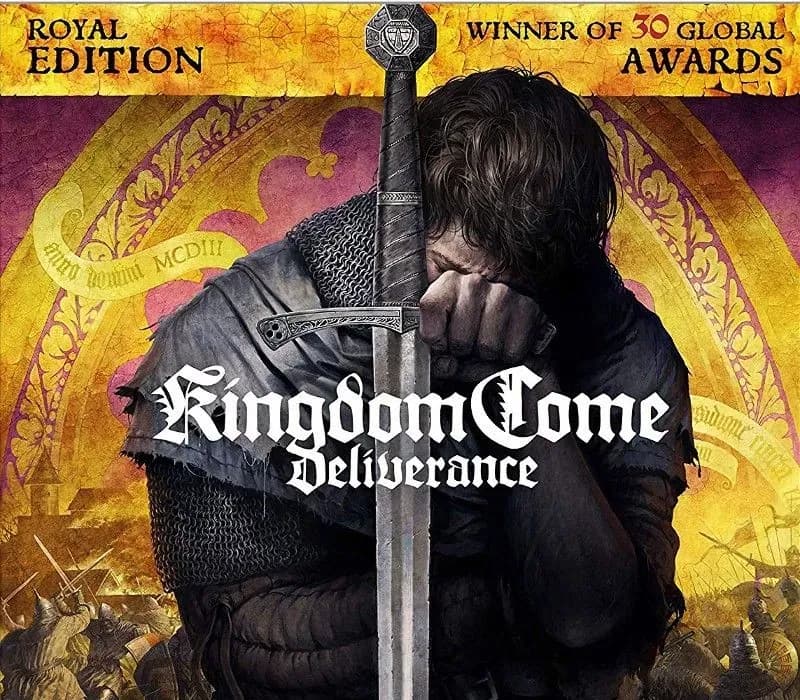 −67%
Kingdom Come: Deliverance Royal Edition PS4 Account
 −54%