 1 di 8
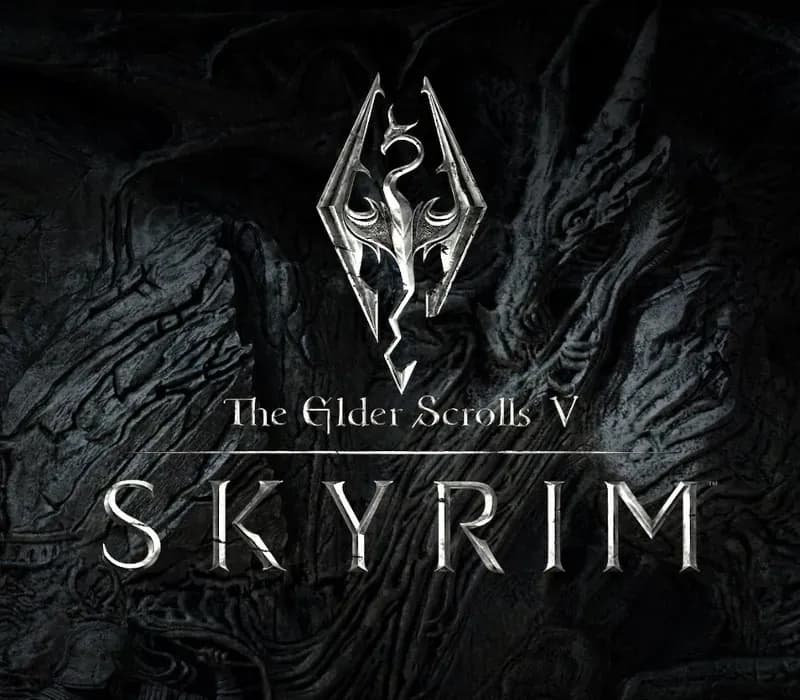
The Elder Scrolls V: Skyrim Special Edition PS4/PS5 Account
Uscita: 28 ott 2016 · Sviluppatore: Bethesda Game Studios · Editore: Bethesda Softworks
The Elder Scrolls V: Skyrim Special Edition — PSN account for PS4/PS5, Global. Not a code — read the account-ban notice before buying.
Scegli la tua versione
Il tuo paese: Stati Uniti- Paga in sicurezzaImmediata
- Key visibile nel tuo account~60 s
- Riscatta su PlayStationAttivazione diretta
 Pago Móvil
 Binance Pay
 Crypto
 Portafoglio
154.000+ vendite nel negozio e sui marketplace · Ultimo ordine consegnato: 33 minuti fa
Confronta le edizioni
Scopri cosa include ogni edizione
| The Elder Scrolls V: Skyrim | Standard Edition | Special EditionLa tua edizione | Anniversary Edition | Anniversary Upgrade (DLC) |
|---|---|---|---|---|
| Base game (Original 2011) | — | — | — | |
| Base game (Remastered 64-bit) | — | — | — | |
| Skyrim Special Edition (Base + Dawnguard + Hearthfire + Dragonborn) | — | — | — | |
| Dawnguard ExpansionTrama dei vampiri Volkihar e ordine della Guardia dell'Alba | — | — | — | |
| Hearthfire ExpansionCostruzione di case, acquisto di terreni e adozione di bambini | — | — | — | |
| Dragonborn ExpansionTrama sull'isola di Solstheim e scontri con Miraak | — | — | — | |
| 500+ Creation Club ElementsOltre 500 contenuti ufficiali del Creation Club: missioni, equipaggiamento, boss e modalità sopravvivenza | — | — | — | |
| Creation Club Bundle (Requiere Special Edition previa)Aggiorna Skyrim Special Edition alla Anniversary Edition | — | — | — |
Come attivarla
- 1Accendi la tua console PlayStation, seleziona «Aggiungi utente» e scegli «Inizia» (non selezionare «Gioca come ospite temporaneo»).
- 2Accedi a PlayStation Network con l'email e la password dell'account consegnato e, se richiesto, inserisci il codice 2FA fornito.
- 3Attiva la condivisione della console: su PS5 vai su Impostazioni -> Utenti e account -> Altro -> «Condivisione della console e gioco offline» -> Abilita (su PS4: Impostazioni -> Gestione account -> «Attiva come PS4 principale»).
- 4Apri la Raccolta giochi -> «La tua raccolta», avvia il download del gioco acquistato e torna al tuo profilo personale principale per giocare e ottenere i trofei.
Informazioni sul gioco
The Elder Scrolls V: Skyrim Special Edition PS4/PS5 Account: account di gioco per PlayStation, senza blocco regionale.
Important — please read before buying: This is a PlayStation account created and supplied by a third-party seller, not a code for your own account. Sony's Terms of Service do not allow buying or selling PSN accounts, so a ban of the account (or restrictions on the console) is a likely possibility, though not a certainty, and we cannot guarantee the account will not be restricted. Do not change the account's country/region or add a payment method; play on your own profile via Console Sharing and Offline Play.
A true, full-length open-world game for VR has arrived from award-winning developers, Bethesda Game Studios. Skyrim VR reimagines the complete epic fantasy masterpiece with an unparalleled sense of scale, depth, and immersion. From battling ancient dragons to exploring rugged mountains and more, Skyrim VR brings to life a complete open world for you to experience any way you choose. Skyrim VR includes the critically-acclaimed core game and official add-ons – Dawnguard, Hearthfire, and Dragonborn.
Dragons, long lost to the passages of the Elder Scrolls, have returned to Tamriel and the future of the Empire hangs in the balance. As Dragonborn, the prophesied hero born with the power of The Voice, you are the only one who can stand amongst them.
Domande frequenti
Per quale regione è?
Questa è la versione Global: non è bloccata per regione.
Come attivo The Elder Scrolls V: Skyrim Special Edition PS4/PS5 Account su PlayStation?
1. Accendi la tua console PlayStation, seleziona «Aggiungi utente» e scegli «Inizia» (non selezionare «Gioca come ospite temporaneo»). 2. Accedi a PlayStation Network con l'email e la password dell'account consegnato e, se richiesto, inserisci il codice 2FA fornito. 3. Attiva la condivisione della console: su PS5 vai su Impostazioni -> Utenti e account -> Altro -> «Condivisione della console e gioco offline» -> Abilita (su PS4: Impostazioni -> Gestione account -> «Attiva come PS4 principale»). 4. Apri la Raccolta giochi -> «La tua raccolta», avvia il download del gioco acquistato e torna al tuo profilo personale principale per giocare e ottenere i trofei.
Cosa significa «account»?
Ricevi i dati di accesso di un account PlayStation che possiede già il gioco.
Cosa include la Special Edition?
Base game (Remastered 64-bit), Dawnguard Expansion, Hearthfire Expansion, Dragonborn Expansion
Recensioni dei clienti
Vedi tutte le recensioni e scrivi la tua
Recensioni dei clienti
Nessuno ha ancora recensito questo gioco. Se lo compri, raccontaci com'è andata.
Potrebbe piacerti anche
 −70%
Star Wars Jedi: Fallen Order Deluxe Edition PS4 Account
 −69%
Nioh 2 Remastered – The Complete Edition PS4 Account
 −63%
Middle-earth: Shadow of War Definitive Edition PS4/PS5 Account
 −75%
Marvel's Spider-Man GOTY PS4 Account