
 1 di 9
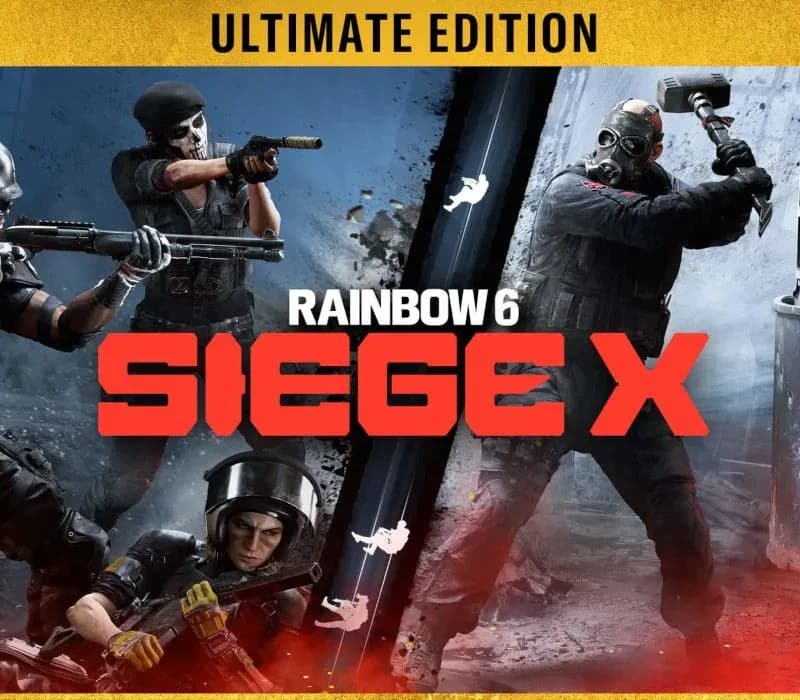
Tom Clancy's Rainbow Six Siege X Ultimate Edition PS4/PS5 Account
Uscita: 1 dic 2015 · Sviluppatore: Ubisoft Montreal · Editore: Ubisoft
Tom Clancy's Rainbow Six Siege X Ultimate Edition — PSN account for PS4/PS5, Global. Not a code — read the account-ban notice before buying.
Scegli la tua versione
- Paga in sicurezzaImmediata
- Key visibile nel tuo account~60 s
- Riscatta su PlayStationAttivazione diretta
 Pago Móvil
 Binance Pay
 Crypto
 Portafoglio
154.000+ vendite nel negozio e sui marketplace · Ultimo ordine consegnato: 34 minuti fa
Come attivarla
- 1Accendi la tua console PlayStation, seleziona «Aggiungi utente» e scegli «Inizia» (non selezionare «Gioca come ospite temporaneo»).
- 2Accedi a PlayStation Network con l'email e la password dell'account consegnato e, se richiesto, inserisci il codice 2FA fornito.
- 3Attiva la condivisione della console: su PS5 vai su Impostazioni -> Utenti e account -> Altro -> «Condivisione della console e gioco offline» -> Abilita (su PS4: Impostazioni -> Gestione account -> «Attiva come PS4 principale»).
- 4Apri la Raccolta giochi -> «La tua raccolta», avvia il download del gioco acquistato e torna al tuo profilo personale principale per giocare e ottenere i trofei.
Informazioni sul gioco
Tom Clancy's Rainbow Six Siege X Ultimate Edition PS4/PS5 Account: account di gioco per PlayStation, senza blocco regionale.
Important — please read before buying: This is a PlayStation account created and supplied by a third-party seller, not a code for your own account. Sony's Terms of Service do not allow buying or selling PSN accounts, so a ban of the account (or restrictions on the console) is a likely possibility, though not a certainty, and we cannot guarantee the account will not be restricted. Do not change the account's country/region or add a payment method; play on your own profile via Console Sharing and Offline Play.
Tom Clancy's Rainbow Six Siege is the undisputed reference in tactical team shooters, where elite strategy and execution triumph. Enjoy free access to Quick Match and Unranked game modes with a selection of operators. Certain features like Ranked playlists, Siege Cup, additional operators, and cosmetics require payment to unlock.HIGH STAKES 5v5 ATTACK VS. DEFENSE Alternate between attack and defense, adapting your approach to each operator and map. Feel the thrill and intensity of the action as you leverage next-level destruction and gadgetry to outsmart and outplay your opponents in every round. On defense, transform your surroundings into fortified strongholds. Reinforce walls, set up barricades, and deploy traps to control enemy movement. Use surveillance tools to gather intel and anticipate their approach. Hold your ground, adapt to their tactics, and outplay the attackers at every turn. On attack, gather intel on enemy positions and the bomb site using your observation drones. Coordinate with your team to breach reinforced defenses, bypass traps, and create unexpected openings. Take your enemies by surprise with vertical plays – striking from above, below, or making a daring entry through windows by rappel. Plan your assault, execute, and defuse every situation.TOOLS OF DESTRUCTION Destruction is more than chaos: it is a key tool for your success. Use the environment to your advantage – turn walls into windows of opportunity. Use state-of-the-art technology to track enemy movements, shatter walls to create new lines of sight, and manipulate your surroundings to secure the tactical advantage.
Domande frequenti
Per quale regione è?
Questa è la versione Global: non è bloccata per regione.
Come attivo Tom Clancy's Rainbow Six Siege X Ultimate Edition PS4/PS5 Account su PlayStation?
1. Accendi la tua console PlayStation, seleziona «Aggiungi utente» e scegli «Inizia» (non selezionare «Gioca come ospite temporaneo»). 2. Accedi a PlayStation Network con l'email e la password dell'account consegnato e, se richiesto, inserisci il codice 2FA fornito. 3. Attiva la condivisione della console: su PS5 vai su Impostazioni -> Utenti e account -> Altro -> «Condivisione della console e gioco offline» -> Abilita (su PS4: Impostazioni -> Gestione account -> «Attiva come PS4 principale»). 4. Apri la Raccolta giochi -> «La tua raccolta», avvia il download del gioco acquistato e torna al tuo profilo personale principale per giocare e ottenere i trofei.
Cosa significa «account»?
Ricevi i dati di accesso di un account PlayStation che possiede già il gioco.
Recensioni dei clienti
Vedi tutte le recensioni e scrivi la tua
Recensioni dei clienti
Nessuno ha ancora recensito questo gioco. Se lo compri, raccontaci com'è andata.
Potrebbe piacerti anche
 −70%
Star Wars Jedi: Fallen Order Deluxe Edition PS4 Account
 −69%
Nioh 2 Remastered – The Complete Edition PS4 Account
 −63%
Middle-earth: Shadow of War Definitive Edition PS4/PS5 Account
 −75%
Marvel's Spider-Man GOTY PS4 Account
 −54%