Farming Simulator 22 PC Steam CD Key (EU)
⭐ 153,000+ Bestellungen seit 2018 geliefert
 Pago Móvil
 Binance Pay
Über dieses Spiel
The new Farming Simulator is incoming!
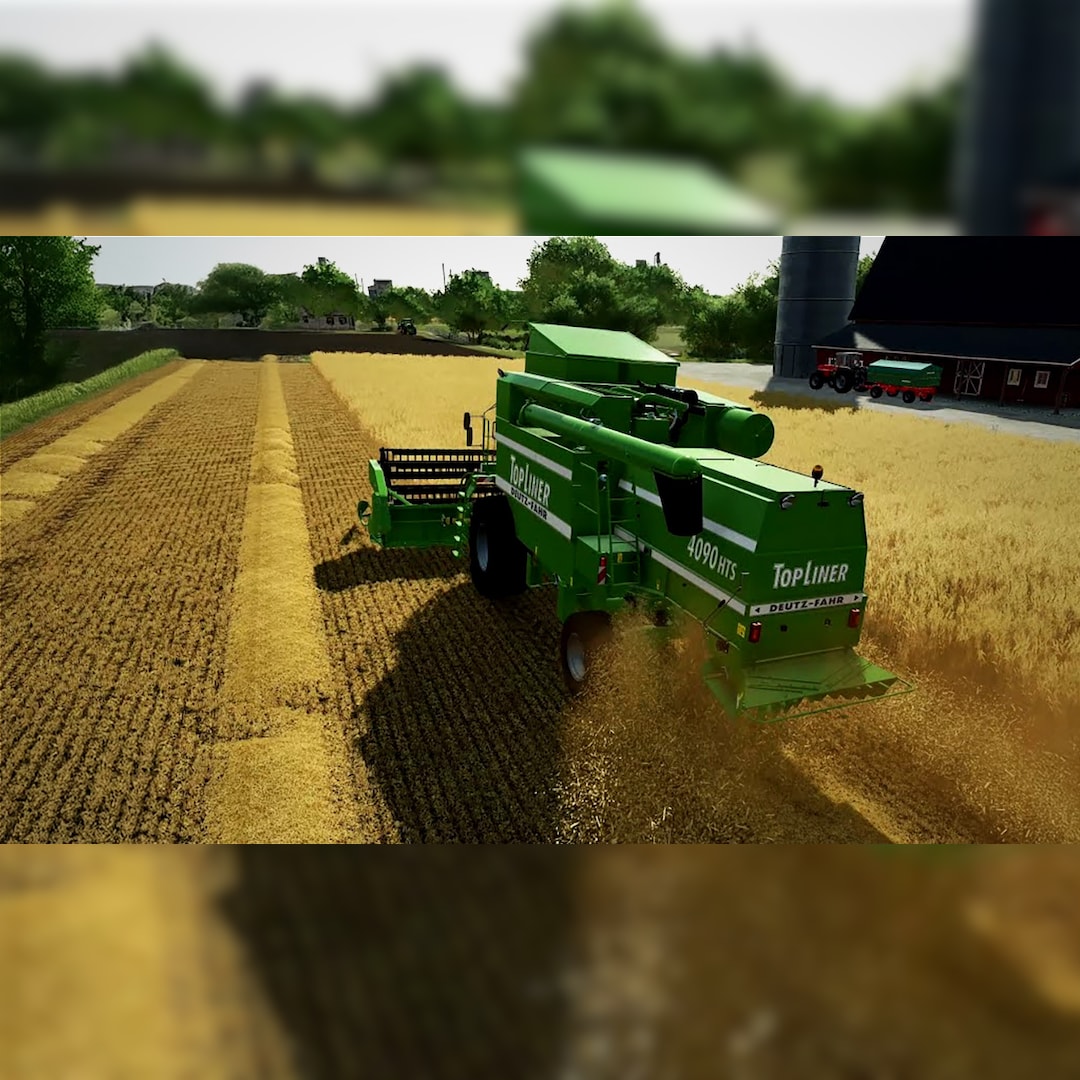
Take on the role of a modern farmer and creatively build your farm in three diverse American and European environments. Farming Simulator 22 offers a huge variety of farming operations focusing on agriculture, animal husbandry and forestry - now with the exciting addition of seasonal cycles!
More than 400 machines and tools from over 100 real agricultural brands like John Deere, CLAAS, Case IH, New Holland, Fendt, Massey Ferguson, Valtra and many more are included to sow and harvest crops like wheat, corn, potatoes and cotton. New machine categories and crops will add new gameplay mechanics to the experience.
Even run your farm cooperatively in multiplayer and extend the game by a multitude of free community-created modifications. Farming Simulator 22 offers more player freedom than ever before and challenges you to become a successful farmer - so start farming and let the good times grow!
System Requirements
- Windows: Minimum: OS: Windows 10 Home (x64) Processor: Intel Core i5-3330 or AMD FX-8320 or better Memory: 8 GB RAM Graphics: GeForce GTX 660 or AMD Radeon R7 265 or better (min 2GB VRAM) DirectX: Version 11 Storage: 35 GB available space Sound Card: Sound card Additional Notes: These system requirements can´t cover all possible system configurations so issues could occur that avoid or influence the functionality in some cases.
- Mac: Minimum: OS: 10.14 or newer Processor: Intel Core i5-3330 or AMD FX-8320 or better Memory: 8 GB RAM Graphics: GeForce GTX 660, AMD Radeon R7 265 or better (min 2GB VRAM, DX11/DX12 support) Storage: 70 GB available space Sound Card: Sound Card Additional Notes: These system requirements can´t cover all possible system configurations so issues could occur that avoid or influence the functionality in some cases.
So aktivierst du
- Starte den Steam-Client auf deinem PC und melde dich an, oder öffne store.steampowered.com/account/registerkey im Browser.
- Klicke oben auf das Menü "Spiele" (oder unten links auf "+ Spiel hinzufügen") und wähle "Ein Produkt bei Steam aktivieren...".
- Folge den Anweisungen, akzeptiere das Steam-Abonnement-Abkommen und gib deinen Key in das Feld "Produktschlüssel" ein.
- Klicke auf "Weiter" und "Fertigstellen". Das Spiel ist nun dauerhaft in deiner Steam-Bibliothek verfügbar und installationsbereit.