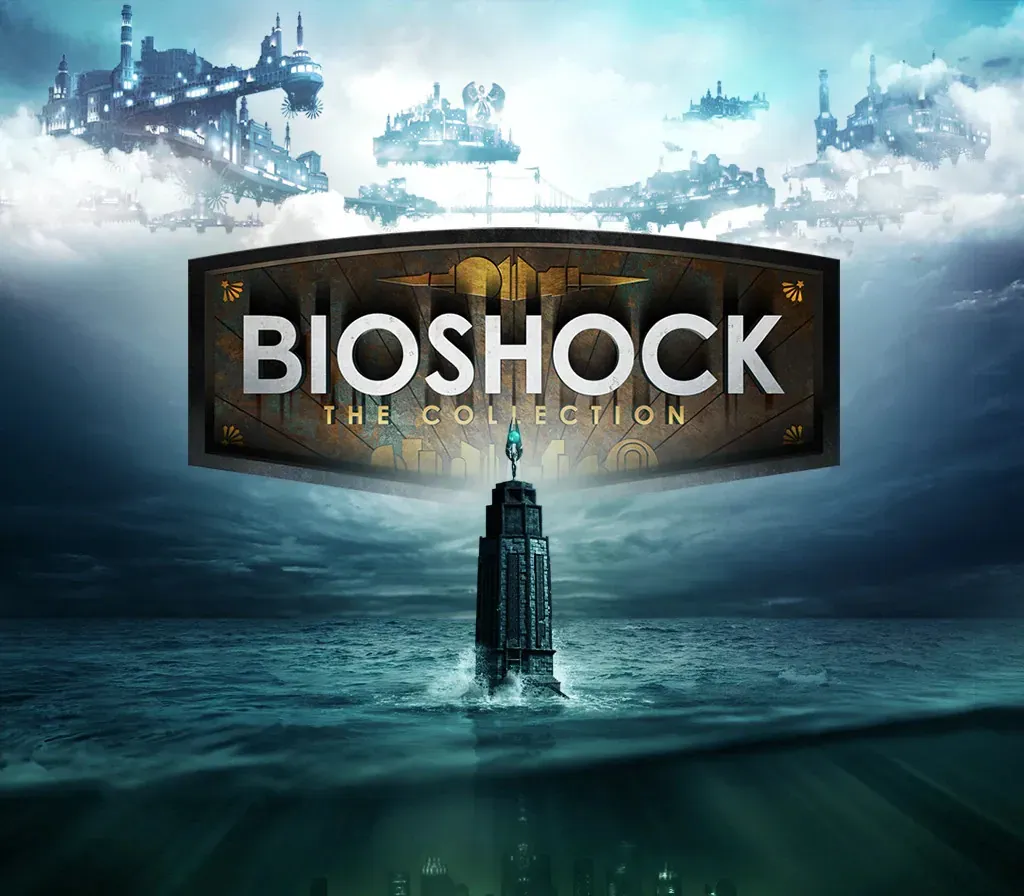

BioShock: The Collection PC Steam CD Key
BioShock: The Collection PC Steam CD Key est une clé numérique pour Steam, sans verrouillage régional. Livraison instantanée après le paiement.
⭐ 153,000+ commandes livrées depuis 2018
 Pago Móvil
 Binance Pay
À propos de ce jeu
Comprend
- 6 éléments : BioShock Remastered, BioShock 2 Remastered, BioShock 2: Minerva's Den DLC Remastered, BioShock: Infinite, BioShock: Infinite: Season Pass BioShock: Infinite
- Columbia's Finest DLC. Retournez dans les villes de Rapture et de Columbia et vivez la franchise BioShock, primée, comme jamais auparavant, magnifiquement remasterisée en 1080p. BioShock: The Collection contient tout le contenu solo de BioShock, BioShock 2 et BioShock Infinite, tous les contenus additionnels solo, le pack « Columbia's Finest » et le commentaire du réalisateur : Imagining BioShock, avec Ken Levine et Shawn Robertson.
Configuration requise
- Windows : Système d'exploitation : Windows 7 Service Pack 1 64-bit. Mise à jour de plateforme pour Windows 7 SP1 et Windows Server 2008 R2 SP1 Processeur : Intel E6750 Core 2 Duo 2.66 GHz / AMD Athlon X2 2.7 GHZ Mémoire : 4 Go de RAM Carte graphique : 2 Go AMD Radeon HD 7770 / 2 Go NVIDIA GeForce GTX 670 DirectX : Version 11 Stockage : 25 Go d'espace disponible Carte son : Périphérique audio compatible DirectX Notes supplémentaires : L'installation de logiciels est requise, dont DirectX et Microsoft Visual C++ 2010 & 2012 Redistributable Package. Certains composants système, tels que les chipsets mobiles, les cartes graphiques intégrées et AGP, peuvent être incompatibles. Les spécifications non listées peuvent ne pas être prises en charge par l'éditeur.
Comment activer
- Lancez le client Steam sur votre ordinateur et connectez-vous, ou rendez-vous sur store.steampowered.com/account/registerkey.
- Cliquez sur le menu "Jeux" en haut (ou "+ Ajouter un jeu" en bas à gauche) et sélectionnez "Activer un produit sur Steam...".
- Suivez les instructions à l'écran, acceptez l'Accord de souscription Steam et saisissez votre clé dans le champ "Code produit".
- Cliquez sur "Suivant" puis "Terminer". Le jeu est désormais lié à votre Bibliothèque Steam et prêt au téléchargement.
Avis clients
Questions fréquentes
Pour quelle région est-ce ?
C’est la version Global : elle n’est pas verrouillée par région.
Comment activer BioShock: The Collection PC Steam CD Key sur Steam ?
1. Lancez le client Steam sur votre ordinateur et connectez-vous, ou rendez-vous sur store.steampowered.com/account/registerkey. 2. Cliquez sur le menu "Jeux" en haut (ou "+ Ajouter un jeu" en bas à gauche) et sélectionnez "Activer un produit sur Steam...". 3. Suivez les instructions à l'écran, acceptez l'Accord de souscription Steam et saisissez votre clé dans le champ "Code produit". 4. Cliquez sur "Suivant" puis "Terminer". Le jeu est désormais lié à votre Bibliothèque Steam et prêt au téléchargement.
Quelle est la rapidité de la livraison ?
Votre clé apparaît dans votre compte et vous est envoyée par e-mail juste après le paiement.