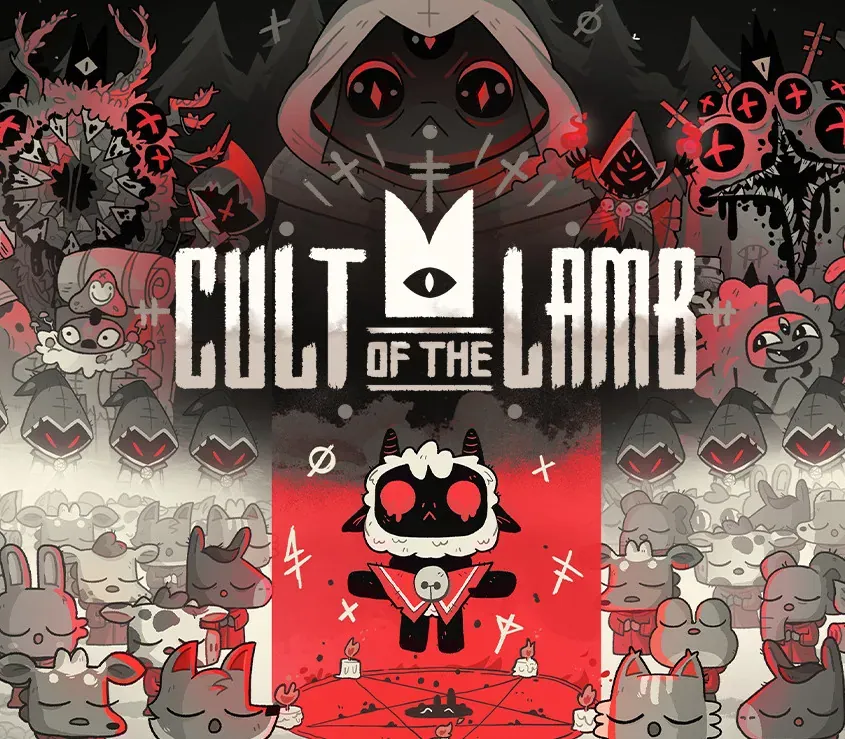

Cult of the Lamb PC Steam CD Key
Cult of the Lamb PC Steam CD Key est une clé numérique pour Steam, sans verrouillage régional. Livraison instantanée après le paiement. Prix : $13.50, soit 45 % de moins que Prix conseillé Steam : $24.99.
⭐ 153,000+ commandes livrées depuis 2018
 Pago Móvil
 Binance Pay
À propos de ce jeu
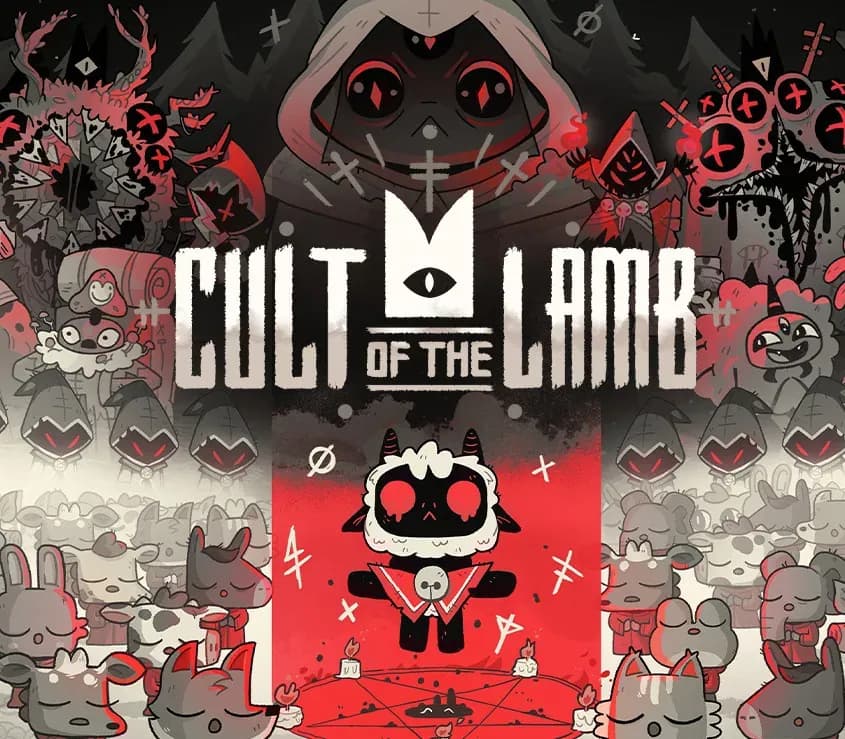
Cult of the Lamb vous place dans la peau d'un agneau possédé, sauvé de l'anéantissement par un sinistre inconnu, et qui doit rembourser sa dette en rassemblant des fidèles en son nom. Fondez votre propre culte dans une terre de faux prophètes, aventurez-vous dans des régions variées et mystérieuses pour bâtir une communauté loyale d'adorateurs de la forêt et répandez votre Parole pour devenir l'unique vrai culte.
Caractéristiques
BÂTISSEZ VOTRE TROUPEAU
Collectez et utilisez des ressources pour construire de nouvelles structures, accomplissez de sombres rituels pour apaiser les dieux et prononcez des sermons pour renforcer la foi de votre troupeau.
ANÉANTISSEZ LES NON-CROYANTS
Explorez un vaste monde généré aléatoirement, repoussez des hordes d'ennemis et vainquez des chefs de cultes rivaux pour absorber leur pouvoir et affirmer la domination de votre culte.
RÉPANDEZ VOTRE PAROLE
Entraînez votre troupeau et partez en quête pour explorer et découvrir les secrets de quatre régions mystérieuses. Purifiez les non-croyants, répandez l'illumination et accomplissez de mystiques rituels sur la route qui vous mènera à devenir le puissant agneau-dieu.
Configuration requise
- Windows : Minimale : Nécessite un processeur et un système d'exploitation 64 bits Système d'exploitation : Windows 7 ou ultérieur Processeur : Intel Core i3-3240 (2 * 3400); AMD FX-4300 (4 * 3800) Mémoire : 4 Go de RAM Carte graphique : GeForce GTX 560 Ti (1024 VRAM); Radeon HD 7750 (1024 VRAM) Stockage : 4 Go d'espace disponible
- Mac : Minimale : Nécessite un processeur et un système d'exploitation 64 bits Système d'exploitation : À déterminer Mémoire : 4 Go de RAM Stockage : 4 Go d'espace disponible
Comment activer
- Lancez le client Steam sur votre ordinateur et connectez-vous, ou rendez-vous sur store.steampowered.com/account/registerkey.
- Cliquez sur le menu "Jeux" en haut (ou "+ Ajouter un jeu" en bas à gauche) et sélectionnez "Activer un produit sur Steam...".
- Suivez les instructions à l'écran, acceptez l'Accord de souscription Steam et saisissez votre clé dans le champ "Code produit".
- Cliquez sur "Suivant" puis "Terminer". Le jeu est désormais lié à votre Bibliothèque Steam et prêt au téléchargement.
Avis clients
Questions fréquentes
Pour quelle région est-ce ?
C’est la version Global : elle n’est pas verrouillée par région.
Comment activer Cult of the Lamb PC Steam CD Key sur Steam ?
1. Lancez le client Steam sur votre ordinateur et connectez-vous, ou rendez-vous sur store.steampowered.com/account/registerkey. 2. Cliquez sur le menu "Jeux" en haut (ou "+ Ajouter un jeu" en bas à gauche) et sélectionnez "Activer un produit sur Steam...". 3. Suivez les instructions à l'écran, acceptez l'Accord de souscription Steam et saisissez votre clé dans le champ "Code produit". 4. Cliquez sur "Suivant" puis "Terminer". Le jeu est désormais lié à votre Bibliothèque Steam et prêt au téléchargement.
Quelle est la rapidité de la livraison ?
Votre clé apparaît dans votre compte et vous est envoyée par e-mail juste après le paiement.