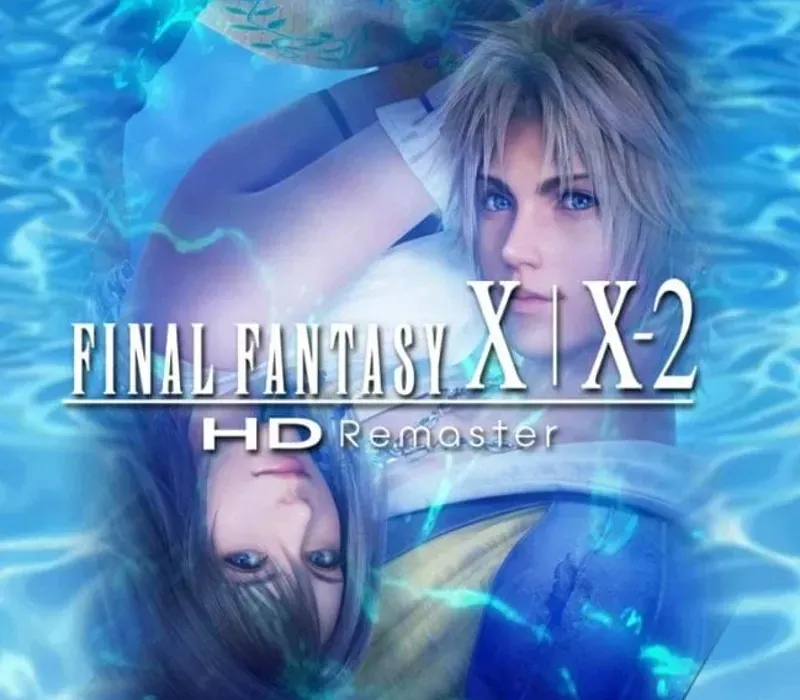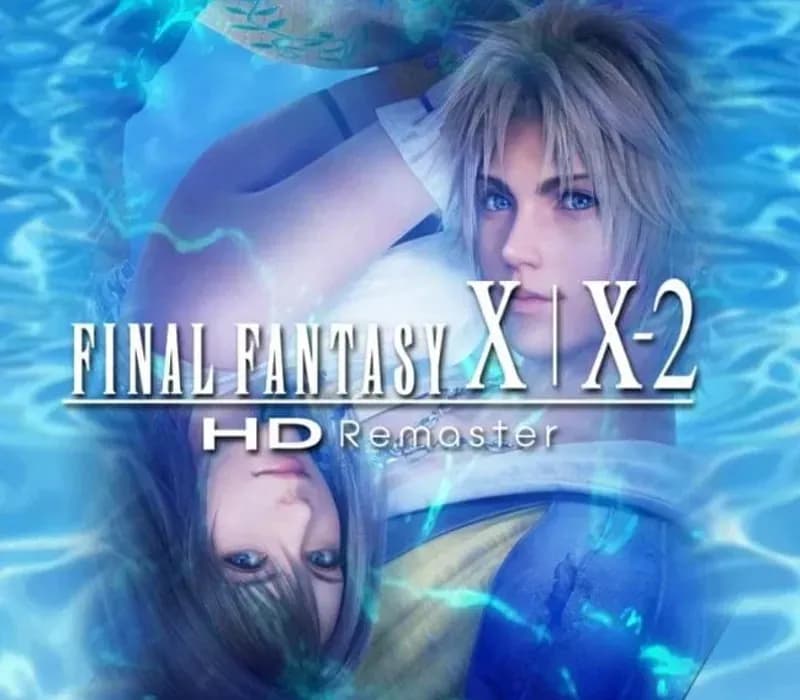

FINAL FANTASY X/X-2 HD Remaster PC Steam CD Key
FINAL FANTASY X/X-2 HD Remaster PC Steam CD Key est une clé numérique pour Steam, sans verrouillage régional. Livraison instantanée après le paiement. Prix : $13.97, soit 53 % de moins que Prix conseillé Steam : $29.99.
⭐ 153,000+ commandes livrées depuis 2018
 Pago Móvil
 Binance Pay
À propos de ce jeu
Final Fantasy X raconte l'histoire de Tidus, star du blitzball, qui voyage avec une jeune et belle invocatrice nommée Yuna dans sa quête pour sauver le monde de Spira du cycle sans fin de destruction provoqué par la colossale menace nommée Sin. Final Fantasy X-2 retourne dans le monde de Spira deux ans après le début de la Quiétude Éternelle.
Après avoir vu dans une sphère une image mystérieuse mais familière, Yuna devient Chasseuse de sphères et, avec ses compagnes Rikku et Paine, part à travers le monde pour trouver les réponses au mystère qu'elle renferme. Basé sur les versions internationales des jeux, jusqu'alors sorties uniquement au Japon et en Europe, Final Fantasy X/X-2 HD Remaster fait découvrir ces classiques intemporels à la génération actuelle de fans, anciens comme nouveaux.
Fonctionnalités
Personnages, monstres et décors ont été affinés en HD, pour une expérience visuelle Final Fantasy plus riche et plus profonde. La version PC propose aussi une bande-son remasterisée/réarrangée, le contenu de l'édition internationale, la sauvegarde automatique et 5 boosters de jeu, dont des modes haute vitesse et sans rencontres.
Configuration requise
- Windows : Système d'exploitation : Windows Vista ou ultérieur Processeur : Processeur bicœur 2 GHz Mémoire : 1 Go de RAM Graphismes : NVIDIA Geforce 9600GT VRAM de 512 Mo ou plus / ATI Radeon HD 2600XT VRAM de 512 Mo ou plus Stockage : 37 Go d'espace disponible Carte son : Carte son compatible DirectX
Comment activer
- Lancez le client Steam sur votre ordinateur et connectez-vous, ou rendez-vous sur store.steampowered.com/account/registerkey.
- Cliquez sur le menu "Jeux" en haut (ou "+ Ajouter un jeu" en bas à gauche) et sélectionnez "Activer un produit sur Steam...".
- Suivez les instructions à l'écran, acceptez l'Accord de souscription Steam et saisissez votre clé dans le champ "Code produit".
- Cliquez sur "Suivant" puis "Terminer". Le jeu est désormais lié à votre Bibliothèque Steam et prêt au téléchargement.
Avis clients
Questions fréquentes
Pour quelle région est-ce ?
C’est la version Global : elle n’est pas verrouillée par région.
Comment activer FINAL FANTASY X/X-2 HD Remaster PC Steam CD Key sur Steam ?
1. Lancez le client Steam sur votre ordinateur et connectez-vous, ou rendez-vous sur store.steampowered.com/account/registerkey. 2. Cliquez sur le menu "Jeux" en haut (ou "+ Ajouter un jeu" en bas à gauche) et sélectionnez "Activer un produit sur Steam...". 3. Suivez les instructions à l'écran, acceptez l'Accord de souscription Steam et saisissez votre clé dans le champ "Code produit". 4. Cliquez sur "Suivant" puis "Terminer". Le jeu est désormais lié à votre Bibliothèque Steam et prêt au téléchargement.
Quelle est la rapidité de la livraison ?
Votre clé apparaît dans votre compte et vous est envoyée par e-mail juste après le paiement.