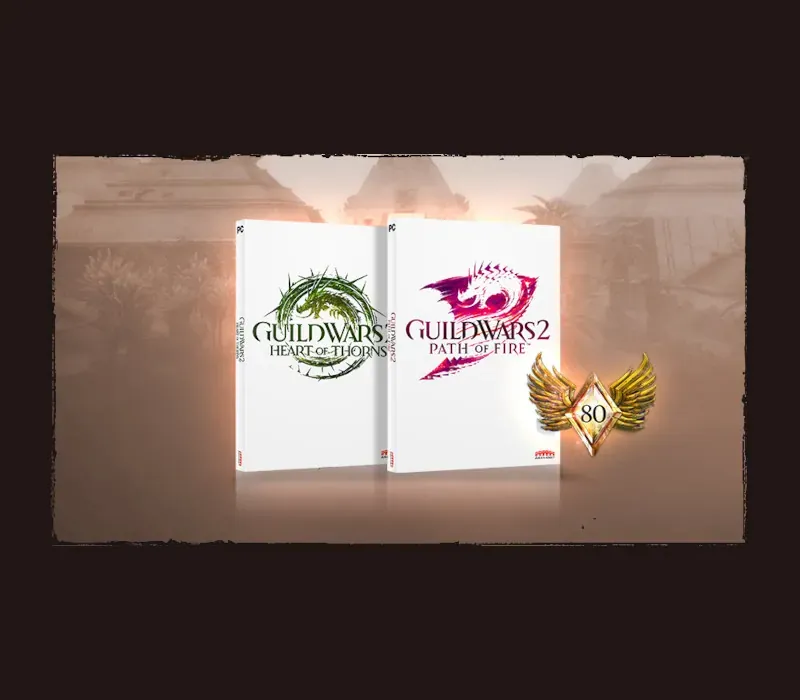
Guild Wars 2 Heart of Thorns & Path of Fire PC Steam CD Key
Guild Wars 2 Heart of Thorns & Path of Fire PC Steam CD Key est une clé numérique pour Steam, sans verrouillage régional. Livraison instantanée après le paiement.
⭐ 153,000+ commandes livrées depuis 2018
 Pago Móvil
 Binance Pay
À propos de ce jeu
Comprend
Extension Path of Fire et extension Heart of Thorns. DÉCOUVREZ LES MONTURES* : les montures sont bien plus qu'un simple gain de vitesse, c'est une toute nouvelle façon de parcourir le monde de Tyria. Débloquez et entraînez vos nouveaux compagnons grâce au système de Maîtrise, et explorez librement en sautant au-dessus des canyons, en bondissant le long de hautes falaises et en glissant sur l'eau et les sables mouvants. *L'achat d'un DLC supplémentaire est nécessaire pour débloquer les montures Roller Beetle et Skyscale.
SPÉCIALISATIONS D'ÉLITE
Personnalisez votre personnage avec une nouvelle spécialisation d'élite pour chacune de vos professions préférées. Avec une nouvelle variété de styles de jeu, de choix d'armes et de traits, vous avez plus d'options que jamais pour jouer à votre façon.
DÉCOUVREZ LA TERRE OUBLIÉE
Balthazar menace le Désert de Cristal et le royaume voisin d'Elona avec ses légions Forgées. Explorez de vastes nouvelles cartes remplies de plaines désertiques imprégnées de magie, de temples et de ruines antiques et de magnifiques oasis. Percez les secrets de l'histoire de Tyria et découvrez le sort du peuple élonien après des années de silence.
Configuration requise
- Windows : Système d'exploitation : Windows 7 ou supérieur (64 bits uniquement) Processeur : Intel Core 2 Quad 2.4 GHz, Core i3, AMD Athlon 64 X2 ou supérieur Mémoire : 4 Go de RAM Carte graphique : NVIDIA GeForce 8800GTS, ATI Radeon HD 2900 XT Stockage : 70 Go d'espace disponible sur le disque dur Connexion Internet haut débit Clavier et souris
Comment activer
- Lancez le client Steam sur votre ordinateur et connectez-vous, ou rendez-vous sur store.steampowered.com/account/registerkey.
- Cliquez sur le menu "Jeux" en haut (ou "+ Ajouter un jeu" en bas à gauche) et sélectionnez "Activer un produit sur Steam...".
- Suivez les instructions à l'écran, acceptez l'Accord de souscription Steam et saisissez votre clé dans le champ "Code produit".
- Cliquez sur "Suivant" puis "Terminer". Le jeu est désormais lié à votre Bibliothèque Steam et prêt au téléchargement.
Avis clients
Questions fréquentes
Pour quelle région est-ce ?
C’est la version Global : elle n’est pas verrouillée par région.
Comment activer Guild Wars 2 Heart of Thorns & Path of Fire PC Steam CD Key sur Steam ?
1. Lancez le client Steam sur votre ordinateur et connectez-vous, ou rendez-vous sur store.steampowered.com/account/registerkey. 2. Cliquez sur le menu "Jeux" en haut (ou "+ Ajouter un jeu" en bas à gauche) et sélectionnez "Activer un produit sur Steam...". 3. Suivez les instructions à l'écran, acceptez l'Accord de souscription Steam et saisissez votre clé dans le champ "Code produit". 4. Cliquez sur "Suivant" puis "Terminer". Le jeu est désormais lié à votre Bibliothèque Steam et prêt au téléchargement.
Quelle est la rapidité de la livraison ?
Votre clé apparaît dans votre compte et vous est envoyée par e-mail juste après le paiement.