Kerbal Space Program Complete Edition PC Steam CD Key
Kerbal Space Program Complete Edition PC Steam CD Key est une clé numérique pour Steam, sans verrouillage régional. Livraison instantanée après le paiement. Prix : $19.47, soit 51 % de moins que Prix conseillé Steam : $39.99.
⭐ 153,000+ commandes livrées depuis 2018
 Pago Móvil
 Binance Pay
Choisissez votre édition
Édition
Livraison
Comparer les éditions
Découvrez le contenu de chaque édition
À propos de ce jeu
Inclut
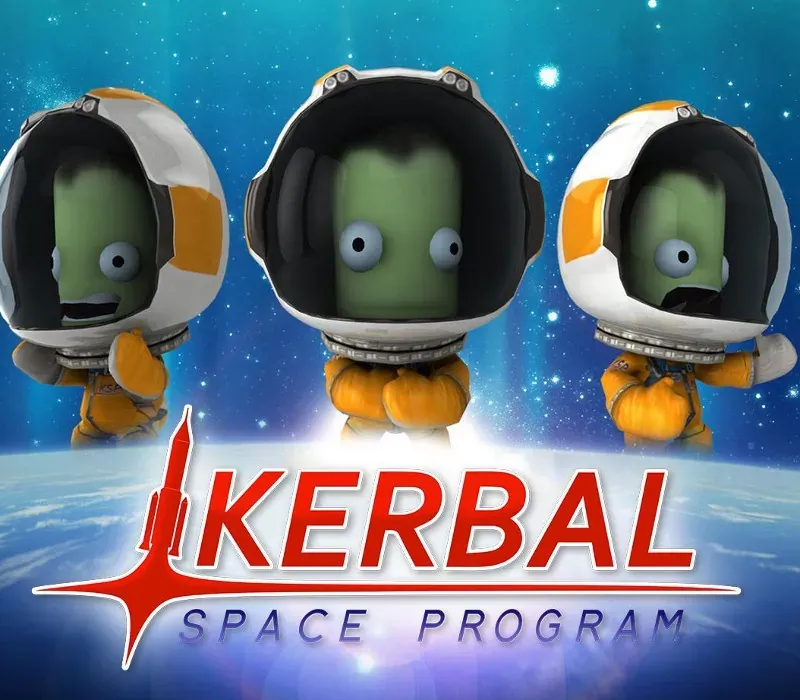
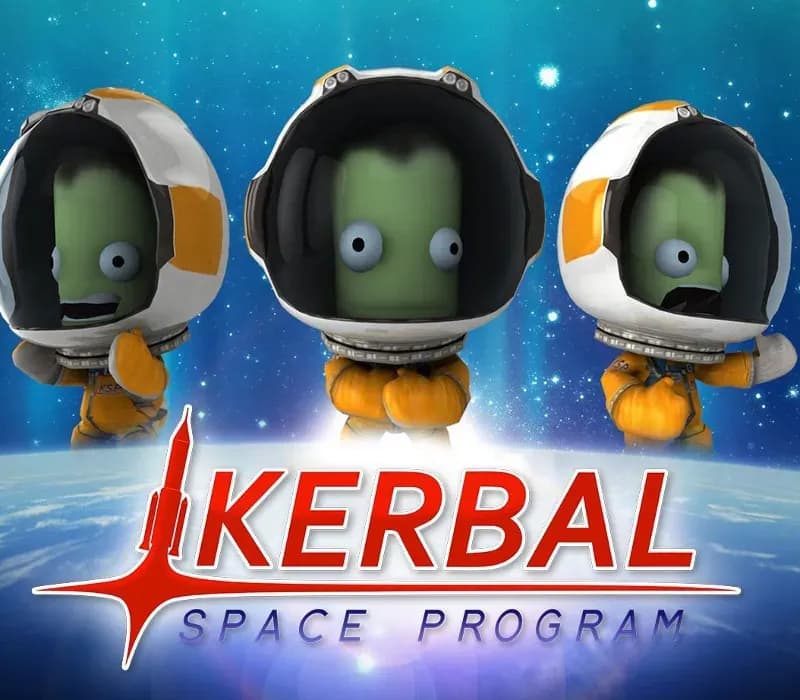
jeu de base, DLC Making History, DLC Breaking Ground Le Kerbal Space Program Complete Bundle comprend le jeu de simulation spatiale Kerbal Space Program, maintes fois primé et en constante évolution, ainsi que les extensions Making History et Breaking Ground à prix réduit. Dans Kerbal Space Program, prenez la tête du programme spatial de la race extraterrestre connue sous le nom de Kerbals.
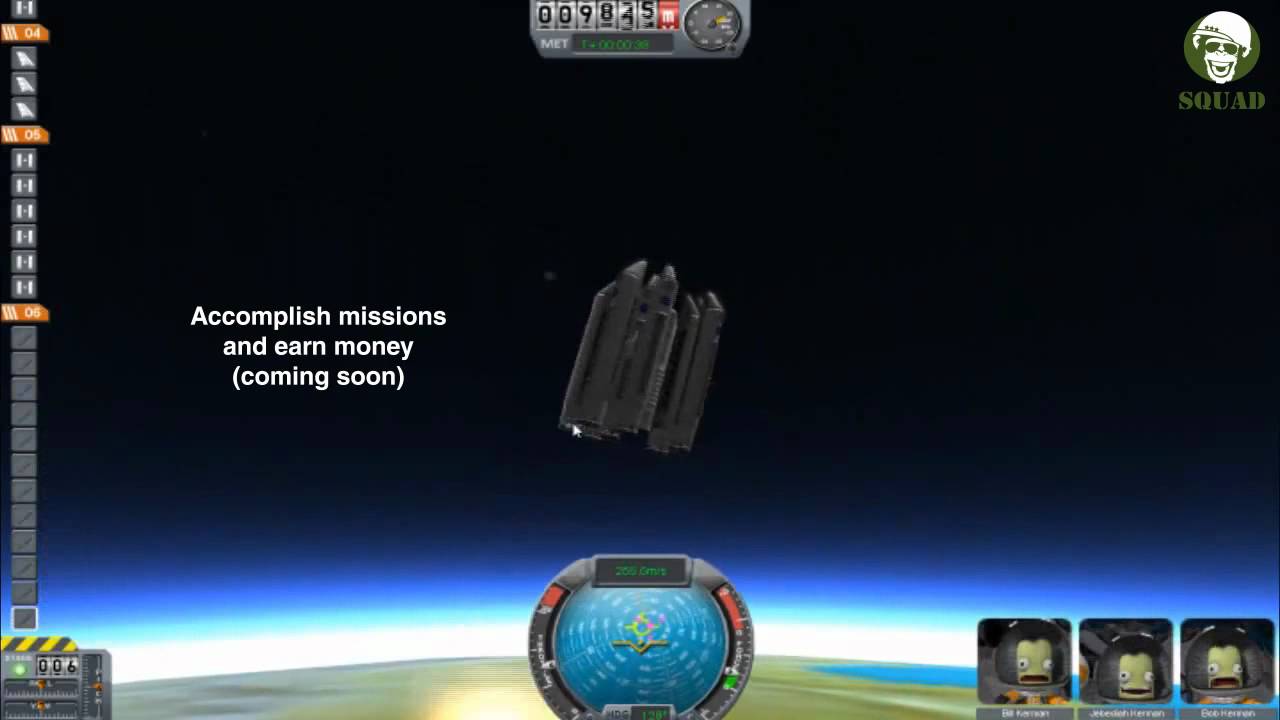
Vous avez accès à une multitude de pièces pour assembler des vaisseaux spatiaux entièrement fonctionnels qui volent (ou non) selon une physique aérodynamique et orbitale réaliste. Lancez votre équipage kerbal en orbite et au-delà (tout en le gardant en vie) pour explorer les lunes et les planètes du système solaire kerbal, en construisant des bases et des stations spatiales pour étendre la portée de votre expédition. Kerbal Space Program propose trois modes de jeu.
En Mode Science, réalisez des expériences spatiales pour débloquer de nouvelles technologies et faire progresser les connaissances des Kerbals. En Mode Carrière, supervisez tous les aspects du programme spatial, notamment la construction, la stratégie, le financement, les améliorations et bien plus. En Sandbox, vous êtes libre de construire n’importe quel vaisseau spatial que vous pouvez imaginer, avec toutes les pièces et technologies du jeu.
Configuration requise
- Windows : Système d’exploitation : Windows XP Processeur : Core 2 Duo Mémoire : 2 Go de RAM Carte graphique : SM3 512 Mo de VRAM Disque dur : 1 Go d’espace disque
- Mac : Système d’exploitation : Windows XP Processeur : Core 2 Duo Mémoire : 2 Go de RAM Carte graphique : SM3 512 Mo de VRAM Disque dur : 1 Go d’espace disque
- Linux : Système d’exploitation : Linux (la plupart des distributions devraient fonctionner) Processeur : Core 2 Duo Mémoire : 2 Go de RAM Espace disque dur : 1.5 Go d’espace disque Carte vidéo : SM3 512 Mo de VRAM
Comment activer
- Lancez le client Steam sur votre ordinateur et connectez-vous, ou rendez-vous sur store.steampowered.com/account/registerkey.
- Cliquez sur le menu "Jeux" en haut (ou "+ Ajouter un jeu" en bas à gauche) et sélectionnez "Activer un produit sur Steam...".
- Suivez les instructions à l'écran, acceptez l'Accord de souscription Steam et saisissez votre clé dans le champ "Code produit".
- Cliquez sur "Suivant" puis "Terminer". Le jeu est désormais lié à votre Bibliothèque Steam et prêt au téléchargement.
Avis clients
Questions fréquentes
Pour quelle région est-ce ?
C’est la version Global : elle n’est pas verrouillée par région.
Comment activer Kerbal Space Program Complete Edition PC Steam CD Key sur Steam ?
1. Lancez le client Steam sur votre ordinateur et connectez-vous, ou rendez-vous sur store.steampowered.com/account/registerkey. 2. Cliquez sur le menu "Jeux" en haut (ou "+ Ajouter un jeu" en bas à gauche) et sélectionnez "Activer un produit sur Steam...". 3. Suivez les instructions à l'écran, acceptez l'Accord de souscription Steam et saisissez votre clé dans le champ "Code produit". 4. Cliquez sur "Suivant" puis "Terminer". Le jeu est désormais lié à votre Bibliothèque Steam et prêt au téléchargement.
Quelle est la rapidité de la livraison ?
Votre clé apparaît dans votre compte et vous est envoyée par e-mail juste après le paiement.
Que comprend « Complete Edition » ?
Base game, Making History Expansion, Breaking Ground Expansion