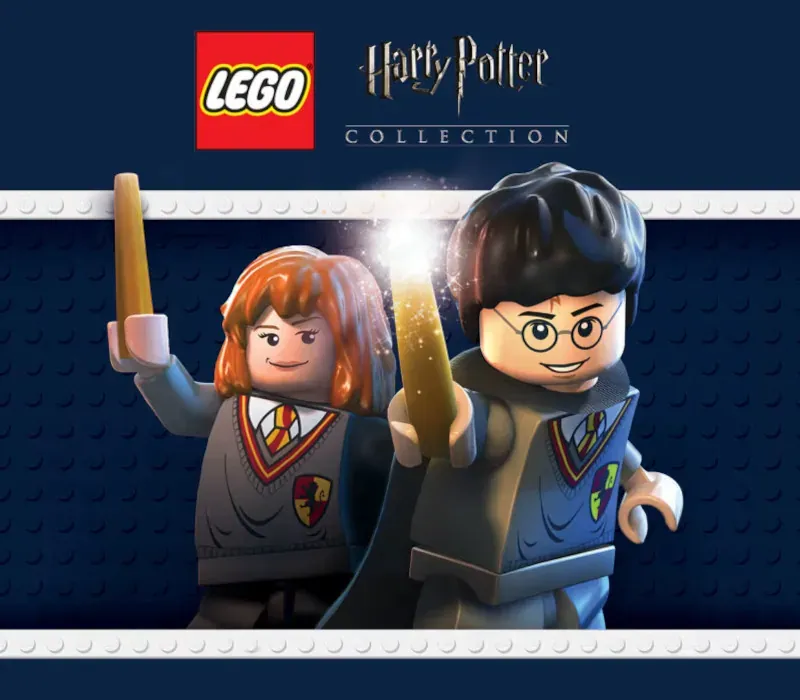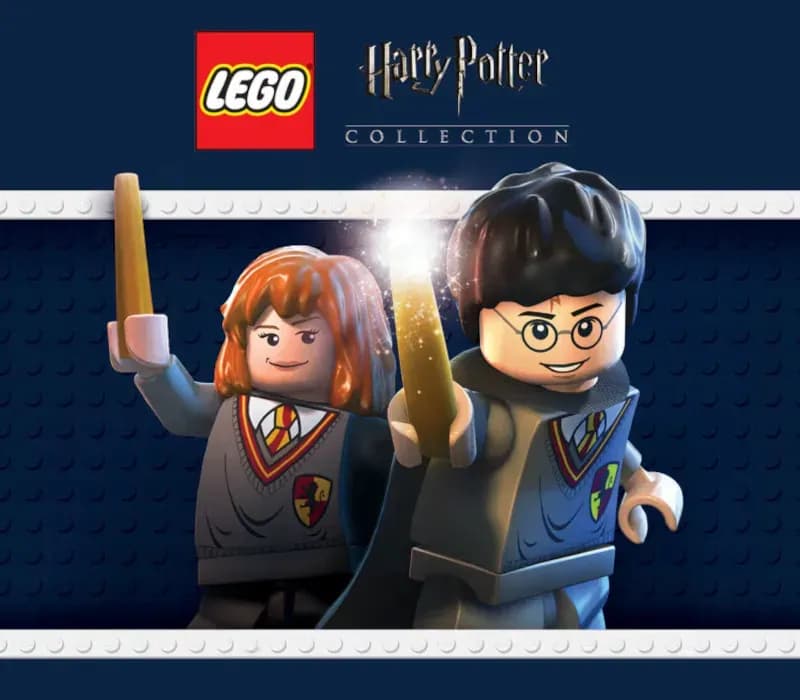
LEGO Harry Potter Collection PC Steam CD Key
LEGO Harry Potter Collection PC Steam CD Key est une clé numérique pour Steam, sans verrouillage régional. Livraison instantanée après le paiement. Prix : $6.28, soit 84 % de moins que Prix conseillé Steam : $39.99.
⭐ 153,000+ commandes livrées depuis 2018
 Pago Móvil
 Binance Pay
À propos de ce jeu
Inclut
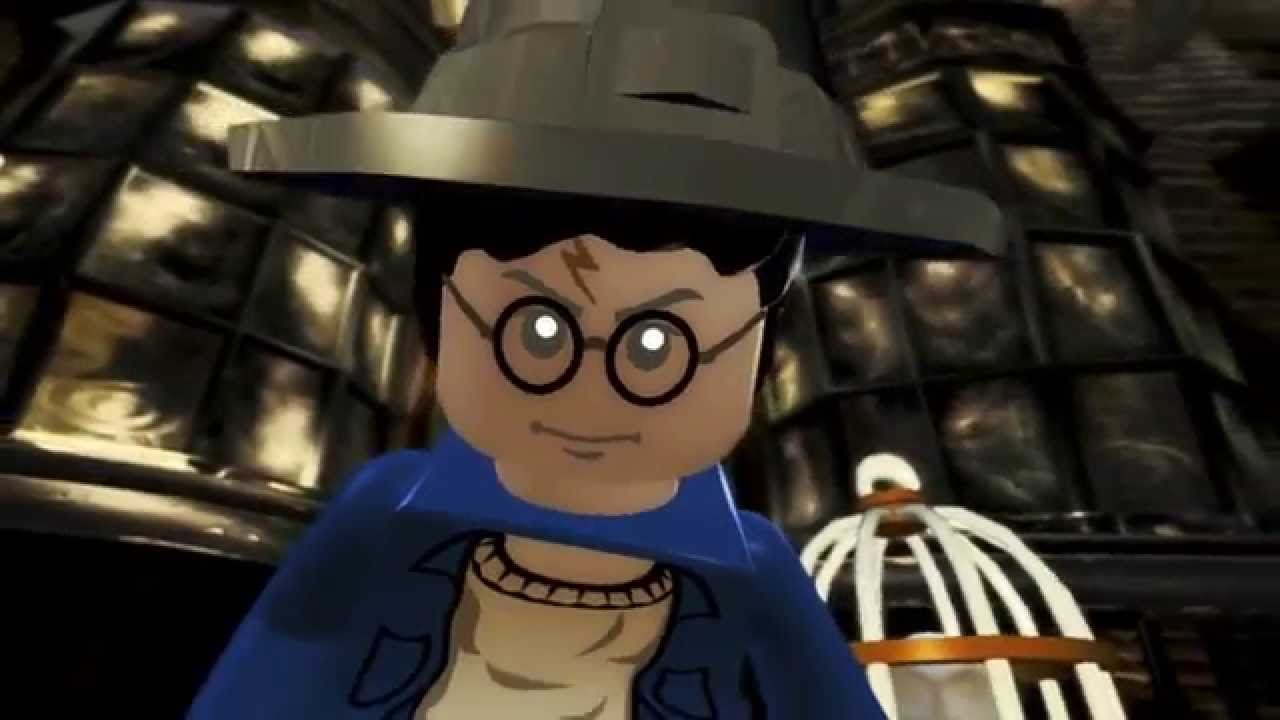
LEGO Harry Potter: Years 1-4 LEGO Harry Potter: Years 5-7 LEGO Harry Potter: Years 1-4 Construisez l'aventure de Privet Drive au Tournoi des Trois Sorciers et vivez la magie des quatre premières histoires de Harry Potter, version LEGO ! Explorez l'école de sorcellerie Poudlard, apprenez des sortilèges, préparez des potions et revivez les aventures comme jamais, avec un humour décalé et une personnalisation créative propres aux jeux vidéo LEGO !
LEGO Harry Potter: Years 5-7 Basé sur les trois derniers livres de Harry Potter et les quatre derniers films, LEGO Harry Potter: Years 5-7 emmène les joueurs à travers les aventures héroïques de Harry Potter dans le monde des Moldus et celui des sorciers. De Privet Drive à Little Whinging jusqu'au Chemin de Traverse, à Pré-au-Lard et à Poudlard, les joueurs rencontreront de nouveaux visages, de nouveaux défis et de nouvelle magie, pour se préparer à l'ultime affrontement contre Lord Voldemort
Configuration requise
- Windows: Minimale : Système d'exploitation : Windows XP SP3 Vista ou Windows 7 Processeur : Dual Core CPU @ 2GHz (Pentium D ou mieux) Mémoire : 1 Go de RAM Espace disque : 8.5 Go d'espace disque libre Carte vidéo : Shader Model 3 carte graphique (NVIDIA GeForce 6800, 7800, 8xxx ou mieux; ATI X1950 ou mieux)
Comment activer
- Lancez le client Steam sur votre ordinateur et connectez-vous, ou rendez-vous sur store.steampowered.com/account/registerkey.
- Cliquez sur le menu "Jeux" en haut (ou "+ Ajouter un jeu" en bas à gauche) et sélectionnez "Activer un produit sur Steam...".
- Suivez les instructions à l'écran, acceptez l'Accord de souscription Steam et saisissez votre clé dans le champ "Code produit".
- Cliquez sur "Suivant" puis "Terminer". Le jeu est désormais lié à votre Bibliothèque Steam et prêt au téléchargement.
Avis clients
Questions fréquentes
Pour quelle région est-ce ?
C’est la version Global : elle n’est pas verrouillée par région.
Comment activer LEGO Harry Potter Collection PC Steam CD Key sur Steam ?
1. Lancez le client Steam sur votre ordinateur et connectez-vous, ou rendez-vous sur store.steampowered.com/account/registerkey. 2. Cliquez sur le menu "Jeux" en haut (ou "+ Ajouter un jeu" en bas à gauche) et sélectionnez "Activer un produit sur Steam...". 3. Suivez les instructions à l'écran, acceptez l'Accord de souscription Steam et saisissez votre clé dans le champ "Code produit". 4. Cliquez sur "Suivant" puis "Terminer". Le jeu est désormais lié à votre Bibliothèque Steam et prêt au téléchargement.
Quelle est la rapidité de la livraison ?
Votre clé apparaît dans votre compte et vous est envoyée par e-mail juste après le paiement.