 1 sur 7
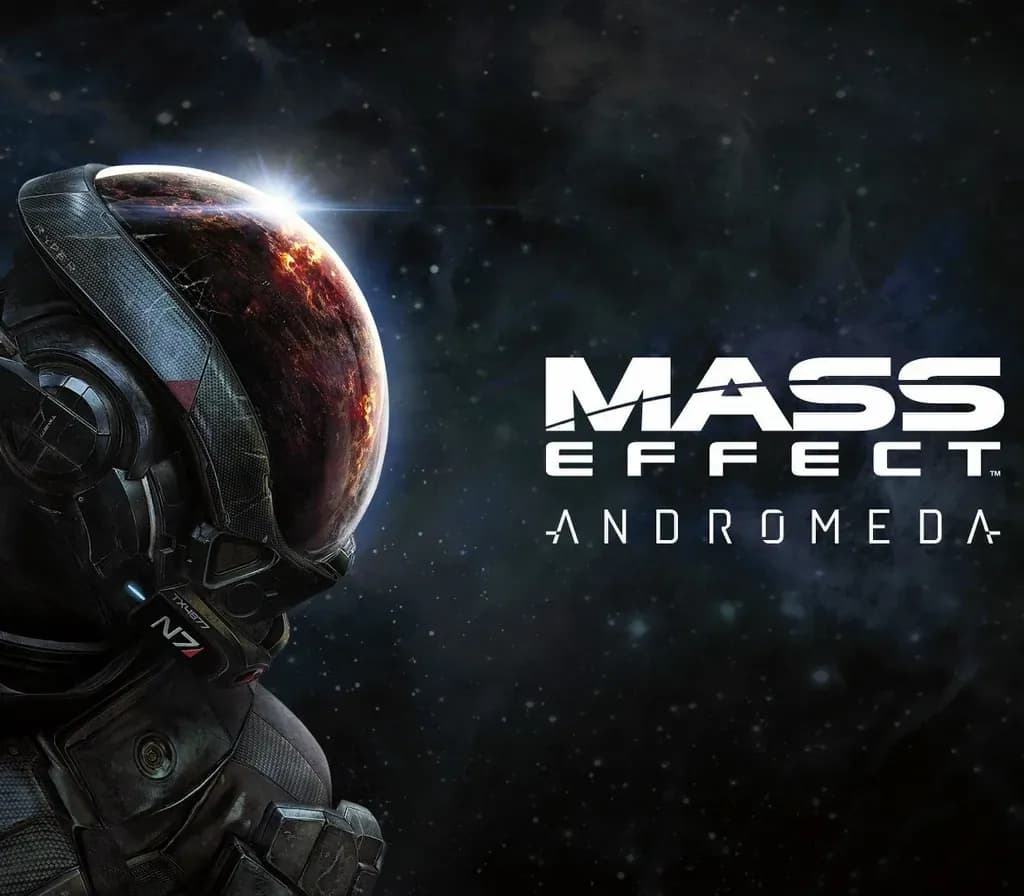
Mass Effect Andromeda PS4/PS5 Account
Sortie : 23 mars 2017 · Développeur : BioWare · Éditeur : Electronic Arts
Mass Effect Andromeda — PSN account for PS4/PS5, Global. Not a code — read the account-ban notice before buying.
- Paiement sécuriséInstantané
- Clé révélée dans votre compte~60s
- Activer sur PlayStationActivation directe
 Pago Móvil
 Binance Pay
 Cryptomonnaies
 Portefeuille
154 000+ ventes en boutique et sur les marketplaces · Dernière commande livrée : il y a 32 minutes
Comment activer
- 1Allumez votre console PlayStation, choisissez "Ajouter un utilisateur" puis "Commencer" (ne choisissez pas invité temporaire).
- 2Connectez-vous au PSN avec l'adresse e-mail et le mot de passe fournis, et saisissez le code 2FA si nécessaire.
- 3Activez le partage : sur PS5, allez dans Paramètres -> Utilisateurs et comptes -> Autre -> "Partage de console et jeu hors ligne" -> Activer (sur PS4 : Paramètres -> Gestion du compte -> "Activer en tant que PS4 principale").
- 4Ouvrez la Bibliothèque de jeux -> "Votre collection", lancez le téléchargement et rebasculez sur votre profil personnel pour jouer.
À propos de ce jeu
Mass Effect Andromeda PS4/PS5 Account est un compte de jeu pour PlayStation, sans verrouillage régional.
Important — please read before buying: This is a PlayStation account created and supplied by a third-party seller, not a code for your own account. Sony's Terms of Service do not allow buying or selling PSN accounts, so a ban of the account (or restrictions on the console) is a likely possibility, though not a certainty, and we cannot guarantee the account will not be restricted. Do not change the account's country/region or add a payment method; play on your own profile via Console Sharing and Offline Play.
Mass Effect: Andromeda takes players to the Andromeda galaxy, far beyond the Milky Way. There, you'll lead the fight for a new home in hostile territory as the Pathfinder, a leader of military-trained explorers. This is the story of humanity’s next chapter, and your choices throughout the game will ultimately determine humanity's survival.
The Deluxe Edition contains
Deep Space Explorer Armor. Looking for armor that can stand up to anything a brand new galaxy can dish out? With the Deluxe Edition, you'll get to gear up with Deep Space Explorer Armor.
Nomad Skin (3). Make sure your Nomad really stands out while you're exploring mysterious new planets with this unique skin.
Multiplayer Booster Pack. Jump-start your multiplayer co-op play with a booster pack. Includes five 50% XP Boosters (entitled instantly, limit 1 per match).
Pathfinder Casual Outfit (2). Nobody wants to wear their uniform 24/7. Whether you're relaxing aboard the Tempest or exploring a friendly space dock, this casual outfit will help you look your best.
Scavenger Armor. Stand out from the crowd, even when you're planetside on a deadly new world.
Pathfinder Elite Weapon Set (4). Ditch the standard gear and go Elite. Battle your way through Andromeda with this unique set of weapons.
Pet Pyjak. Everyone’s favorite space monkey is back and can join you aboard the Tempest.
Multiplayer Deluxe Launch Pack. Get a head start on co-op play with the Multiplayer Launch Pack, which includes items to kick start your progress (entitled instantly).
Questions fréquentes
Pour quelle région est-ce ?
C’est la version Global : elle n’est pas verrouillée par région.
Comment activer Mass Effect Andromeda PS4/PS5 Account sur PlayStation ?
1. Allumez votre console PlayStation, choisissez "Ajouter un utilisateur" puis "Commencer" (ne choisissez pas invité temporaire). 2. Connectez-vous au PSN avec l'adresse e-mail et le mot de passe fournis, et saisissez le code 2FA si nécessaire. 3. Activez le partage : sur PS5, allez dans Paramètres -> Utilisateurs et comptes -> Autre -> "Partage de console et jeu hors ligne" -> Activer (sur PS4 : Paramètres -> Gestion du compte -> "Activer en tant que PS4 principale"). 4. Ouvrez la Bibliothèque de jeux -> "Votre collection", lancez le téléchargement et rebasculez sur votre profil personnel pour jouer.
Que signifie « compte » ?
Vous recevez les identifiants d’un compte PlayStation qui possède déjà le jeu.
Avis clients
Voir tous les avis et écrire le vôtre
Avis clients
Personne n'a encore donné son avis sur ce jeu. Si vous l'achetez, dites-nous ce que vous en pensez.