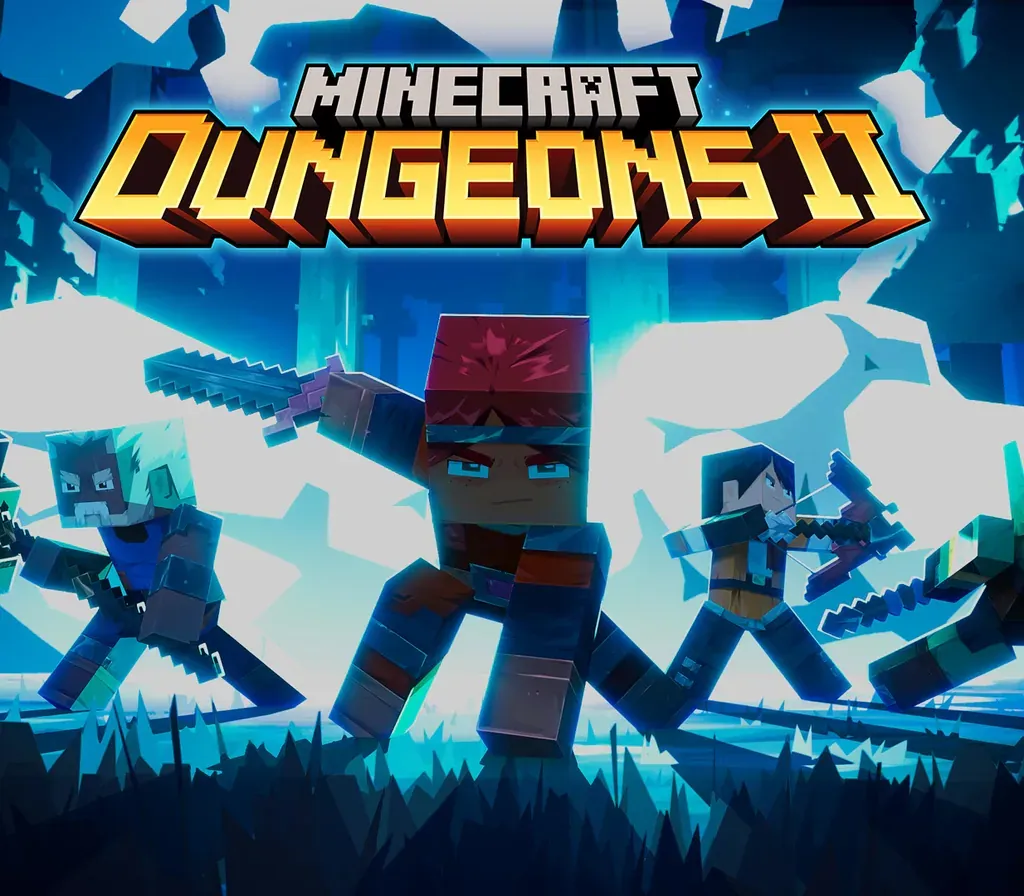
Minecraft Dungeons II PC Steam Account
Minecraft Dungeons II PC Steam Account est un compte de jeu pour Steam, sans verrouillage régional. Prix : $24.68, soit 17 % de moins que Prix conseillé Steam : $29.99.
⭐ 153,000+ commandes livrées depuis 2018
 Pago Móvil
 Binance Pay
À propos de ce jeu
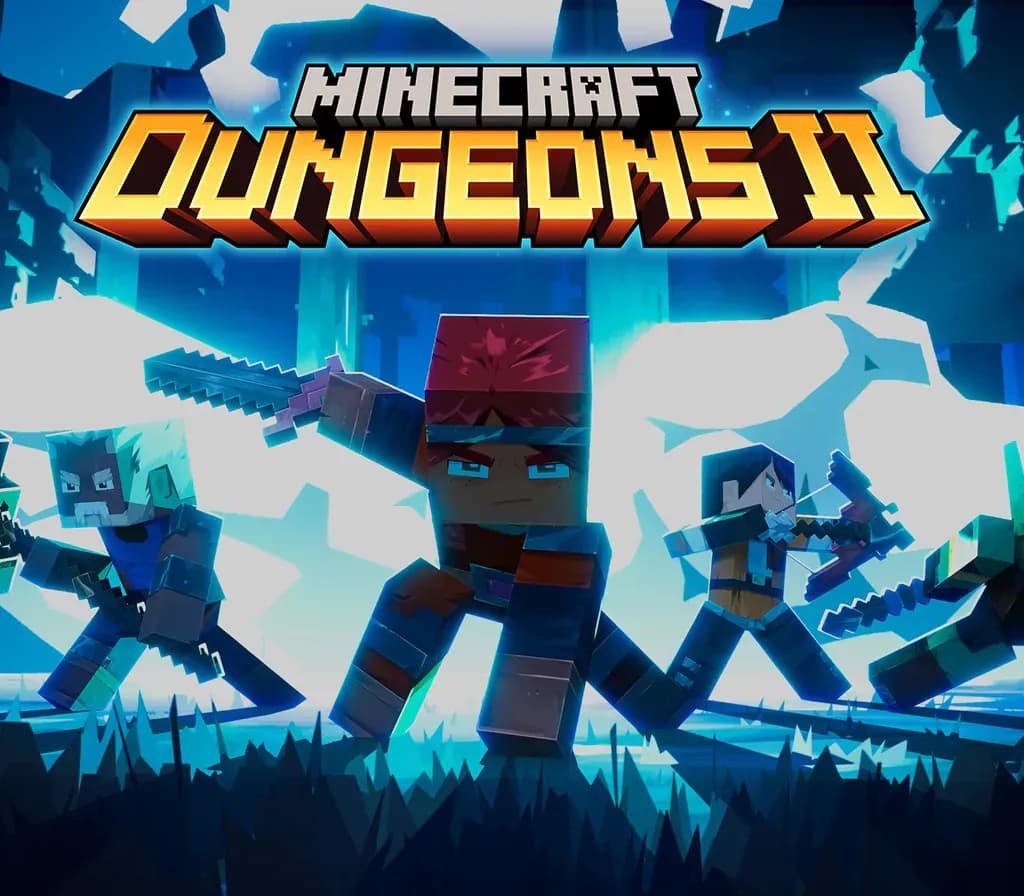
Minecraft Dungeons II is here with more action, more loot, and more adventure. Step through the rift and fight where no hero has been before: the Sift, an uncharted dimension teeming with threats, mysteries, and breathtaking beauty. Gear up and customize your playstyle to face your toughest enemies yet in explosive battles. Brave the unknown as a lone hero, team up with friends in couch, online and mixed co-op, or find allies through matchmaking. The illagers’ plot is already underway, and their cruelty is only matched by their power. Stop them – or lose the Overworld to their corruption. Fight against a new, challenging threat that puts your combat skills to the test like never before Explore the Sift, a new dimension in the Minecraft universe, for the first time Experience an all-new chapter in the Minecraft Dungeons saga that takes you across the Overworld... and beyond Craft the perfect hero with legendary gear, including a wide range of weapons, armour, and artifacts Team up with new and old friends in a party of up to four players and smash your foes with the power of teamwork
Comment activer
- Déconnectez-vous de votre compte personnel Steam dans le client ou le navigateur.
- Connectez-vous avec l'identifiant et le mot de passe Steam fournis dans votre commande.
- Saisissez le code de sécurité Steam Guard reçu sur l'accès e-mail temporaire fourni avec votre commande.
- Allez dans Steam -> Paramètres -> Compte, puis modifiez l'adresse e-mail et le mot de passe avec vos propres identifiants.
- Installez le jeu depuis la Bibliothèque, ou configurez le Partage familial dans les Paramètres pour y jouer depuis votre compte principal.
Avis clients
Questions fréquentes
Pour quelle région est-ce ?
C’est la version Global : elle n’est pas verrouillée par région.
Comment activer Minecraft Dungeons II PC Steam Account sur Steam ?
1. Déconnectez-vous de votre compte personnel Steam dans le client ou le navigateur. 2. Connectez-vous avec l'identifiant et le mot de passe Steam fournis dans votre commande. 3. Saisissez le code de sécurité Steam Guard reçu sur l'accès e-mail temporaire fourni avec votre commande. 4. Allez dans Steam -> Paramètres -> Compte, puis modifiez l'adresse e-mail et le mot de passe avec vos propres identifiants. 5. Installez le jeu depuis la Bibliothèque, ou configurez le Partage familial dans les Paramètres pour y jouer depuis votre compte principal.
Que signifie « compte » ?
Vous recevez les identifiants d’un compte Steam qui possède déjà le jeu.