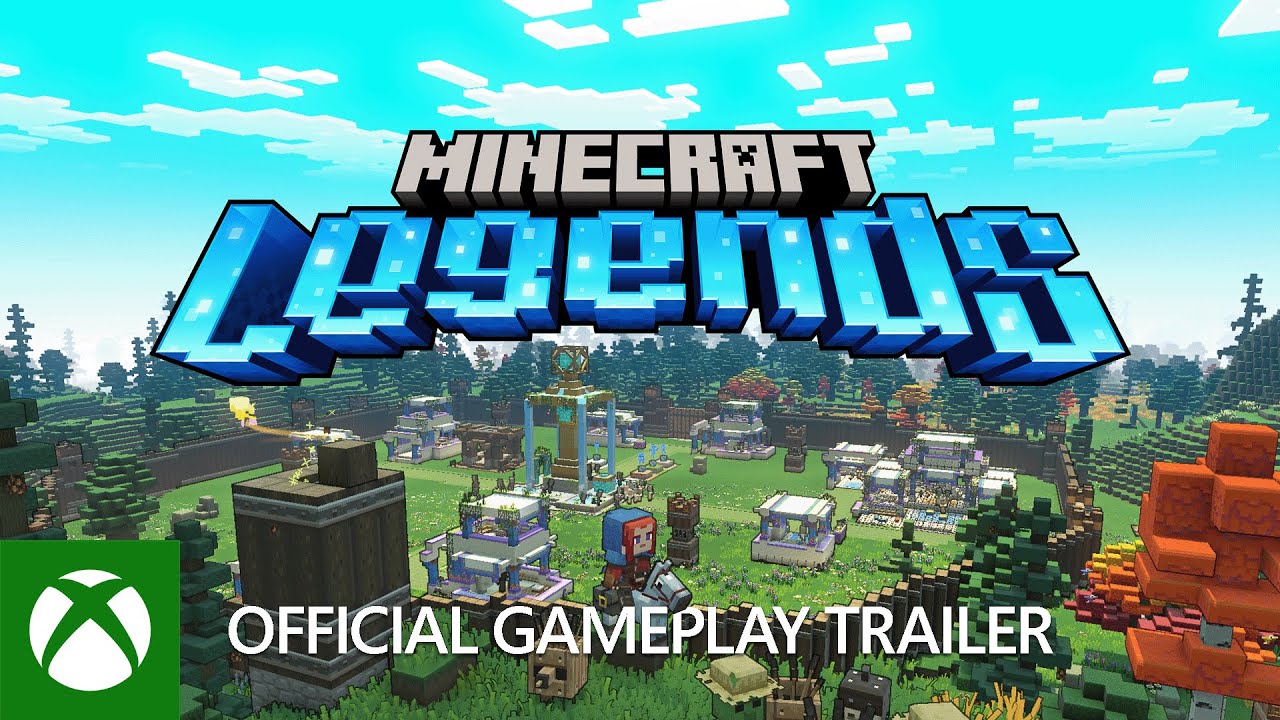
Minecraft Legends Xbox Series X|S CD Key
Minecraft Legends Xbox Series X|S CD Key est une clé numérique pour Xbox, sans verrouillage régional. Livraison instantanée après le paiement.
⭐ 153,000+ commandes livrées depuis 2018
 Pago Móvil
 Binance Pay
À propos de ce jeu
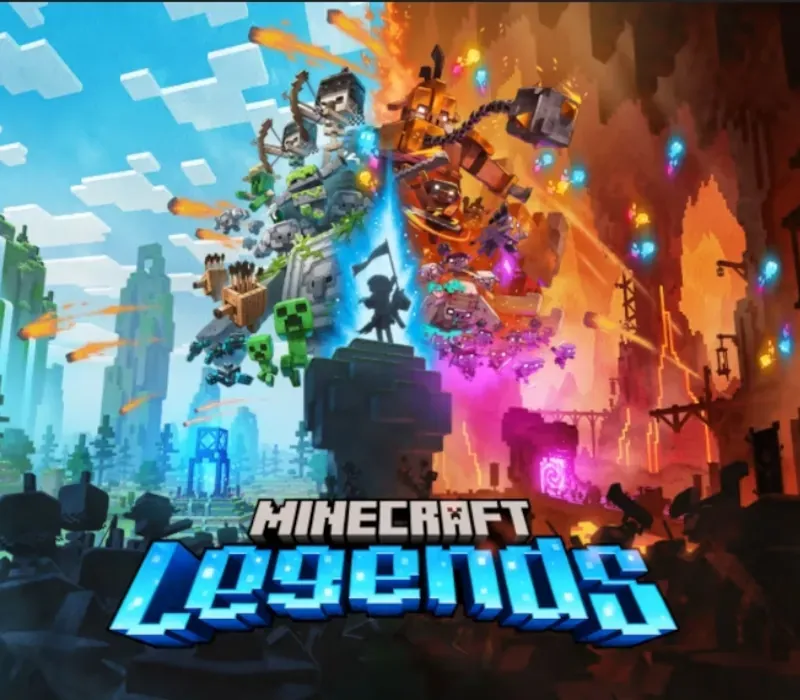
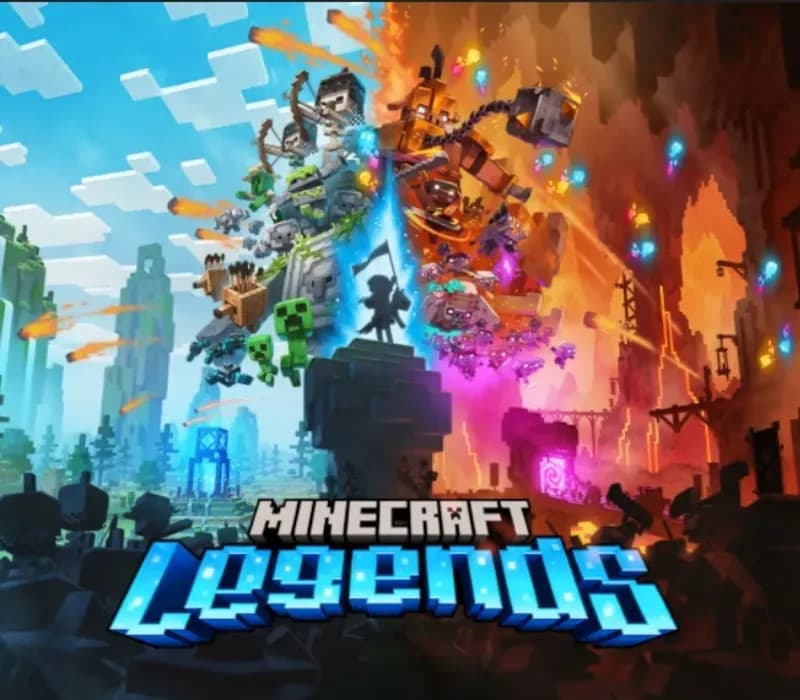
La corruption du Nether des piglins se répand dans l'Overworld, brûlant tout sur son passage. Êtes-vous le héros qui protégera cette terre paisible ? Planifiez votre stratégie et affrontez les piglins dans des batailles épiques, mais attention : ils contre-attaquent toujours. Attaquez les bases des piglins de jour et défendez vos alliés à la tombée de la nuit.
Explorez de luxuriants biomes remplis de trésors et de dangers, faites de nouvelles rencontres et retrouvez des mobs familiers. Avec les allays à vos côtés, il ne reste plus qu'à sauver le monde.
Vivez une légende épique de l'univers Minecraft et de l'Overworld comme vous ne l'avez jamais vue Nouez des alliances avec de nouveaux amis et des mobs familiers, puis menez la charge dans des batailles épiques contre les féroces piglins pour défendre l'Overworld Parcourez un monde luxuriant et dynamique, riche en ressources et différent à chaque partie Défiez vos amis ou faites équipe avec eux dans d'intenses batailles pour défendre votre village tout en menant vos unités à la destruction des colonies de vos adversaires
Configuration requise
- Windows : Minimale : Nécessite un processeur et un système d'exploitation 64 bits SE : Windows 10 (mise à jour de mai 2020 ou ultérieure) ou Windows 11 Processeur : Core i5 2.8GHz ou équivalent Mémoire : 8 Go de RAM Graphiques : NVIDIA GeForce GTX 780 ou AMD Radeon 285 ou Intel HD 520 ou GPU DX12 équivalent DirectX : Version 12 Stockage : 24 Go d'espace disponible Notes supplémentaires : Les performances augmentent avec des systèmes plus haut de gamme. Non pris en charge sur Windows 10S.
Comment activer
- Rendez-vous sur redeem.microsoft.com dans un navigateur, ou appuyez sur le bouton Xbox de la console puis Store -> Utiliser un code.
- Connectez-vous avec le compte Microsoft / Xbox sur lequel vous souhaitez activer le jeu.
- Saisissez le code numérique de 25 caractères (les tirets s'ajoutent automatiquement).
- Cliquez sur "Suivant" et confirmez. Le jeu est ajouté à votre bibliothèque dans "Mes jeux et applications" ou sur l'application Xbox PC.
Avis clients
Questions fréquentes
Pour quelle région est-ce ?
C’est la version Global : elle n’est pas verrouillée par région.
Comment activer Minecraft Legends Xbox Series X|S CD Key sur Xbox ?
1. Rendez-vous sur redeem.microsoft.com dans un navigateur, ou appuyez sur le bouton Xbox de la console puis Store -> Utiliser un code. 2. Connectez-vous avec le compte Microsoft / Xbox sur lequel vous souhaitez activer le jeu. 3. Saisissez le code numérique de 25 caractères (les tirets s'ajoutent automatiquement). 4. Cliquez sur "Suivant" et confirmez. Le jeu est ajouté à votre bibliothèque dans "Mes jeux et applications" ou sur l'application Xbox PC.
Quelle est la rapidité de la livraison ?
Votre clé apparaît dans votre compte et vous est envoyée par e-mail juste après le paiement.