 1 sur 7
Monster Hunter Rise PS4 Account
Sortie : 20 janv. 2023 · Développeur : CAPCOM Co., Ltd.
Monster Hunter Rise — PSN account for PS4, Global. Not a code — read the account-ban notice before buying.
Choisissez votre version
Votre pays : États-Unis- Paiement sécuriséInstantané
- Clé révélée dans votre compte~60s
- Activer sur PlayStationActivation directe
 Pago Móvil
 Binance Pay
 Cryptomonnaies
 Portefeuille
154 000+ ventes en boutique et sur les marketplaces · Dernière commande livrée : il y a 32 minutes
Comment activer
- 1Allumez votre console PlayStation, choisissez "Ajouter un utilisateur" puis "Commencer" (ne choisissez pas invité temporaire).
- 2Connectez-vous au PSN avec l'adresse e-mail et le mot de passe fournis, et saisissez le code 2FA si nécessaire.
- 3Activez le partage : sur PS5, allez dans Paramètres -> Utilisateurs et comptes -> Autre -> "Partage de console et jeu hors ligne" -> Activer (sur PS4 : Paramètres -> Gestion du compte -> "Activer en tant que PS4 principale").
- 4Ouvrez la Bibliothèque de jeux -> "Votre collection", lancez le téléchargement et rebasculez sur votre profil personnel pour jouer.
À propos de ce jeu
Monster Hunter Rise PS4 Account est un compte de jeu pour PlayStation, sans verrouillage régional.
Important — please read before buying: This is a PlayStation account created and supplied by a third-party seller, not a code for your own account. Sony's Terms of Service do not allow buying or selling PSN accounts, so a ban of the account (or restrictions on the console) is a likely possibility, though not a certainty, and we cannot guarantee the account will not be restricted. Do not change the account's country/region or add a payment method; play on your own profile via Console Sharing and Offline Play.
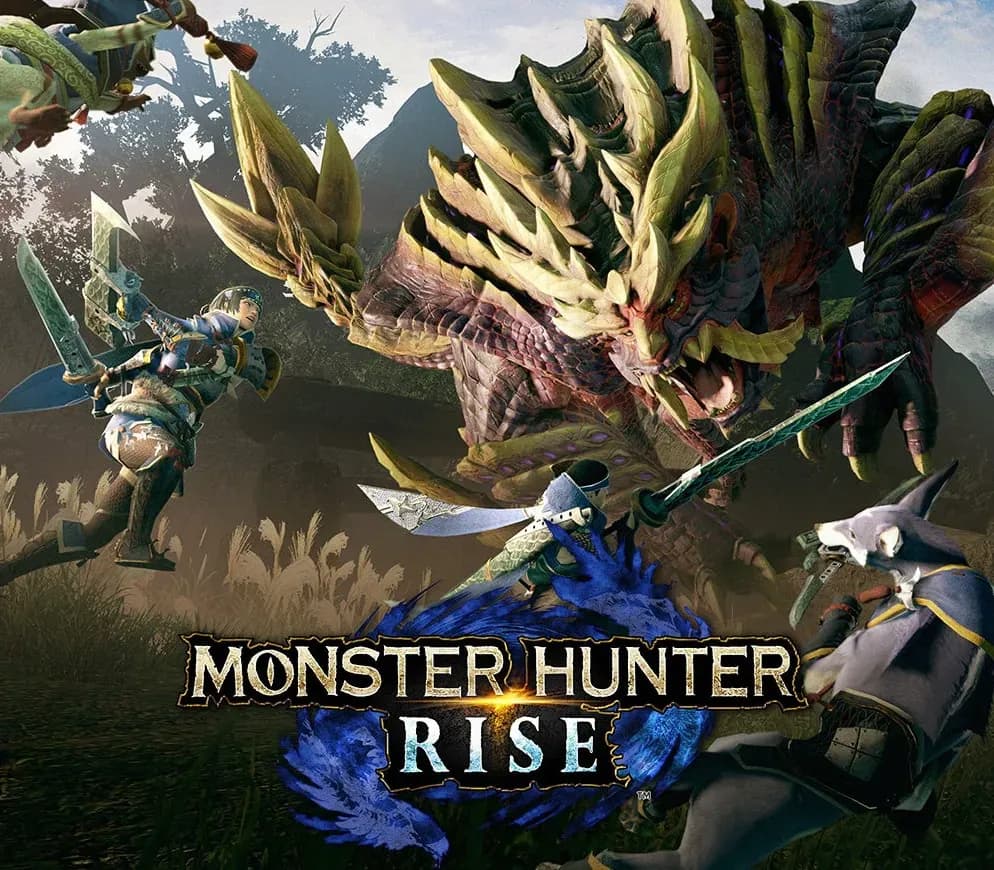
Rise to the challenge and join the hunt! In Monster Hunter Rise, the latest installment in the award-winning and top-selling Monster Hunter series, you’ll become a hunter, explore brand new maps and use a variety of weapons to take down fearsome monsters as part of an all-new storyline. Ferocious monsters with unique ecologies Hunt down a plethora of monsters with distinct behaviors and deadly ferocity. From classic returning monsters to all-new creatures inspired by Japanese folklore, including the flagship wyvern Magnamalo, you’ll need to think on your feet and master their unique tendencies if you hope to reap any of the rewards! Choose your weapon and show your skills Wield 14 different weapon types that offer unique gameplay styles, both up-close and from long range. Charge up and hit hard with the devastating Great Sword; dispatch monsters in style using the elegant Long Sword; become a deadly maelstrom of blades with the speedy Dual Blades; charge forth with the punishing Lance; or take aim from a distance with the Bow and Bowguns. These are just a few of the weapon types available in the game, meaning you’re sure to find the play style that suits you best. Hunt, gather and craft your way to the top of the food chain Each monster you hunt will provide materials that allow you to craft new weapons and armor and upgrade your existing gear. Go back out on the field and hunt even fiercer monsters and earn even better rewards! You can change your weapon at any of the Equipment Boxes any time, so the possibilities are limitless!
Questions fréquentes
Pour quelle région est-ce ?
C’est la version Global : elle n’est pas verrouillée par région.
Comment activer Monster Hunter Rise PS4 Account sur PlayStation ?
1. Allumez votre console PlayStation, choisissez "Ajouter un utilisateur" puis "Commencer" (ne choisissez pas invité temporaire). 2. Connectez-vous au PSN avec l'adresse e-mail et le mot de passe fournis, et saisissez le code 2FA si nécessaire. 3. Activez le partage : sur PS5, allez dans Paramètres -> Utilisateurs et comptes -> Autre -> "Partage de console et jeu hors ligne" -> Activer (sur PS4 : Paramètres -> Gestion du compte -> "Activer en tant que PS4 principale"). 4. Ouvrez la Bibliothèque de jeux -> "Votre collection", lancez le téléchargement et rebasculez sur votre profil personnel pour jouer.
Que signifie « compte » ?
Vous recevez les identifiants d’un compte PlayStation qui possède déjà le jeu.
Avis clients
Voir tous les avis et écrire le vôtre
Avis clients
Personne n'a encore donné son avis sur ce jeu. Si vous l'achetez, dites-nous ce que vous en pensez.