 1 sur 8
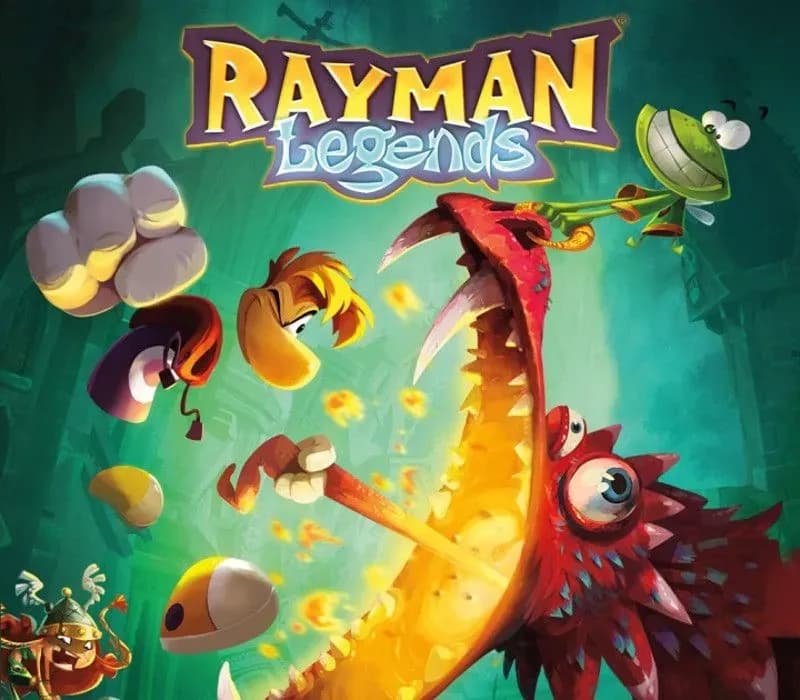
Rayman Legends PS4 Account
Sortie : 18 févr. 2014 · Développeur : Ubisoft Montpellier · Éditeur : Ubisoft
Rayman Legends — PSN account for PS4, Global. Not a code — read the account-ban notice before buying.
- Paiement sécuriséInstantané
- Clé révélée dans votre compte~60s
- Activer sur PlayStationActivation directe
 Pago Móvil
 Binance Pay
 Cryptomonnaies
 Portefeuille
154 000+ ventes en boutique et sur les marketplaces · Dernière commande livrée : il y a 32 minutes
Comment activer
- 1Allumez votre console PlayStation, choisissez "Ajouter un utilisateur" puis "Commencer" (ne choisissez pas invité temporaire).
- 2Connectez-vous au PSN avec l'adresse e-mail et le mot de passe fournis, et saisissez le code 2FA si nécessaire.
- 3Activez le partage : sur PS5, allez dans Paramètres -> Utilisateurs et comptes -> Autre -> "Partage de console et jeu hors ligne" -> Activer (sur PS4 : Paramètres -> Gestion du compte -> "Activer en tant que PS4 principale").
- 4Ouvrez la Bibliothèque de jeux -> "Votre collection", lancez le téléchargement et rebasculez sur votre profil personnel pour jouer.
À propos de ce jeu
Rayman Legends PS4 Account est un compte de jeu pour PlayStation, sans verrouillage régional.
Important — please read before buying: This is a PlayStation account created and supplied by a third-party seller, not a code for your own account. Sony's Terms of Service do not allow buying or selling PSN accounts, so a ban of the account (or restrictions on the console) is a likely possibility, though not a certainty, and we cannot guarantee the account will not be restricted. Do not change the account's country/region or add a payment method; play on your own profile via Console Sharing and Offline Play.
When Rayman, Globox, and the Teensies discover a mysterious tent filled with captivating paintings, they are suddenly transported to a series of mythical realms!
A LEGENDARY PLATFORMING ADVENTURE
Dash through 5 vibrant worlds, from a towering beanstalk to the heights of Mount Olympus. Free the kidnapped Teensies, discover hidden secrets, and uncover the secrets of the legendary paintings.
4-PLAYER LOCAL CO-OP
Bring up to 3 friends along for the ride! Work together to rescue Teensies, race for Lums, or slap anything that gets in your way. Need a break from the action? Settle the score on the pitch in Kung Foot.
EPIC BOSS BATTLES
Face off against towering dragons, masked giants, and other larger-than-life foes in action-packed showdowns. Stay on your toes, dodge their attacks, and strike when they least expect it!
ROCKIN’ RAYMAN
Jump to the beat of a drum, punch to the bass line, or zip-line during guitar riffs across unforgettable musical maps set to rock anthems, fiery salsa rhythms, and more, where timing and rhythm are key!
Questions fréquentes
Pour quelle région est-ce ?
C’est la version Global : elle n’est pas verrouillée par région.
Comment activer Rayman Legends PS4 Account sur PlayStation ?
1. Allumez votre console PlayStation, choisissez "Ajouter un utilisateur" puis "Commencer" (ne choisissez pas invité temporaire). 2. Connectez-vous au PSN avec l'adresse e-mail et le mot de passe fournis, et saisissez le code 2FA si nécessaire. 3. Activez le partage : sur PS5, allez dans Paramètres -> Utilisateurs et comptes -> Autre -> "Partage de console et jeu hors ligne" -> Activer (sur PS4 : Paramètres -> Gestion du compte -> "Activer en tant que PS4 principale"). 4. Ouvrez la Bibliothèque de jeux -> "Votre collection", lancez le téléchargement et rebasculez sur votre profil personnel pour jouer.
Que signifie « compte » ?
Vous recevez les identifiants d’un compte PlayStation qui possède déjà le jeu.
Avis clients
Voir tous les avis et écrire le vôtre
Avis clients
Personne n'a encore donné son avis sur ce jeu. Si vous l'achetez, dites-nous ce que vous en pensez.