Star Wars Outlaws PC Ubisoft Connect CD Key
Star Wars Outlaws PC Ubisoft Connect CD Key est une clé numérique pour Ubisoft, sans verrouillage régional. Livraison instantanée après le paiement.
⭐ 153,000+ commandes livrées depuis 2018
 Pago Móvil
 Binance Pay
À propos de ce jeu
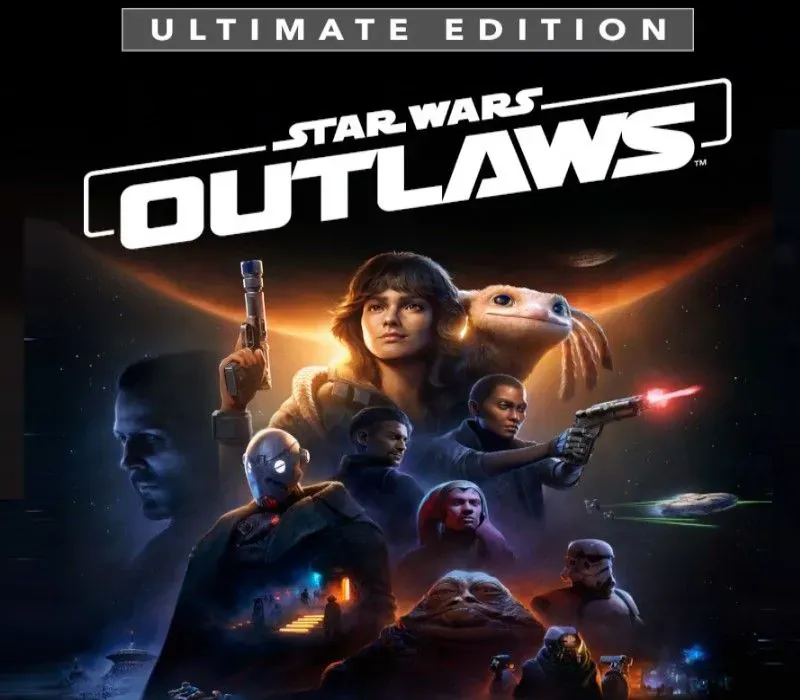
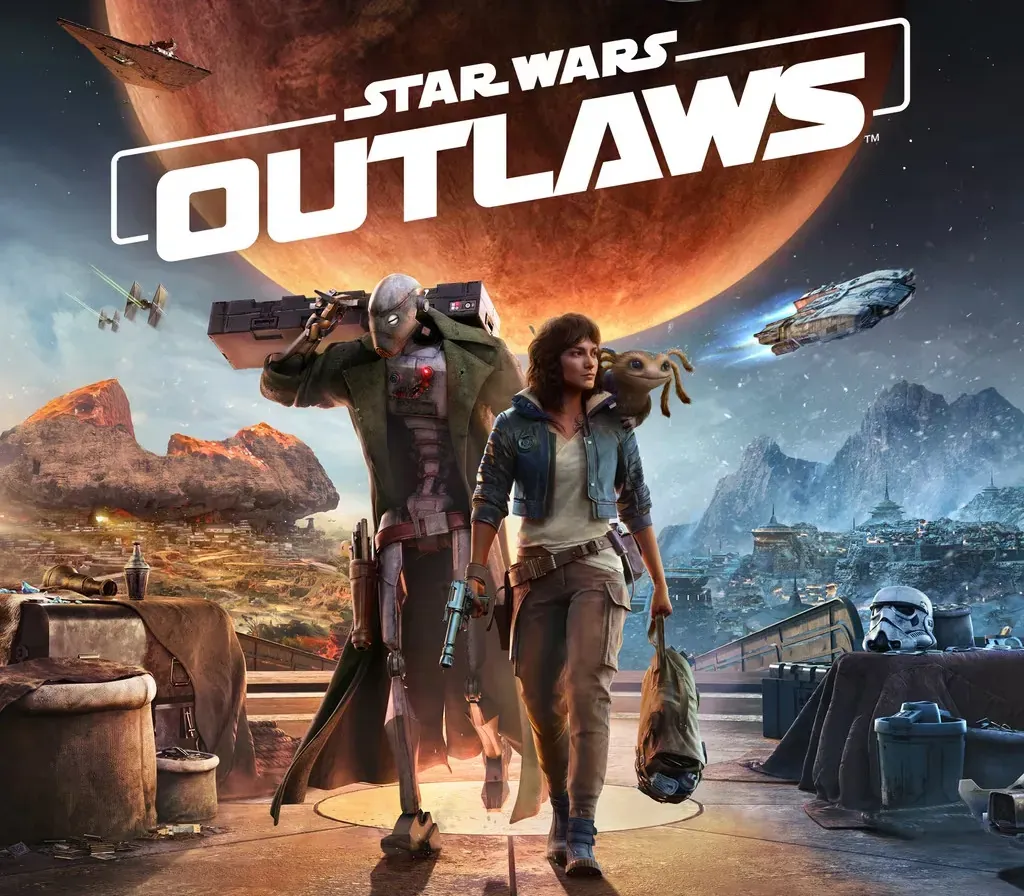
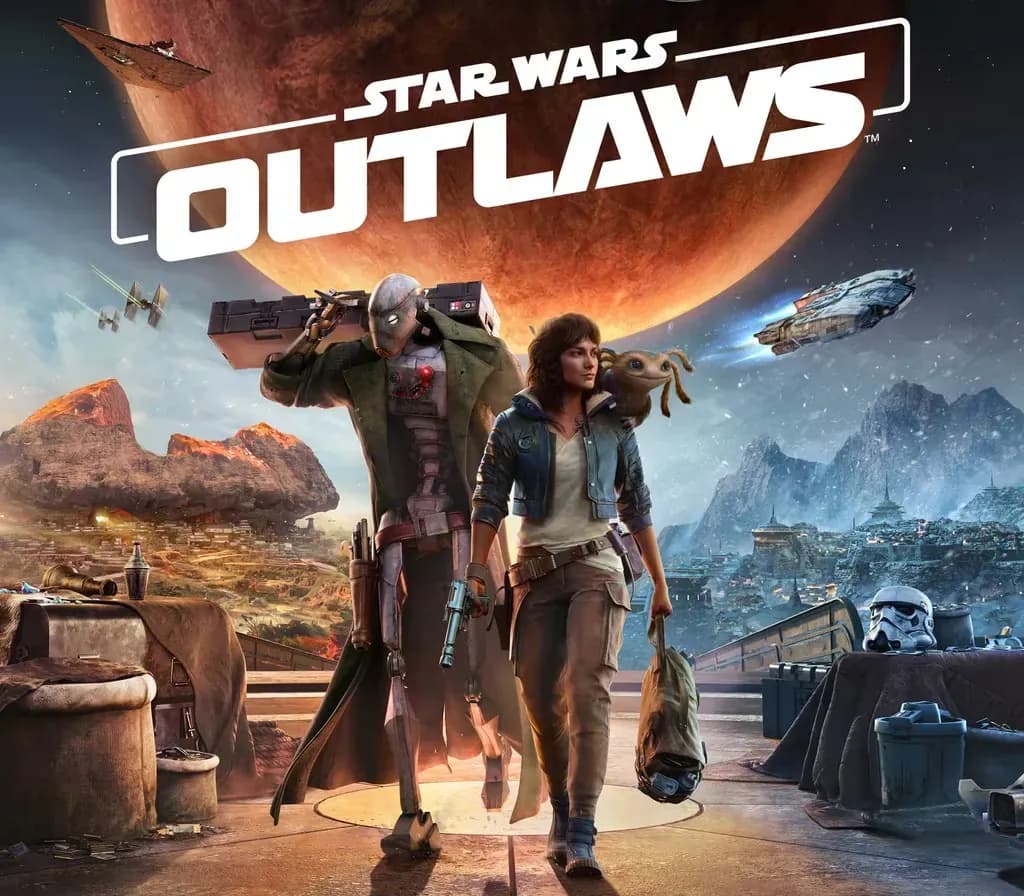
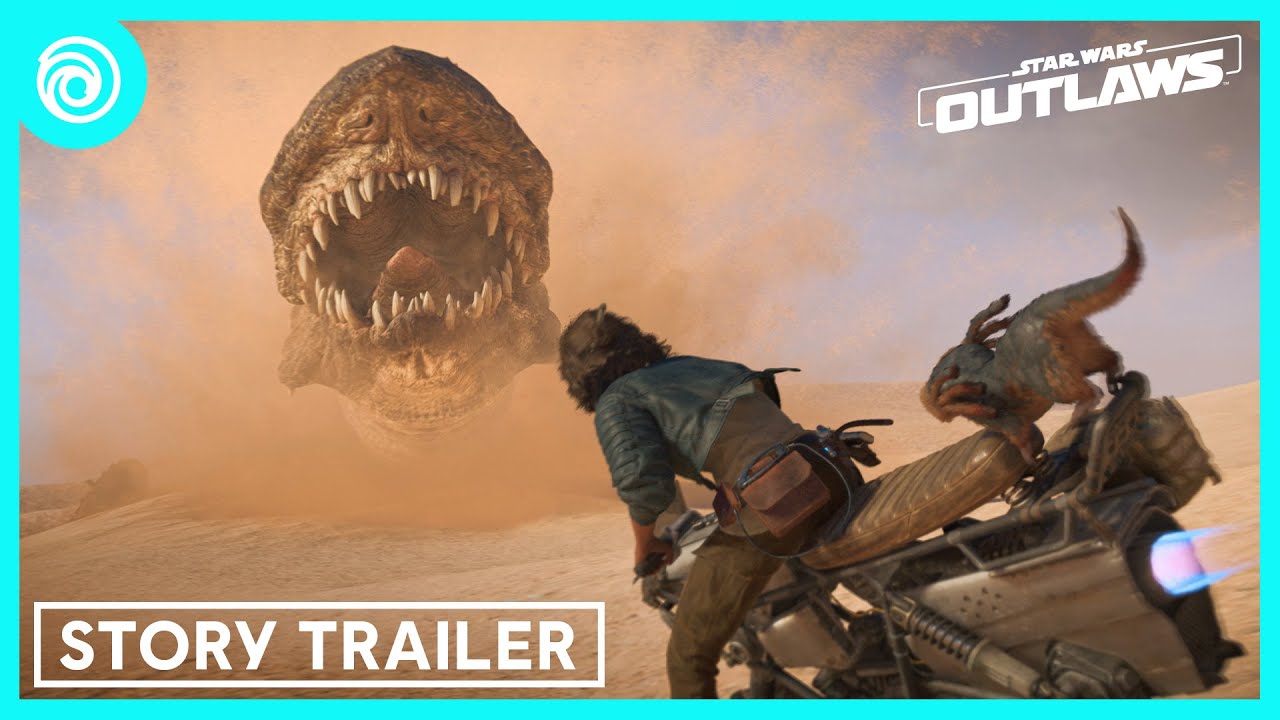
Vivez le tout premier jeu d'action-aventure Star Wars™ en monde ouvert et explorez des lieux distincts de la galaxie, emblématiques ou inédits. Risquez tout dans la peau de la crapule Kay Vess, en quête de liberté et des moyens de repartir à zéro. Combattez, volez et déjouez les plans des syndicats du crime de la galaxie en rejoignant les plus recherchés. Si vous êtes prêt à prendre le risque, la galaxie regorge d'opportunités.
DÉCOUVREZ UNE GALAXIE D'OPPORTUNITÉS
Explorez des lieux distincts avec des villes et des cantinas animées. Filez à travers de vastes paysages en extérieur sur votre speeder. Chaque lieu apporte de nouvelles aventures, des défis uniques et des récompenses alléchantes si vous êtes prêt à prendre le risque.
VIVEZ UNE HISTOIRE ORIGINALE DE CRAPULE
Vivez le mode de vie à haut risque d'un hors-la-loi. Retournez n'importe quelle situation à votre avantage avec Nix à vos côtés : combattez avec votre blaster, venez à bout des ennemis grâce à la discrétion et aux gadgets, ou trouvez les bons moments pour distraire vos adversaires et prendre le dessus.
LANCEZ-VOUS DANS DES MISSIONS À HAUT RISQUE
Acceptez des missions à haut risque et à haute récompense proposées par les syndicats du crime de la galaxie. Volez des marchandises de valeur, infiltrez des lieux secrets et déjouez les plans de vos ennemis en tant que l'un des plus recherchés de la galaxie. Chacun de vos choix influence votre réputation en perpétuelle évolution.
PRENEZ LES COMMANDES
Pilotez votre vaisseau, le Trailblazer, lors de combats aériens palpitants contre l'Empire et d'autres ennemis. Saisissez les bonnes occasions pour poursuivre, esquiver et attaquer afin de prendre le dessus.
Configuration requise
- Windows : Système d'exploitation : WINDOWS 10 / 11 AVEC DIRECTX 12 CPU : INTEL® CORE™ i7-8700K, AMD RYZEN™ 5 3600 Graphiques : GEFORCE® GTX 1660 · 6 Go, AMD RX 5600 XT · 6 Go, INTEL® ARC A750 · 8 Go (REBAR ACTIVÉ) Mémoire RAM : 16 Go (mode double canal) Stockage : 65 Go SSD Résolution : 1080p / 30 FPS / préréglage Bas avec upscaler réglé sur Qualité
Comment activer
- Ouvrez l'application Ubisoft Connect sur PC et connectez-vous avec votre compte Ubisoft.
- Cliquez sur l'icône de clé en haut ou ouvrez le menu en haut à gauche et choisissez "Activer une clé".
- Saisissez votre clé dans le champ "Code d'activation".
- Cliquez sur "Activer" pour enregistrer le jeu sur votre compte Ubisoft.
- Allez dans l'onglet "Jeux", sélectionnez le titre et cliquez sur "Télécharger" pour l'installer.
Avis clients
Questions fréquentes
Pour quelle région est-ce ?
C’est la version Global : elle n’est pas verrouillée par région.
Comment activer Star Wars Outlaws PC Ubisoft Connect CD Key sur Ubisoft ?
1. Ouvrez l'application Ubisoft Connect sur PC et connectez-vous avec votre compte Ubisoft. 2. Cliquez sur l'icône de clé en haut ou ouvrez le menu en haut à gauche et choisissez "Activer une clé". 3. Saisissez votre clé dans le champ "Code d'activation". 4. Cliquez sur "Activer" pour enregistrer le jeu sur votre compte Ubisoft. 5. Allez dans l'onglet "Jeux", sélectionnez le titre et cliquez sur "Télécharger" pour l'installer.
Quelle est la rapidité de la livraison ?
Votre clé apparaît dans votre compte et vous est envoyée par e-mail juste après le paiement.