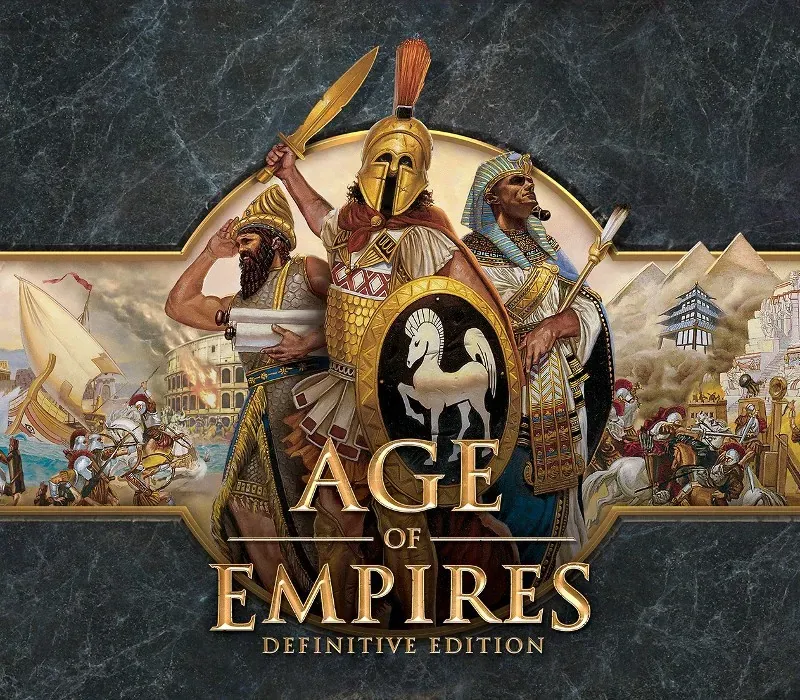

Age of Empires: Definitive Edition PC Steam CD Key
Age of Empires: Definitive Edition PC Steam CD Key is a digital key for Steam, not region-locked. Delivered instantly after payment. Price: $4.82, 75% below the Steam MSRP of $19.99.
⭐ 153,000+ orders delivered since 2018
 Pago Móvil
 Binance Pay
About this game
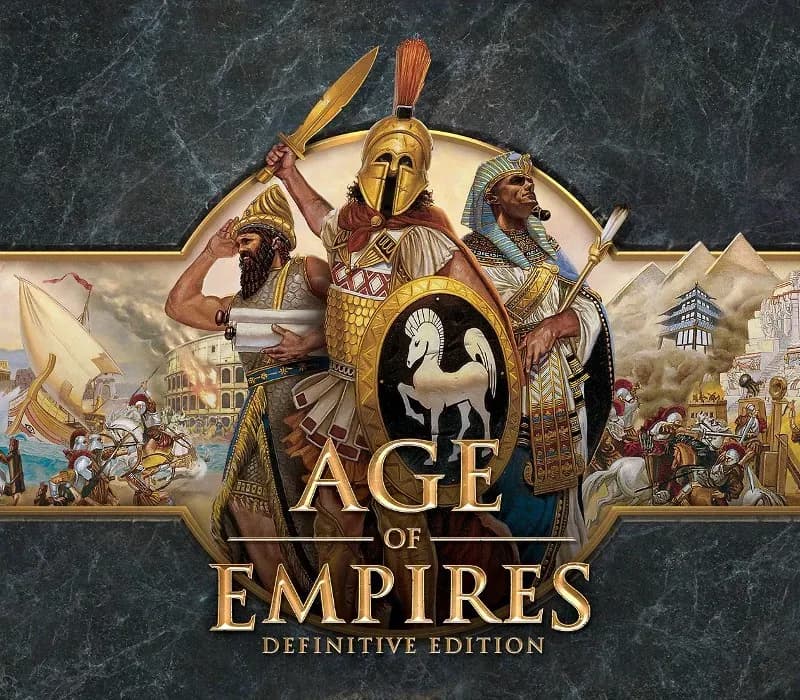
Age of Empires, the pivotal RTS that launched a 20-year legacy returns in definitive form for Windows 10 PCs. Bringing together all of the officially released content with modernized gameplay, all-new visuals and a host of other new features, Age of Empires: Definitive Edition is the complete RTS package.
Engage in over 40 hours of updated campaign content with new narration and pacing, jump online in up to 8-player battles with new competitive features and modes, experience 4K HD visuals with overhauled animations, get creative with the scenario builder and share your creations with easy mod support. There’s never been a better time to jump in to Age of Empires. Welcome back to history.
System Requirements
- Windows: OS: Windows 10 x64 Processor: 1.8 Ghz+ Dual Core or greater i5 or AMD equivalent Memory: 4 GB Video Memory: 1 GB Graphics: Intel HD 4000 or better (16 or more Execution Units), nVidia GPU scoring 500 or more on Passmark G3D Mark; AMD GPU scoring 500 or more on Passmark G3D Mark DirectX: Version 11
How to activate
- Launch the Steam desktop client and log in to your account, or visit store.steampowered.com/account/registerkey in your browser.
- Click the "Games" menu at the top of the client (or click "+ Add a Game" at the bottom-left) and select "Activate a Product on Steam...".
- Follow the on-screen prompts, accept the Steam Subscriber Agreement, and enter your CD-Key in the "Product Code" field.
- Click "Next" and "Finish" to register the game. It will now appear permanently in your Steam Library ready to install.
Customer Reviews
Frequently asked questions
Which region is this for?
This is the Global version: it is not region-locked.
How do I activate Age of Empires: Definitive Edition PC Steam CD Key on Steam?
1. Launch the Steam desktop client and log in to your account, or visit store.steampowered.com/account/registerkey in your browser. 2. Click the "Games" menu at the top of the client (or click "+ Add a Game" at the bottom-left) and select "Activate a Product on Steam...". 3. Follow the on-screen prompts, accept the Steam Subscriber Agreement, and enter your CD-Key in the "Product Code" field. 4. Click "Next" and "Finish" to register the game. It will now appear permanently in your Steam Library ready to install.
How fast is delivery?
Your key appears in your account and is emailed to you right after payment.