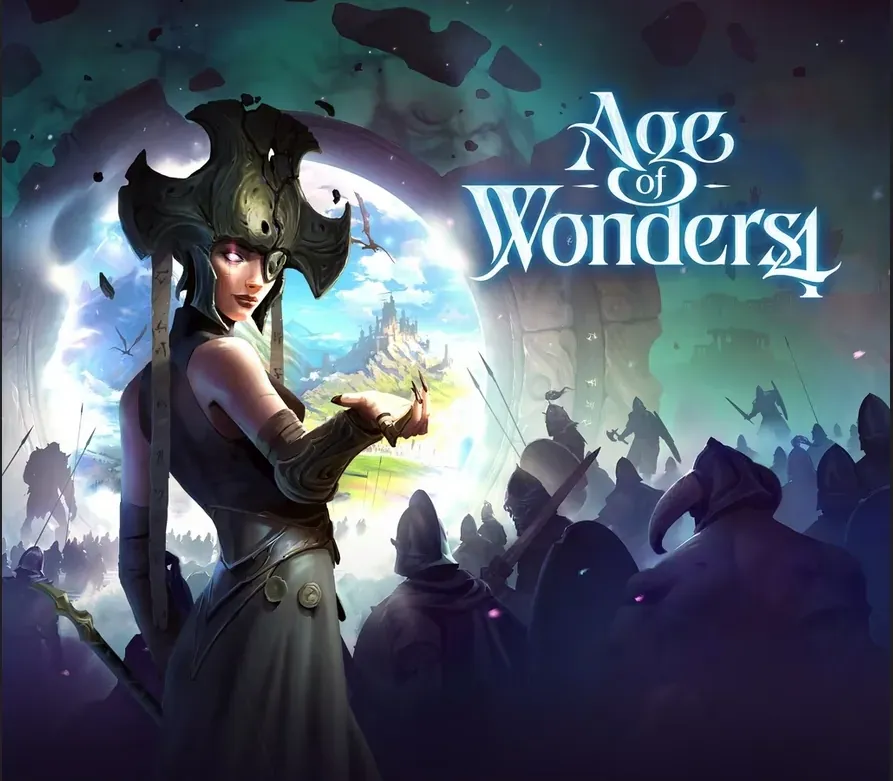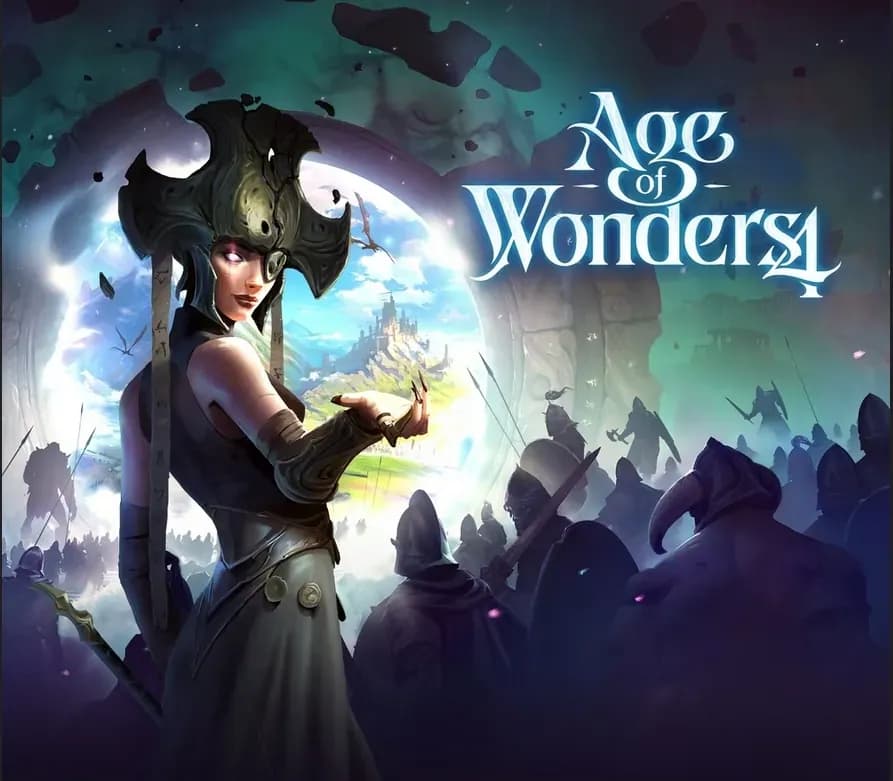
Age of Wonders 4 PC Steam CD Key
Age of Wonders 4 PC Steam CD Key is a digital key for Steam, not region-locked. Delivered instantly after payment. Price: $24.02, 51% below the Steam MSRP of $49.99.
⭐ 153,000+ orders delivered since 2018
 Pago Móvil
 Binance Pay
Compare editions
See what's included in each edition
About this game
Rule a fantasy realm of your own design in Age of Wonders 4! Explore new magical realms in Age of Wonders’ signature blend of 4X strategy and turn-based tactical combat. Control a faction that grows and changes as you expand your empire with each turn.
Triumph Studios’ award-winning strategy series has emerged into a new age, evolving the game’s iconic empire building, role-playing, and warfare to the next level. A new storytelling event system and hugely customizable empires provide an endlessly replayable experience, where each game adds a new chapter to your ever-growing saga.
Powerful Wizard Kings have returned to the realms to reign as gods among mortals. Claim and master the Tomes of Magic to evolve your people, and prepare for an epic battle that will determine the ages to come.
- Craft your followers by combining bodily forms, societal traits and arcane powers. Build anything from a clan of cannibal halflings to mystic moon elves, or recreate your favorite fantasy tropes
- Seek powerful tomes of magic to enchant your armies and evolve your people! See your people physically change as they morph into angelic beings or scions of chaos to face their enemies.
- Seek glory through brutal domination, cunning alliances, or ultimate arcane knowledge, and write your legacy into the very fabric of the realm itself!
- Every choice opens up new possibilities and tactical advantages; deep, multilayered strategy allows you to try new tactics or explore new powers at every turn
- Tactical turn-based battles bring your armies to life, showcasing their power in an environment shaped by your decisions. From skirmishes with roaming monsters to vast sieges with dozens of units on each side, with the addition of a morale system and more features, every battle brings a fresh challenge
- Tremendous variety in empires, units, and environments keep the game endlessly replayable. Age of Wonders is more moddable and open-ended than ever in the series’ history
- Explore a new realm with each game - or create your own! Challenge new variations and combinations of locations and features, from frozen wastelands ruled by ice queens to desolated ruins where dragons roam
- A new event system provides unexpected levels of storytelling for 4X games. See your decisions shape the world around you, from growing cities and roaming armies to world-warping magic effects
System Requirements
Minimum
- OS: Windows® 10 Home 64 Bit (version 21H1)
- Processor: Intel® Core™ i5-2500K or AMD® Ryzen™ 5 1600X
- Memory: 8 GB RAM
- Graphics: Nvidia® GeForce™ GTX 670 (2GB) or AMD® Radeon™ HD 7870 (2GB) or Intel® Arc™ A380 (6GB) or Intel® Iris™ Xe G7 (Tiger Lake) or AMD® Radeon™ Vega 8
- DirectX: Version 12
- Storage: 35 GB available space
- Additional Notes: 1080p (30FPS)
Recommended
- OS: Windows® 10 Home 64 Bit or Windows® 11 (latest)
- Processor: Intel® Core™ i7-9700K or AMD® Ryzen™ 5 5600X
- Memory: 16 GB RAM
- Graphics: Nvidia® GeForce™ GTX 1070 Ti (8GB) or AMD® Radeon™ RX 5700 XT (8GB)
- DirectX: Version 12
- Storage: >35 GB available space
- Additional Notes: 1080p (60FPS)
How to activate
- Launch the Steam desktop client and log in to your account, or visit store.steampowered.com/account/registerkey in your browser.
- Click the "Games" menu at the top of the client (or click "+ Add a Game" at the bottom-left) and select "Activate a Product on Steam...".
- Follow the on-screen prompts, accept the Steam Subscriber Agreement, and enter your CD-Key in the "Product Code" field.
- Click "Next" and "Finish" to register the game. It will now appear permanently in your Steam Library ready to install.
Customer Reviews
Frequently asked questions
Which region is this for?
This is the Global version: it is not region-locked.
How do I activate Age of Wonders 4 PC Steam CD Key on Steam?
1. Launch the Steam desktop client and log in to your account, or visit store.steampowered.com/account/registerkey in your browser. 2. Click the "Games" menu at the top of the client (or click "+ Add a Game" at the bottom-left) and select "Activate a Product on Steam...". 3. Follow the on-screen prompts, accept the Steam Subscriber Agreement, and enter your CD-Key in the "Product Code" field. 4. Click "Next" and "Finish" to register the game. It will now appear permanently in your Steam Library ready to install.
How fast is delivery?
Your key appears in your account and is emailed to you right after payment.
What does the Standard Edition include?
Base game