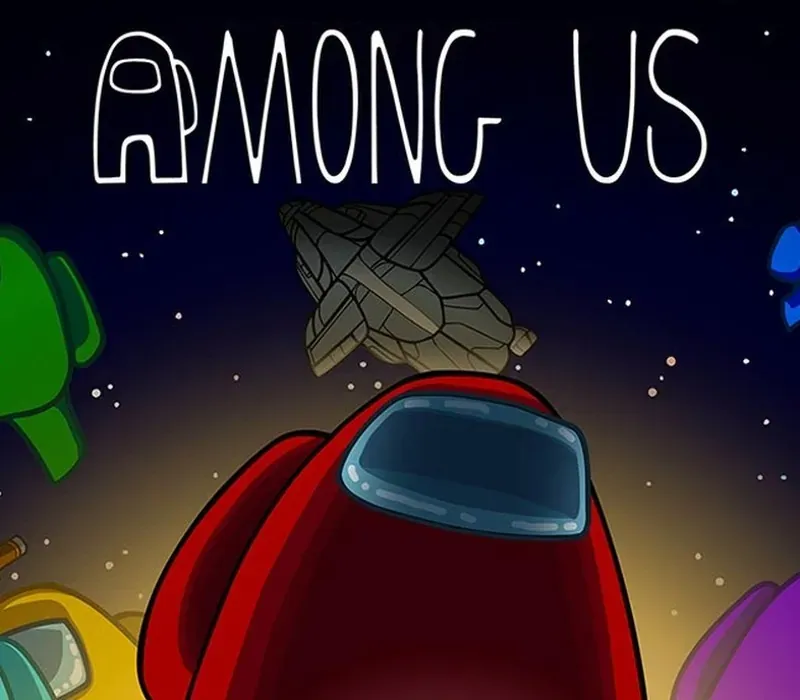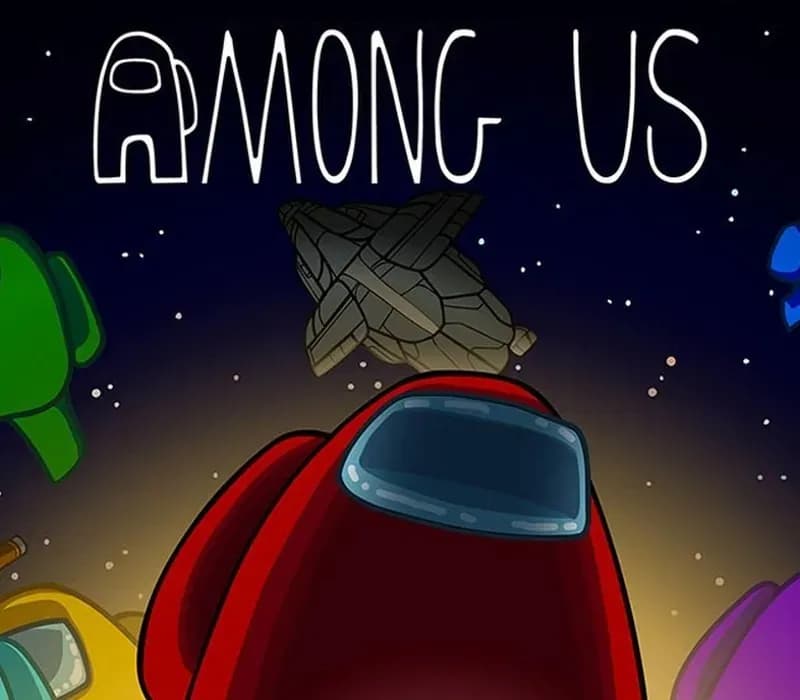

Among Us PC Steam CD Key
Among Us PC Steam CD Key is a digital key for Steam, not region-locked. Delivered instantly after payment. Price: $4.47, 10% below the Steam MSRP of $4.99.
⭐ 153,000+ orders delivered since 2018
 Pago Móvil
 Binance Pay
About this game
Play with 4-10 player online or via local WiFi as you attempt to prepare your spaceship for departure, but beware as one or more random players among the Crew are Impostors bent on killing everyone!
Originally created as a party game, we recommend playing with friends at a LAN party or online using voice chat. Enjoy cross-platform play between Android, iOS and PC.
Features
Customization: Pick your color and hat. Lots of game options: Add more impostors, more tasks, and so much more! Quickly find a game online from the host list. In-game text chat.
Rich discord integration. Cross-platform play between PC, Android, and iOS!
System Requirements
- Windows: OS: Windows 7 SP1+ Processor: SSE2 instruction set support Memory: 1 GB RAM DirectX: Version 10 Storage: 250 MB available space
How to activate
- Launch the Steam desktop client and log in to your account, or visit store.steampowered.com/account/registerkey in your browser.
- Click the "Games" menu at the top of the client (or click "+ Add a Game" at the bottom-left) and select "Activate a Product on Steam...".
- Follow the on-screen prompts, accept the Steam Subscriber Agreement, and enter your CD-Key in the "Product Code" field.
- Click "Next" and "Finish" to register the game. It will now appear permanently in your Steam Library ready to install.
Customer Reviews
Frequently asked questions
Which region is this for?
This is the Global version: it is not region-locked.
How do I activate Among Us PC Steam CD Key on Steam?
1. Launch the Steam desktop client and log in to your account, or visit store.steampowered.com/account/registerkey in your browser. 2. Click the "Games" menu at the top of the client (or click "+ Add a Game" at the bottom-left) and select "Activate a Product on Steam...". 3. Follow the on-screen prompts, accept the Steam Subscriber Agreement, and enter your CD-Key in the "Product Code" field. 4. Click "Next" and "Finish" to register the game. It will now appear permanently in your Steam Library ready to install.
How fast is delivery?
Your key appears in your account and is emailed to you right after payment.