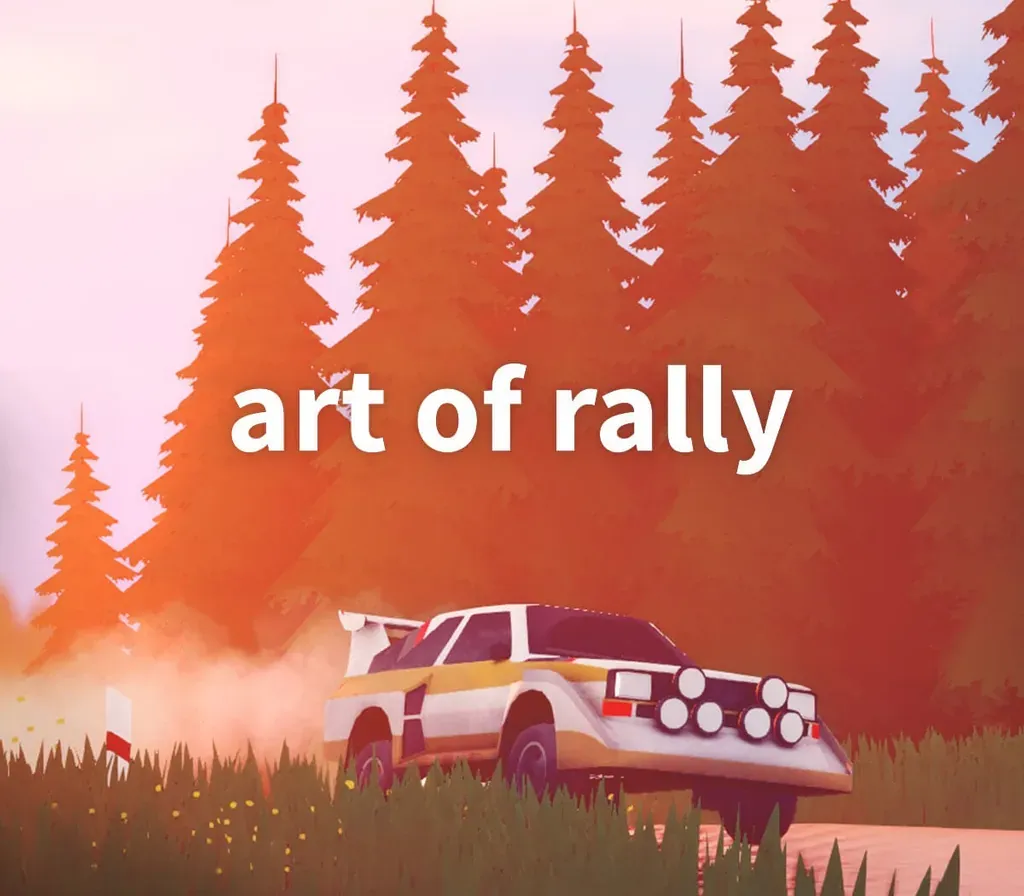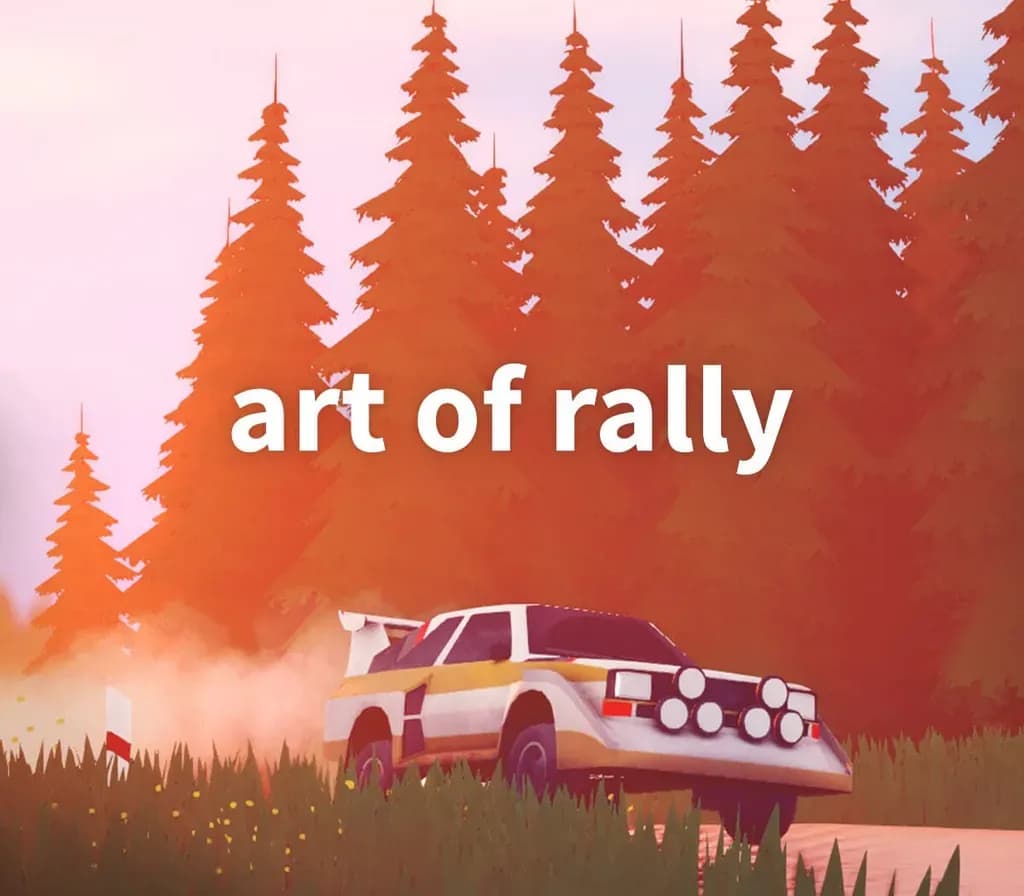

art of rally PC Steam CD Key
art of rally PC Steam CD Key is a digital key for Steam, not region-locked. Delivered instantly after payment. Price: $3.19, 87% below the Steam MSRP of $24.99.
⭐ 153,000+ orders delivered since 2018
 Pago Móvil
 Binance Pay
About this game
"To do something dangerous with style is art...
" art of rally is a stylized experience inspired by the golden era of rally from the creator of Absolute DriftRace across the world through colorful and stylized environments in top-down view.
Compete for first place in the leaderboards with daily and weekly challenges.
Will you master the art of rally?
Features
The golden years of rallyExperience the golden era of rally in Career mode, travelling across 60 stages from Finland to Sardinia, Norway, Japan and Germany. 50+ iconic rally carsGet behind the wheel of your favorite vintage cars, ranging from the 60’s to the 80’s, Group B, Group S and Group A.
Authentic handlingFrom beginner-friendly options to driving modes that’ll challenge the most expert drivers, all players can tackle the races using their favorite rally driving tricks: Scandinavian flick, counter steering, left foot braking, handbrake turns. Race to the topGet your name out at the top of the Leaderboard in our daily and weekly challenges. Photo modeShow off your driving skills, or simply your favourite landscapes, with the integrated Photo and Replay mode.
System Requirements
- Windows: Requires a 64-bit processor and operating system OS: Windows 8 / 10 Processor: Intel Core i3 2.9 GHz or AMD equivalent Memory: 4 GB RAM Graphics: Nvidia GeForce GTX650 or AMD equivalent DirectX: Version 11 Storage: 3 GB available space
- Mac: Requires a 64-bit processor and operating system OS: Mac OS 10.13 Processor: Intel Core i3 2.9 GHz or AMD equivalent Memory: 4 GB RAM Graphics: Nvidia GeForce GTX650 or AMD equivalent Storage: 3 GB available space Additional Notes: MacBook Pro or iMac recommended
- Linux: Requires a 64-bit processor and operating system OS: Ubuntu 16 (64bit) Processor: Intel Core i3 Memory: 4 GB RAM Graphics: Nvidia GeForce GTX650 or AMD equivalent Storage: 3 GB available space
How to activate
- Launch the Steam desktop client and log in to your account, or visit store.steampowered.com/account/registerkey in your browser.
- Click the "Games" menu at the top of the client (or click "+ Add a Game" at the bottom-left) and select "Activate a Product on Steam...".
- Follow the on-screen prompts, accept the Steam Subscriber Agreement, and enter your CD-Key in the "Product Code" field.
- Click "Next" and "Finish" to register the game. It will now appear permanently in your Steam Library ready to install.
Customer Reviews
Frequently asked questions
Which region is this for?
This is the Global version: it is not region-locked.
How do I activate art of rally PC Steam CD Key on Steam?
1. Launch the Steam desktop client and log in to your account, or visit store.steampowered.com/account/registerkey in your browser. 2. Click the "Games" menu at the top of the client (or click "+ Add a Game" at the bottom-left) and select "Activate a Product on Steam...". 3. Follow the on-screen prompts, accept the Steam Subscriber Agreement, and enter your CD-Key in the "Product Code" field. 4. Click "Next" and "Finish" to register the game. It will now appear permanently in your Steam Library ready to install.
How fast is delivery?
Your key appears in your account and is emailed to you right after payment.