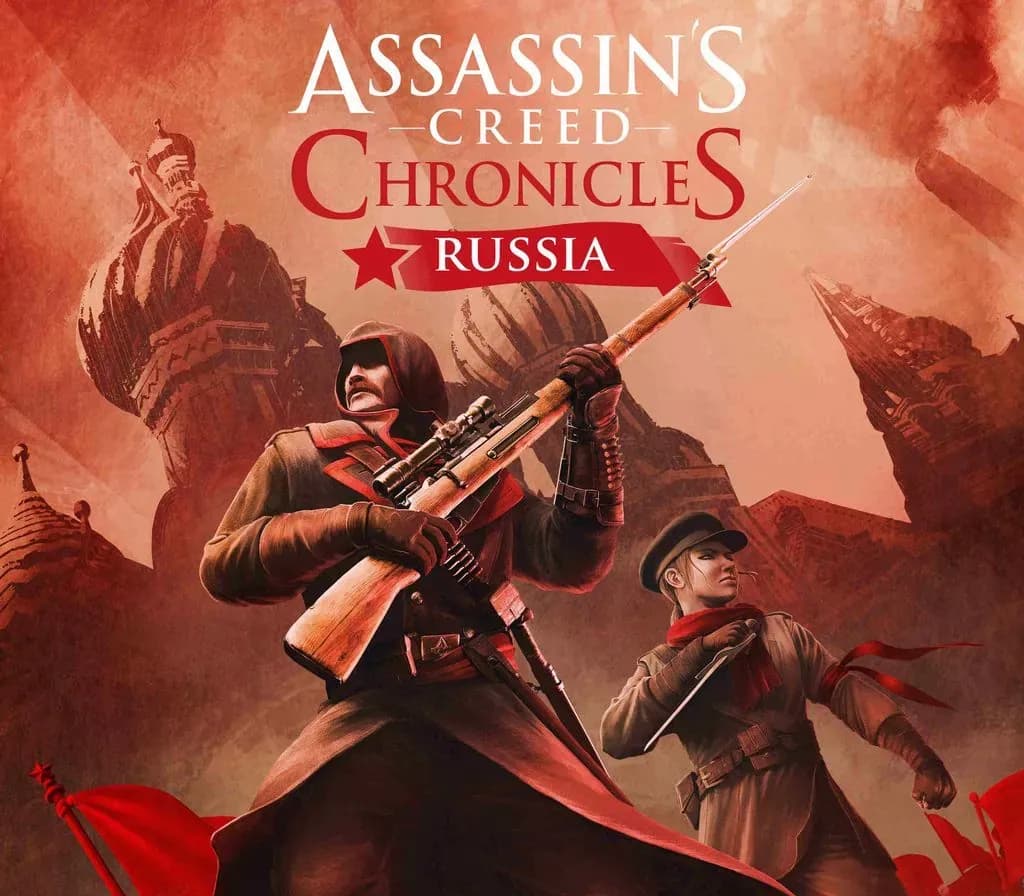
Assassin's Creed Chronicles: Russia Xbox One Account
Assassin's Creed Chronicles: Russia Xbox One Account is a game account for Xbox, not region-locked. Price: $1.66, 83% below the MSRP of $9.99.
Choose your version
Platform
How to buy it
- Xbox
- Global
- Account
154,000+ sales in our store and on marketplaces
 Pago Móvil
 Binance Pay
About this game
Join Nikolaï Orelov in his search for redemption as you journey through an iconic, propaganda art style Russia in 2.5D gameplay.
- Survive the aftermath of October Revolution.
Dive into the middle of a major historical event served by iconic propaganda art style and its revolutionary symbolism. Jump on the famous trans-Siberian train, infiltrate the Kremlin and escape from Moscow!
- Experience the thrill of being a stealthy Assassin in a modern setting.
Explore a new contemporary setting in the 20th century and its modern stealth systems, such as elevators, radios & trip wires. Interact with new vehicles like trucks, trains & tanks.
- Switch between two playable characters.
Embody Nikolaï, snipe targets with his silenced rifle, detonate mines from a distance or get up close with its bayonet. Discover Nikolaï’s Mechanical Winch, a versatile tool that sends electric shocks. Play Anastasia, infiltrate narrow channels and discover her exclusive Helix Blade.
How to activate
- Press the Xbox button on your controller, navigate to "Profile & system" -> "Add or switch" -> "Add new".
- Enter the Microsoft email and password provided in your order details; select "No barriers" for sign-in security.
- Go to Settings -> General -> Personalisation -> "My home Xbox" and select "Make this my home Xbox".
- Open "My games & apps" -> "Full library" -> "Owned games", download the purchased game, then switch back to your main personal profile to play.
About this game
Join Nikolaï Orelov in his search for redemption as you journey through an iconic, propaganda art style Russia in 2.5D gameplay.
- Survive the aftermath of October Revolution.
Dive into the middle of a major historical event served by iconic propaganda art style and its revolutionary symbolism. Jump on the famous trans-Siberian train, infiltrate the Kremlin and escape from Moscow!
- Experience the thrill of being a stealthy Assassin in a modern setting.
Explore a new contemporary setting in the 20th century and its modern stealth systems, such as elevators, radios & trip wires. Interact with new vehicles like trucks, trains & tanks.
- Switch between two playable characters.
Embody Nikolaï, snipe targets with his silenced rifle, detonate mines from a distance or get up close with its bayonet. Discover Nikolaï’s Mechanical Winch, a versatile tool that sends electric shocks. Play Anastasia, infiltrate narrow channels and discover her exclusive Helix Blade.
Customer Reviews
Nobody has reviewed this game yet. If you buy it, tell us how it went.
Frequently asked questions
Which region is this for?
This is the Global version: it is not region-locked.
How do I activate Assassin's Creed Chronicles: Russia Xbox One Account on Xbox?
1. Press the Xbox button on your controller, navigate to "Profile & system" -> "Add or switch" -> "Add new". 2. Enter the Microsoft email and password provided in your order details; select "No barriers" for sign-in security. 3. Go to Settings -> General -> Personalisation -> "My home Xbox" and select "Make this my home Xbox". 4. Open "My games & apps" -> "Full library" -> "Owned games", download the purchased game, then switch back to your main personal profile to play.
What does “account” mean?
You receive login details for a Xbox account that already owns the game.