

Assassin's Creed Chronicles: Russia PC Ubisoft Connect CD Key
Assassin's Creed Chronicles: Russia PC Ubisoft Connect CD Key is a digital key for Ubisoft, not region-locked. Your key arrives as soon as payment clears. Price: $2.02, 79% below the MSRP of $9.99.
Choose your version
Platform
How to buy it
- Ubisoft
- Global
- Product code
154,000+ sales in our store and on marketplaces
 Pago Móvil
 Binance Pay
About this game
Join Nikolaï Orelov in his search for redemption as you journey through an iconic, propaganda art style Russia in 2.5D gameplay.
- Survive the aftermath of October Revolution.
Dive into the middle of a major historical event served by iconic propaganda art style and its revolutionary symbolism. Jump on the famous trans-Siberian train, infiltrate the Kremlin and escape from Moscow!
- Experience the thrill of being a stealthy Assassin in a modern setting.
Explore a new contemporary setting in the 20th century and its modern stealth systems, such as elevators, radios & trip wires. Interact with new vehicles like trucks, trains & tanks.
- Switch between two playable characters.
Embody Nikolaï, snipe targets with his silenced rifle, detonate mines from a distance or get up close with its bayonet. Discover Nikolaï’s Mechanical Winch, a versatile tool that sends electric shocks. Play Anastasia, infiltrate narrow channels and discover her exclusive Helix Blade.
System Requirements
Minimum
- OS: Windows 10 (64-bit versions only)
- Processor: Intel Core 2 Duo E8200 @ 2.6 GHz or AMD Athlon II X2 240 @ 2.8 GHz
- Memory: 2 GB RAM
- Graphics: nVidia GeForce GTS450 or AMD Radeon HD5770 (1024MB VRAM with Shader Model 5.0)
- DirectX: Version 10
- Storage: 4 GB available space
- Sound Card: DirectX Compatible Sound Card with latest drivers
- Additional Notes: Video Drivers: nVidia GeForce 347.52 and AMD Catalyst Omega 14.12
Recommended
- OS: Windows 10 (64-bit versions only)
- Processor: Intel Core i3 2105 @ 3.1 GHz or AMD Phenom II X4 955 @ 3.2 GHz
- Memory: 4 GB RAM
- Graphics: nVidia GeForce GTX 470 or AMD Radeon HD5870 or better (1024MB VRAM with Shader Model 5.0)
- DirectX: Version 10
- Storage: 4 GB available space
- Sound Card: DirectX Compatible Sound Card with latest drivers
- Additional Notes: Video Drivers: nVidia GeForce 347.52 and AMD Catalyst Omega 14.12. Supported video cards at the time of release: nVidia GeForce GTS 450 or better, GTX 500, GTX 600, GTX 700 series; AMD Radeon HD5770 or better, Radeon HD6000, HD7000, R7 200, R9 200 series Note: Laptop versions of these cards may work but are NOT officially supported.
How to activate
- Open the Ubisoft Connect PC application and log in with your Ubisoft account.
- Click on the key icon in the top header or click the three-line menu icon in the top-left and select "Activate a key".
- Enter your activation key into the "Activation Code" text box.
- Click "Activate" to register the game to your Ubisoft account.
- Navigate to the "Games" tab, select the game, and click "Download" to install it.
About this game
Join Nikolaï Orelov in his search for redemption as you journey through an iconic, propaganda art style Russia in 2.5D gameplay.
- Survive the aftermath of October Revolution.
Dive into the middle of a major historical event served by iconic propaganda art style and its revolutionary symbolism. Jump on the famous trans-Siberian train, infiltrate the Kremlin and escape from Moscow!
- Experience the thrill of being a stealthy Assassin in a modern setting.
Explore a new contemporary setting in the 20th century and its modern stealth systems, such as elevators, radios & trip wires. Interact with new vehicles like trucks, trains & tanks.
- Switch between two playable characters.
Embody Nikolaï, snipe targets with his silenced rifle, detonate mines from a distance or get up close with its bayonet. Discover Nikolaï’s Mechanical Winch, a versatile tool that sends electric shocks. Play Anastasia, infiltrate narrow channels and discover her exclusive Helix Blade.
System Requirements
Minimum
- OS: Windows 10 (64-bit versions only)
- Processor: Intel Core 2 Duo E8200 @ 2.6 GHz or AMD Athlon II X2 240 @ 2.8 GHz
- Memory: 2 GB RAM
- Graphics: nVidia GeForce GTS450 or AMD Radeon HD5770 (1024MB VRAM with Shader Model 5.0)
- DirectX: Version 10
- Storage: 4 GB available space
- Sound Card: DirectX Compatible Sound Card with latest drivers
- Additional Notes: Video Drivers: nVidia GeForce 347.52 and AMD Catalyst Omega 14.12
Recommended
- OS: Windows 10 (64-bit versions only)
- Processor: Intel Core i3 2105 @ 3.1 GHz or AMD Phenom II X4 955 @ 3.2 GHz
- Memory: 4 GB RAM
- Graphics: nVidia GeForce GTX 470 or AMD Radeon HD5870 or better (1024MB VRAM with Shader Model 5.0)
- DirectX: Version 10
- Storage: 4 GB available space
- Sound Card: DirectX Compatible Sound Card with latest drivers
- Additional Notes: Video Drivers: nVidia GeForce 347.52 and AMD Catalyst Omega 14.12. Supported video cards at the time of release: nVidia GeForce GTS 450 or better, GTX 500, GTX 600, GTX 700 series; AMD Radeon HD5770 or better, Radeon HD6000, HD7000, R7 200, R9 200 series Note: Laptop versions of these cards may work but are NOT officially supported.
Customer Reviews
Nobody has reviewed this game yet. If you buy it, tell us how it went.
Frequently asked questions
Which region is this for?
This is the Global version: it is not region-locked.
How do I activate Assassin's Creed Chronicles: Russia PC Ubisoft Connect CD Key on Ubisoft?
1. Open the Ubisoft Connect PC application and log in with your Ubisoft account. 2. Click on the key icon in the top header or click the three-line menu icon in the top-left and select "Activate a key". 3. Enter your activation key into the "Activation Code" text box. 4. Click "Activate" to register the game to your Ubisoft account. 5. Navigate to the "Games" tab, select the game, and click "Download" to install it.
How fast is delivery?
Your key appears in your account and is emailed to you right after payment.
You may also like

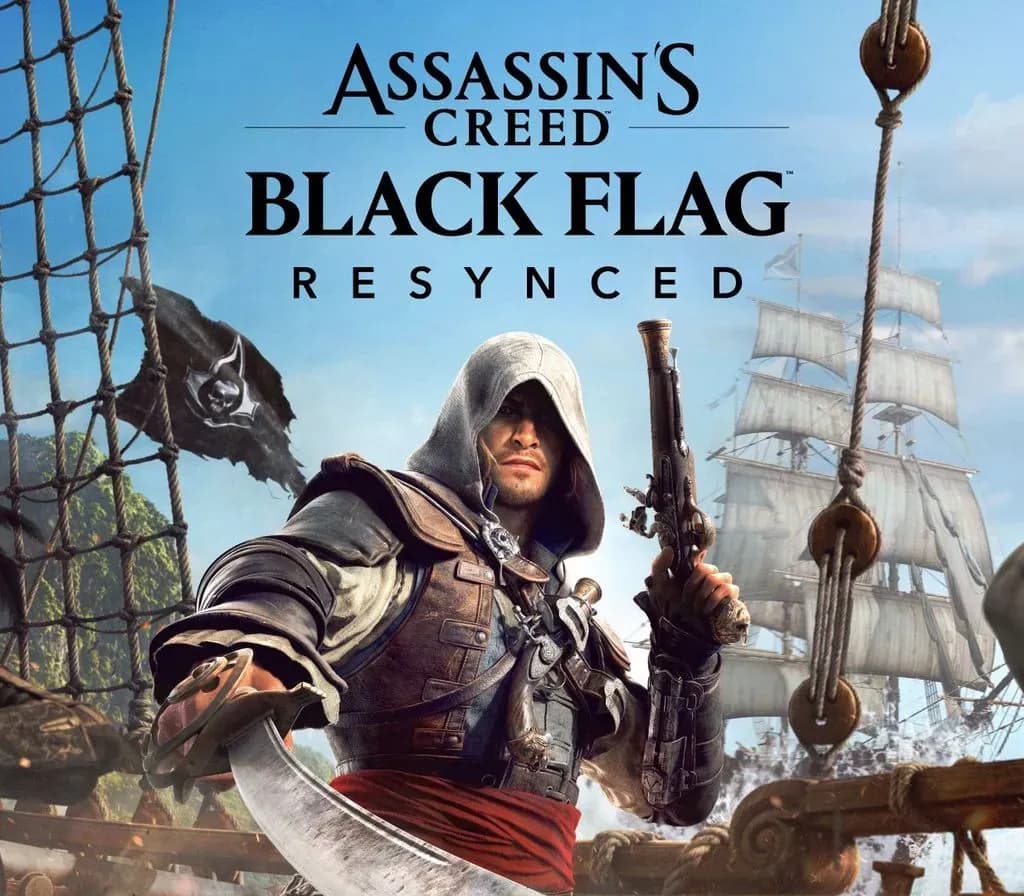
Assassin's Creed Black Flag Resynced PC Ubisoft Connect CD Key (EU)
$49.45


Assassin's Creed Shadows - Claws of Awaji PC Ubisoft Connect CD Key (EU)
$15.92


Assassin's Creed Shadows Premium Edition PC Ubisoft Connect CD Key (EU)
$45.81

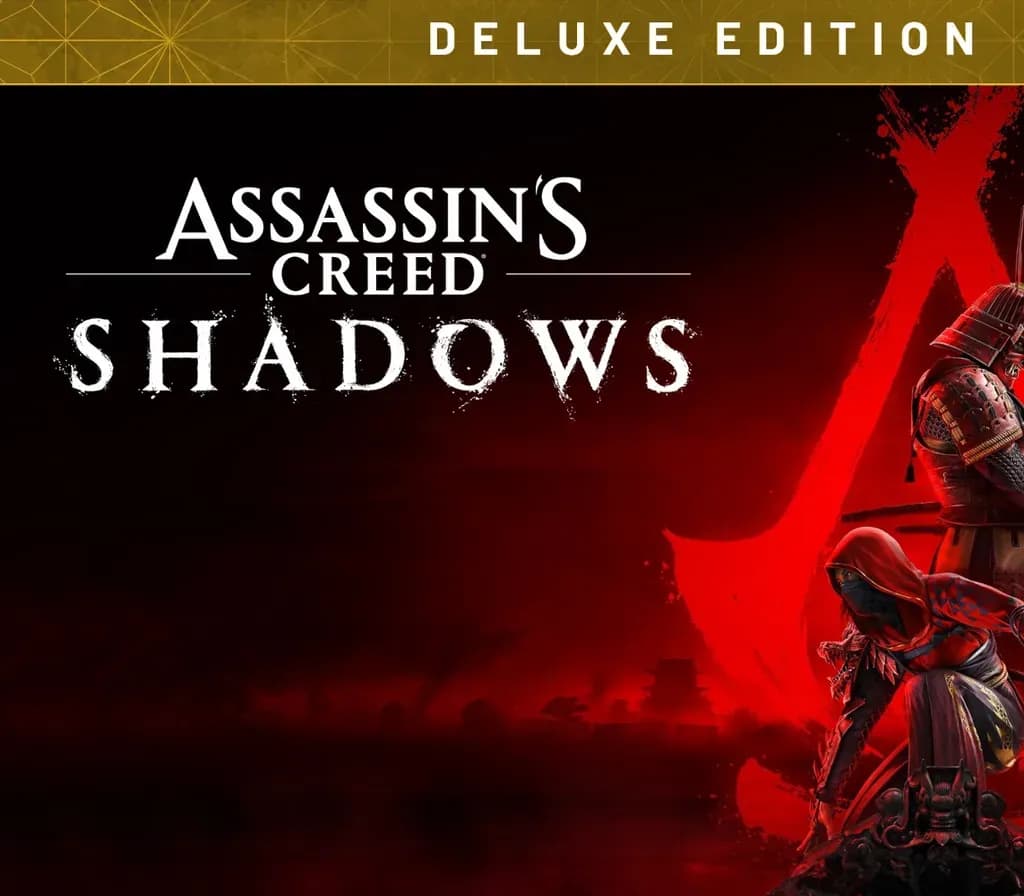
Assassin's Creed Shadows Digital Deluxe Edition PC Ubisoft Connect CD Key (EU)
$34.68