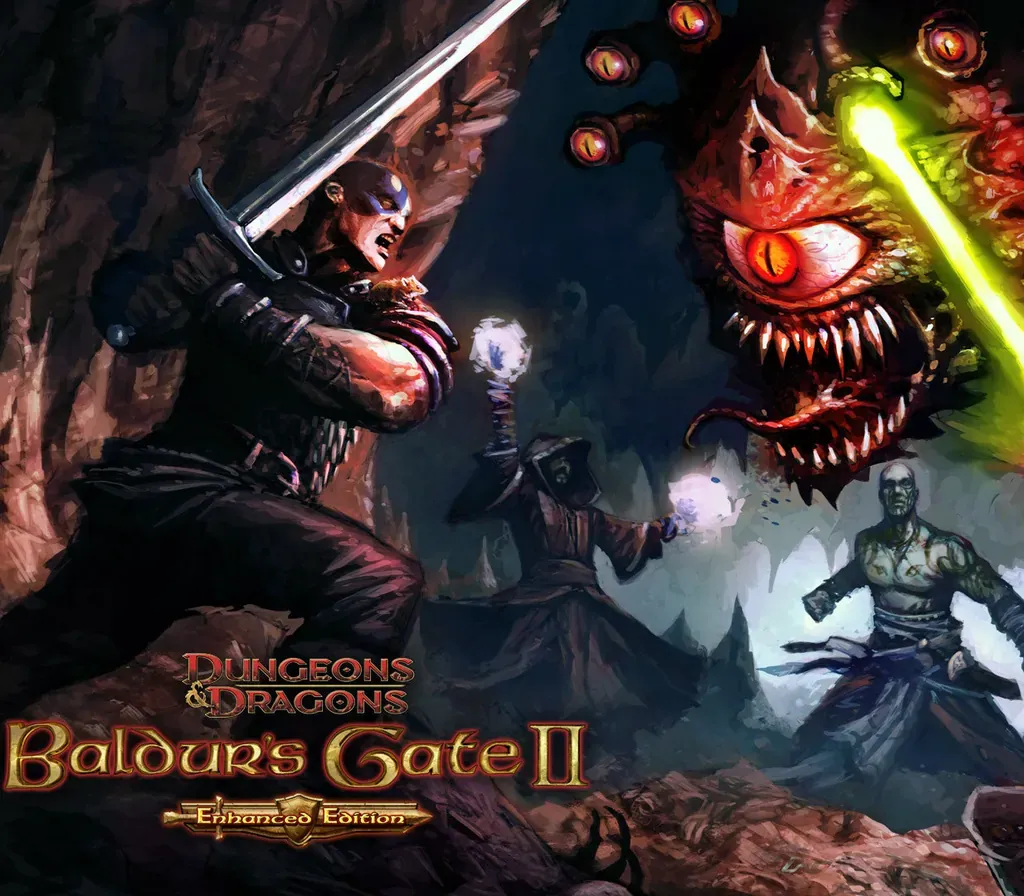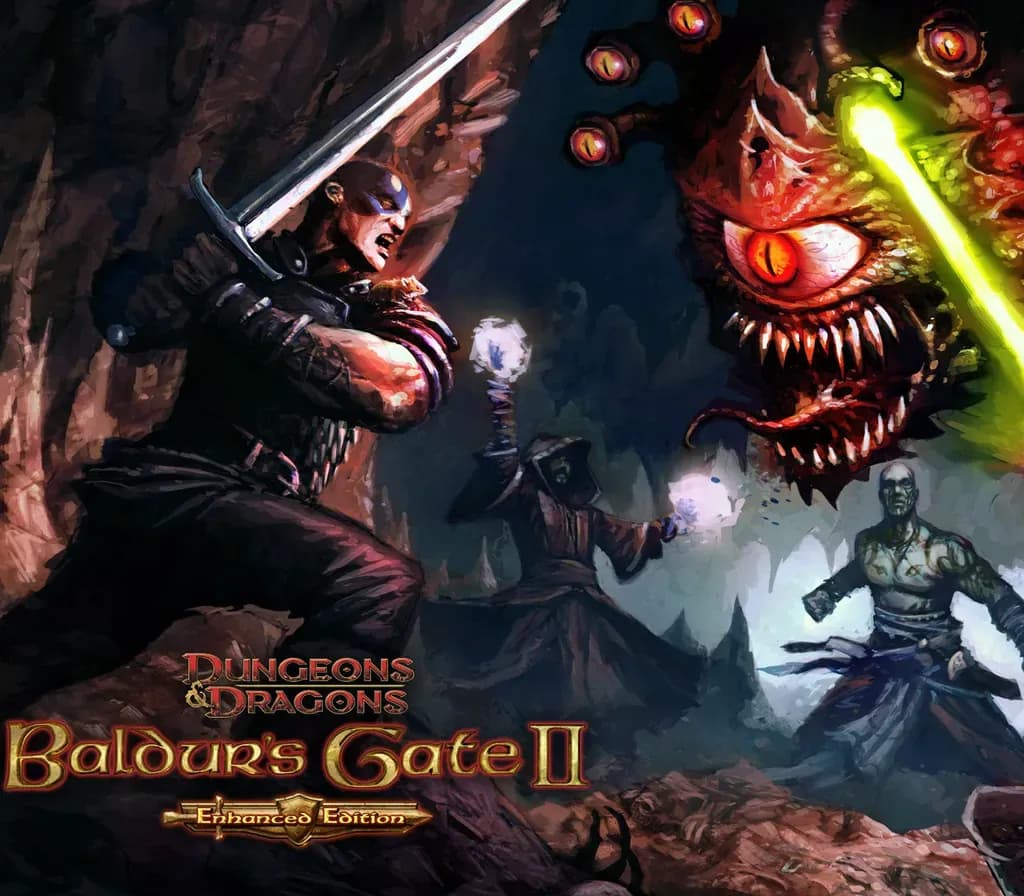

Baldur's Gate II: Enhanced Edition PC Steam CD Key
Baldur's Gate II: Enhanced Edition PC Steam CD Key is a digital key for Steam, not region-locked. Delivered instantly after payment. Price: $3.06, 84% below the Steam MSRP of $19.99.
⭐ 153,000+ orders delivered since 2018
 Pago Móvil
 Binance Pay
About this game
Kidnapped. Imprisoned. Tortured. The wizard Irenicus holds you captive in his stronghold, attempting to strip you of the powers that are your birthright.
Can you resist the evil within you, forge a legend of heroic proportions, and ultimately destroy the dark essence that haunts your dreams? Or will you embrace your monstrous nature, carve a swath of destruction across the realms, and ascend to godhood as the new Lord of Murder? Baldur's Gate II: Enhanced Edition brings this critically acclaimed role-playing experience to back to life.
Features
The Final Chapter - Baldur's Gate II: Enhanced Edition includes Baldur's Gate II: Shadows of Amn and Baldur's Gate II: Throne of Bhaal, the epic conclusion of the Bhaalspawn saga. Four New Party Members - Bundled with Baldur's Gate II: Enhanced Edition are four new characters that can join you on your journey. The Black Pits 2: Gladiators of Thay - Explore the tactical depth of high-level Dungeons & Dragons combat.
Undermine your captors and prey upon their weaknesses while you dodge traps and battle for your life against Demi-Liches, Mind Flayers, and Githyanki. Easy Multiplayer - Baldur's Gate II: Enhanced Edition makes it easy to find, list, and join multiplayer games, even while behind a firewall. Widescreen and More - Baldur's Gate II: Enhanced Edition features full widescreen support, remastered area artwork from original renders, and a host of other interface and gameplay
System Requirements
- Windows: Minimum: OS *: Windows 7, 8.1, 10 64 bit Processor: Dual Core Processor Memory: 1 GB RAM Graphics: OpenGL 2.0 compatible Storage: 4 GB available space
- Linux: Minimum: OS: Ubuntu 18.04 or equivalent Processor: Dual Core Processor Memory: 1 GB RAM Graphics: OpenGL 2.0 compatible Storage: 4 GB available space
- Mac: Minimum: OS: OS X 10.9 Processor: Dual Core Processor Memory: 1 GB RAM Graphics: OpenGL 2.0 compatible Storage: 4 GB available space
How to activate
- Launch the Steam desktop client and log in to your account, or visit store.steampowered.com/account/registerkey in your browser.
- Click the "Games" menu at the top of the client (or click "+ Add a Game" at the bottom-left) and select "Activate a Product on Steam...".
- Follow the on-screen prompts, accept the Steam Subscriber Agreement, and enter your CD-Key in the "Product Code" field.
- Click "Next" and "Finish" to register the game. It will now appear permanently in your Steam Library ready to install.
Customer Reviews
Frequently asked questions
Which region is this for?
This is the Global version: it is not region-locked.
How do I activate Baldur's Gate II: Enhanced Edition PC Steam CD Key on Steam?
1. Launch the Steam desktop client and log in to your account, or visit store.steampowered.com/account/registerkey in your browser. 2. Click the "Games" menu at the top of the client (or click "+ Add a Game" at the bottom-left) and select "Activate a Product on Steam...". 3. Follow the on-screen prompts, accept the Steam Subscriber Agreement, and enter your CD-Key in the "Product Code" field. 4. Click "Next" and "Finish" to register the game. It will now appear permanently in your Steam Library ready to install.
How fast is delivery?
Your key appears in your account and is emailed to you right after payment.