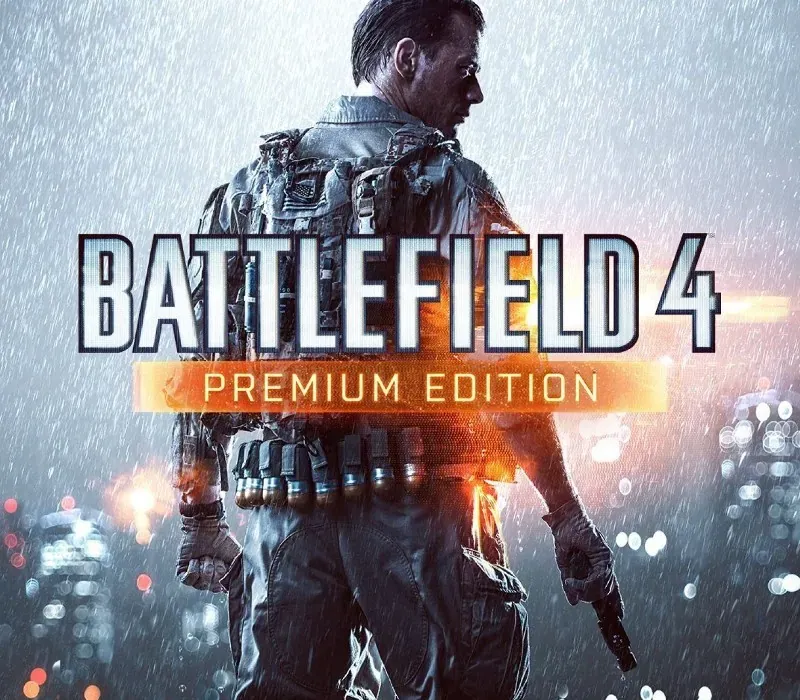
Battlefield 4 Premium Edition - EA App Key - GLOBAL (EN/ES/FR/PT/RU/CH/CZ/DU/IT/KR/PL) PC EA App CD Key
Battlefield 4 Premium Edition - EA App Key - GLOBAL (EN/ES/FR/PT/RU/CH/CZ/DU/IT/KR/PL) PC EA App CD Key is a digital key for EA App, not region-locked. Delivered instantly after payment.
⭐ 153,000+ orders delivered since 2018
 Pago Móvil
 Binance Pay
Choose your edition
Edition
Delivery
About this game
Experience comprehensive military combat with Battlefield 4 Premium Edition on PC. Redeem your EA App key to access multiple language options including English, Spanish, French, Portuguese, Russian, Chinese, Czech, Dutch, Italian, Korean, and Polish through the EA App.
How to activate
- Launch the EA App on your PC and log into your EA Account, or visit ea.com/redeem in your web browser.
- Click on "My Collection" in the left sidebar.
- Click the "Redeem Code" button located in the top-right corner of your collection.
- Enter your product code into the text box.
- Click "Next" and "Confirm". The game is added to "My Collection" ready to download.
Customer Reviews
Frequently asked questions
Which region is this for?
This is the Global version: it is not region-locked.
How do I activate Battlefield 4 Premium Edition - EA App Key - GLOBAL (EN/ES/FR/PT/RU/CH/CZ/DU/IT/KR/PL) PC EA App CD Key on EA App?
1. Launch the EA App on your PC and log into your EA Account, or visit ea.com/redeem in your web browser. 2. Click on "My Collection" in the left sidebar. 3. Click the "Redeem Code" button located in the top-right corner of your collection. 4. Enter your product code into the text box. 5. Click "Next" and "Confirm". The game is added to "My Collection" ready to download.
How fast is delivery?
Your key appears in your account and is emailed to you right after payment.