BlazBlue Centralfiction PC Steam CD Key
BlazBlue Centralfiction PC Steam CD Key is a digital key for Steam, not region-locked. Delivered instantly after payment.
⭐ 153,000+ orders delivered since 2018
 Pago Móvil
 Binance Pay
About this game
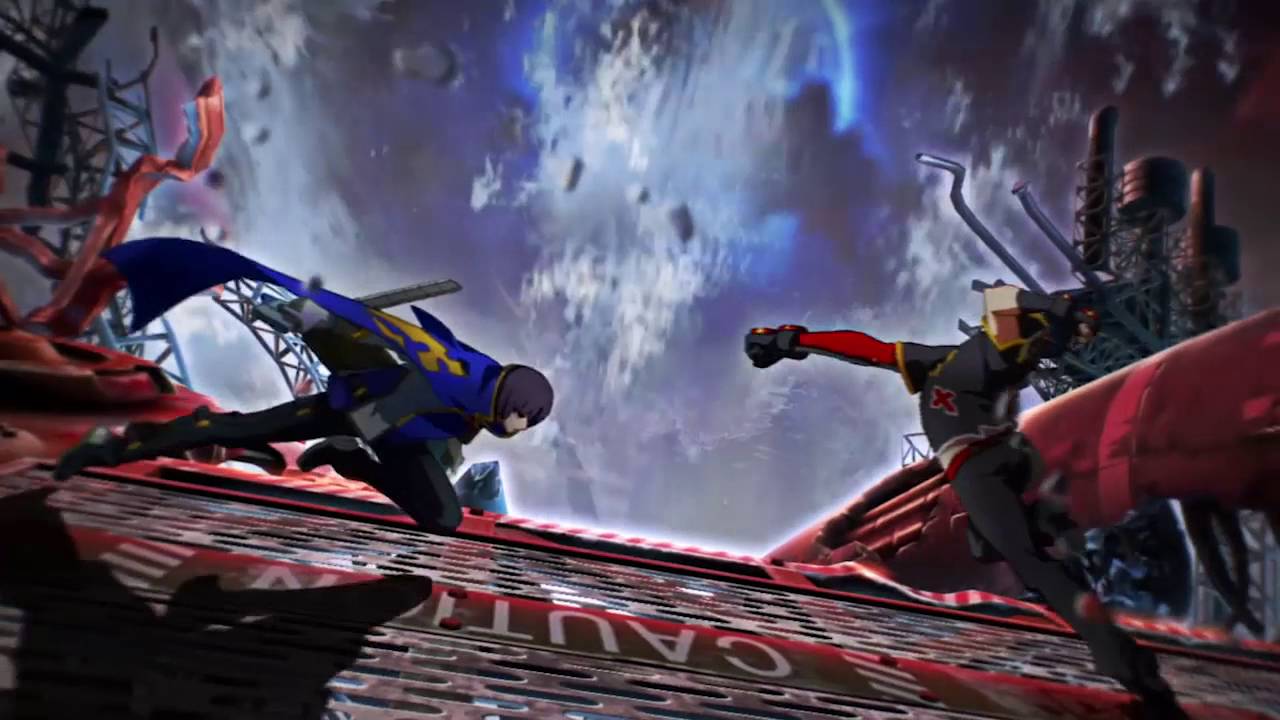
Combining 2D fighting game and visual novel, the BlazBlue series has been supported by many fighting game fans. The latest installation, BlazBlue: Centralfiction, serves as the ending to the Azure Saga and reveals the truth that has ever been in mystery.
Features
Overdrive Each character can strengthen his/her unique ability for a specific period of time. When [Overdrive] is triggered, the Overdrive icon changes into a purple gauge. This gauge will decrease over time, and [Overdrive] will end when the gauge depletes. [Overdrive] lasts longer if your character's health is low. During activation, the round timer also stops.
After [Overdrive] has ended, the Overdrive icon will show a number counter. Overdrive can be used again when the number reaches 10. The number increases over time or damage taken, but during [Active Flow], it charges much faster. Exceed Accel A powerful attack that can be used during [Overdrive] state. [Overdrive] state immediately ends upon usage.
When activated during [Active Flow], the damage and effects are significantly boosted. Active Flow Fighting aggressively and landing attacks, or using heat gauge etc. will trigger the [Active Flow] state. Enhances the attack power and shortens the [Overdrive] cool time etc. to make fighting conditions more favorable.
System Requirements
- Windows: OS: Windows 7 / 8 / 8.1 Processor: Intel Core i5 / i7 Memory: 4 GB RAM Graphics: nVidia GeForce 8800 GT or better / AMD Radeon HD3700 / nVidia GeForce GT 650 (Windows 8.1) DirectX: Version 9.0 Storage: 52 GB available space Sound Card: Direct Sound
How to activate
- Launch the Steam desktop client and log in to your account, or visit store.steampowered.com/account/registerkey in your browser.
- Click the "Games" menu at the top of the client (or click "+ Add a Game" at the bottom-left) and select "Activate a Product on Steam...".
- Follow the on-screen prompts, accept the Steam Subscriber Agreement, and enter your CD-Key in the "Product Code" field.
- Click "Next" and "Finish" to register the game. It will now appear permanently in your Steam Library ready to install.
Customer Reviews
Frequently asked questions
Which region is this for?
This is the Global version: it is not region-locked.
How do I activate BlazBlue Centralfiction PC Steam CD Key on Steam?
1. Launch the Steam desktop client and log in to your account, or visit store.steampowered.com/account/registerkey in your browser. 2. Click the "Games" menu at the top of the client (or click "+ Add a Game" at the bottom-left) and select "Activate a Product on Steam...". 3. Follow the on-screen prompts, accept the Steam Subscriber Agreement, and enter your CD-Key in the "Product Code" field. 4. Click "Next" and "Finish" to register the game. It will now appear permanently in your Steam Library ready to install.
How fast is delivery?
Your key appears in your account and is emailed to you right after payment.