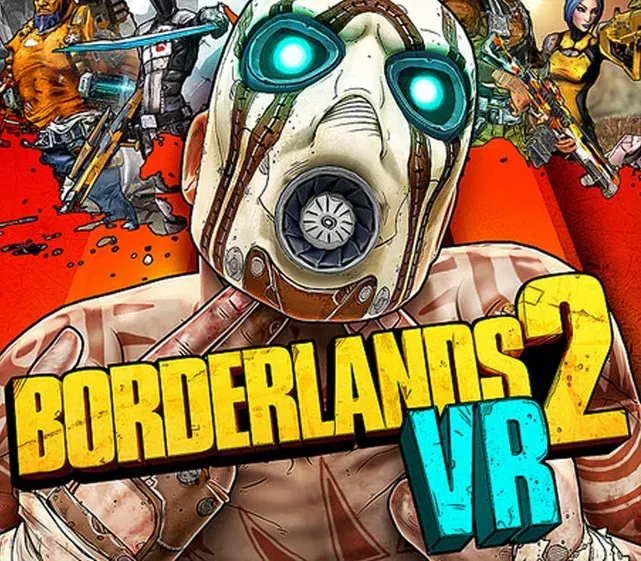
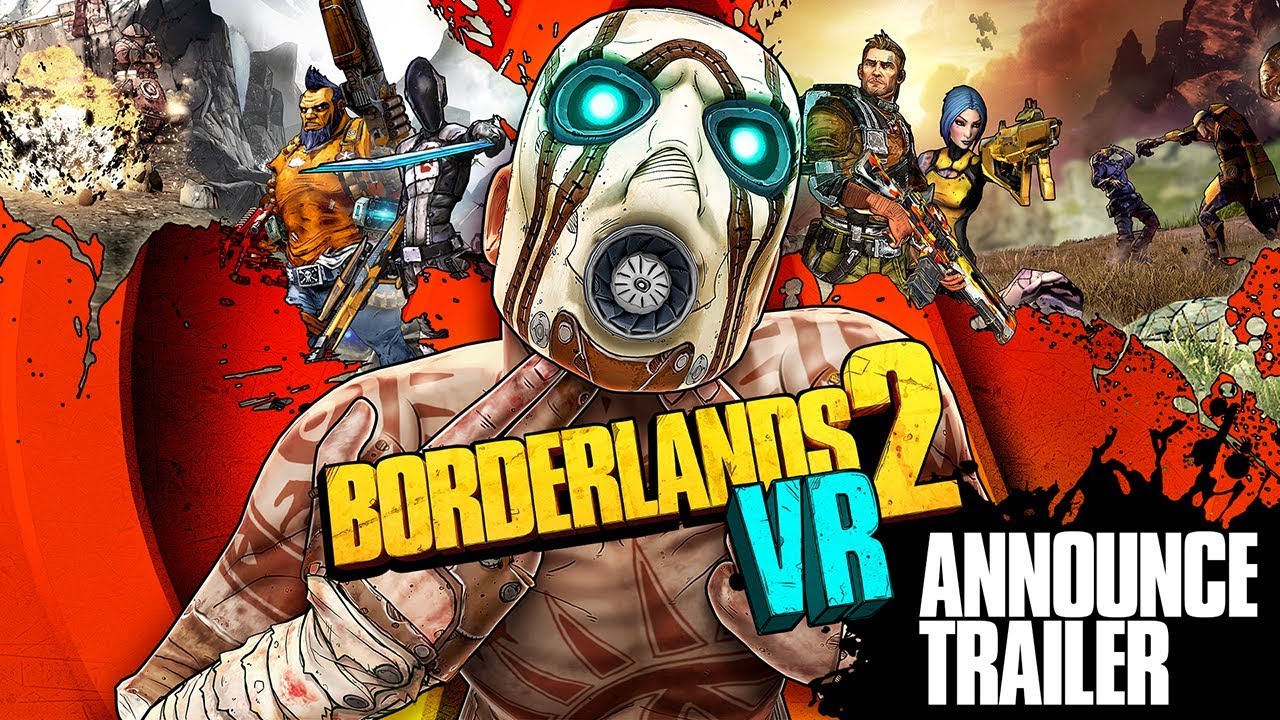
Borderlands 2 VR PC Steam CD Key
Borderlands 2 VR PC Steam CD Key is a digital key for Steam, not region-locked. Delivered instantly after payment.
⭐ 153,000+ orders delivered since 2018
 Pago Móvil
 Binance Pay
About this game
The iconic shooter-looter gets in your face! Virtually immerse yourself in the untamed world of Borderlands. Step into the boots of a treasure-seeking Vault Hunter armed with 87 bazillion guns on a quest to line your pockets with loot. Blast bandits with real-world aiming, punch psychos in the mouth, race across the desert in stolen bandit vehicles and free Pandora from Handsome Jack’s clutches!
Features
PUT ON YOUR VIRTUAL BOOTS -
Become one of four playable classes: Siren, Commando, Gunzerker and Assassin, each with unique skillsets and combat styles!
GET VIRTUALLY LOADED -
Shoot-and-loot with bazillions of procedurally-generated guns, each with their own capabilities and modifiers. Plus, lust after procedurally-generated shields, grenades, relics, class mods and more for maximum power and mayhem!
VIRTUALLY SLOW TIME -
Use the new Slow-Mo ability to set up your next attack! Plus, with Teleport, glide across Pandora as gracefully as Claptrap, if he had grace.
System Requirements
- Windows: Requires a 64-bit processor and operating system OS: 64-bit: Windows® 10 (latest updates) Processor: Intel Core i5-4590/AMD FX 8370 equivalent or better Memory: 8 GB RAM Graphics: NVIDIA GTX 1050 Ti / AMD Radeon RX 470 or greater DirectX: Version 11 Storage: 5 GB available space Sound Card: DirectX 9.0c Compatible sound card
How to activate
- Launch the Steam desktop client and log in to your account, or visit store.steampowered.com/account/registerkey in your browser.
- Click the "Games" menu at the top of the client (or click "+ Add a Game" at the bottom-left) and select "Activate a Product on Steam...".
- Follow the on-screen prompts, accept the Steam Subscriber Agreement, and enter your CD-Key in the "Product Code" field.
- Click "Next" and "Finish" to register the game. It will now appear permanently in your Steam Library ready to install.
Customer Reviews
Frequently asked questions
Which region is this for?
This is the Global version: it is not region-locked.
How do I activate Borderlands 2 VR PC Steam CD Key on Steam?
1. Launch the Steam desktop client and log in to your account, or visit store.steampowered.com/account/registerkey in your browser. 2. Click the "Games" menu at the top of the client (or click "+ Add a Game" at the bottom-left) and select "Activate a Product on Steam...". 3. Follow the on-screen prompts, accept the Steam Subscriber Agreement, and enter your CD-Key in the "Product Code" field. 4. Click "Next" and "Finish" to register the game. It will now appear permanently in your Steam Library ready to install.
How fast is delivery?
Your key appears in your account and is emailed to you right after payment.