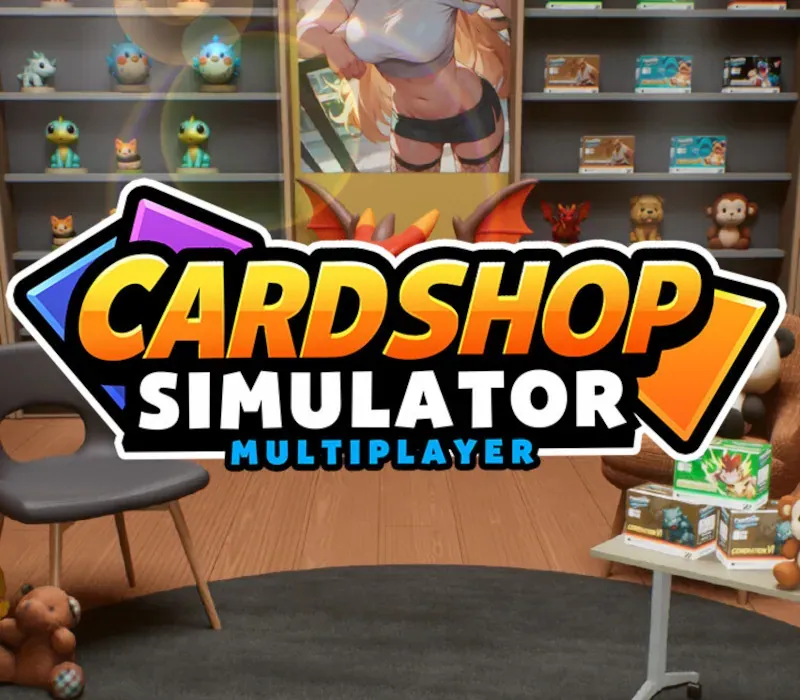

Card Shop Simulator Multiplayer PC Steam CD Key
Card Shop Simulator Multiplayer PC Steam CD Key is a digital key for Steam, not region-locked. Delivered instantly after payment. Price: $4.26, 64% below the Steam MSRP of $11.99.
⭐ 153,000+ orders delivered since 2018
 Pago Móvil
 Binance Pay
About this game
Card Shop Simulator Multiplayer is a trading card shop simulation where you sell card packs to earn money and build your card shop business.
BUILD YOUR DREAM CARD SHOP
Design your own Pukémoe card shop. Organize shelves and card packs to make customer shopping experience smooth and easy.
UNSTOPPABLE UNPACKING!
Enjoy opening cards packs as much as you want to. Test your luck and find super rare cards to complete your Pukémoe card collection.
CARD DUEL!
BET YOUR CARDS!
Take the cards as the bet, play card battles with NPC and your friends. If you win, you can take their cards into your collection!' LUCK MATTERS! Explore the street to find treasures, interesting random activities awaiting, more hiding secrets. Remember that 'LUCK determines a lot'!
System Requirements
- Windows: Minimum: OS: Windows 10 Processor: Intel i5 9600K Memory: 8 GB RAM Graphics: GeForce GTX 1660 DirectX: Version 11 Storage: 10 GB available space
How to activate
- Launch the Steam desktop client and log in to your account, or visit store.steampowered.com/account/registerkey in your browser.
- Click the "Games" menu at the top of the client (or click "+ Add a Game" at the bottom-left) and select "Activate a Product on Steam...".
- Follow the on-screen prompts, accept the Steam Subscriber Agreement, and enter your CD-Key in the "Product Code" field.
- Click "Next" and "Finish" to register the game. It will now appear permanently in your Steam Library ready to install.
Customer Reviews
Frequently asked questions
Which region is this for?
This is the Global version: it is not region-locked.
How do I activate Card Shop Simulator Multiplayer PC Steam CD Key on Steam?
1. Launch the Steam desktop client and log in to your account, or visit store.steampowered.com/account/registerkey in your browser. 2. Click the "Games" menu at the top of the client (or click "+ Add a Game" at the bottom-left) and select "Activate a Product on Steam...". 3. Follow the on-screen prompts, accept the Steam Subscriber Agreement, and enter your CD-Key in the "Product Code" field. 4. Click "Next" and "Finish" to register the game. It will now appear permanently in your Steam Library ready to install.
How fast is delivery?
Your key appears in your account and is emailed to you right after payment.