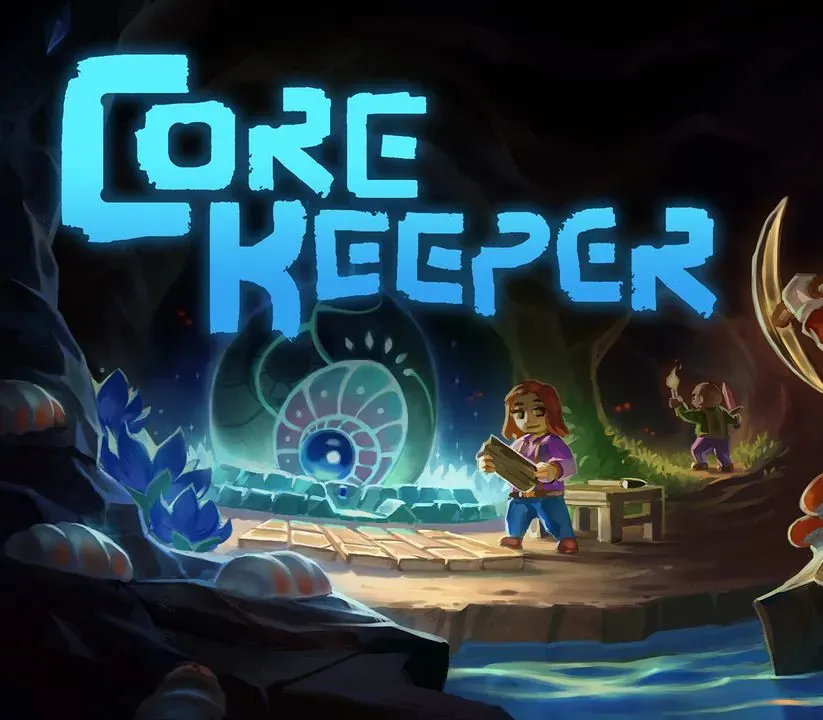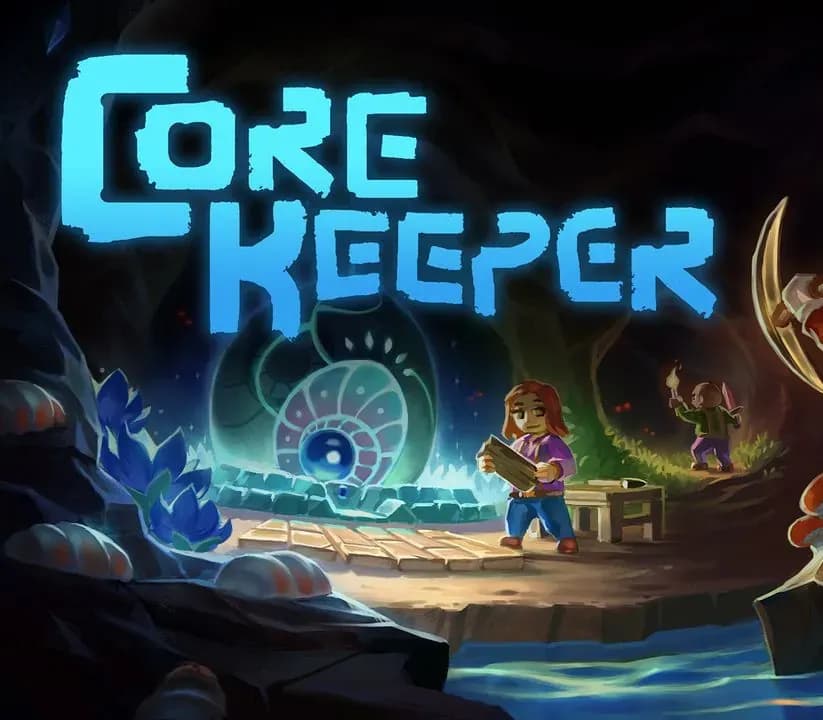

Core Keeper PC Steam CD Key
Core Keeper PC Steam CD Key is a digital key for Steam, not region-locked. Delivered instantly after payment. Price: $8.83, 55% below the Steam MSRP of $19.99.
⭐ 153,000+ orders delivered since 2018
 Pago Móvil
 Binance Pay
About this game
Drawn towards a mysterious relic, you are an explorer who awakens in an ancient cavern of creatures, resources and trinkets. Trapped deep underground will your survival skills be up to the task?
Mine relics and resources to build your base, craft new equipment, survive, and power up the Core. Defeat giant monsters, discover hidden secrets, farm crops, cook new recipes and explore a procedurally generated underground world in a mining sandbox adventure for 1-8 players.
Features
Explore a vast underground cave of endless resources. Mine resources, discover hidden crystals, fossils & trinkets and survive a procedurally generated underground world. Expand your base from humble beginnings to a vast homestead. Build workbenches and generators to craft new equipment and technology, create your base, and power up your Core.
Customise your explorer and craft new items, armour and equipment to venture further into the cave. Craft a pickaxe to mine walls and resources, build bridges to cross underground lakes, and place torches and bonfires to light up the darkness. Plant seeds and nurture crops to grow food, or combine ingredients in the cooking pot to discover tasty new recipes with unexpected buffs. Explore living biomes and fight cavernous creatures in a simulated underground ecosystem.
Defeat giant beasts to claim their crystals and continue the adventure. Survive alone or play online with up to 7 other players. Visit their caverns or invite them into yours, working together to mine resources, fight, farm, craft and survive. Find massive bosses in an infinite, procedurally generated world with endless gameplay and resources.
System Requirements
- Windows: Minimum: Requires a 64-bit processor and operating system OS: Windows 10 x64 Processor: Intel Core i3-6100 3.70GHz / AMD A4-4020 APU with Radeon 3.2 GHz Memory: 8 GB RAM Graphics: Nvidia GTX950
- Linux: Minimum: Requires a 64-bit processor and operating system OS: Linux (Ubuntu 20.04) Processor: Intel Core i5-8400 2.8 GHz Graphics: Nvidia GTX950
How to activate
- Launch the Steam desktop client and log in to your account, or visit store.steampowered.com/account/registerkey in your browser.
- Click the "Games" menu at the top of the client (or click "+ Add a Game" at the bottom-left) and select "Activate a Product on Steam...".
- Follow the on-screen prompts, accept the Steam Subscriber Agreement, and enter your CD-Key in the "Product Code" field.
- Click "Next" and "Finish" to register the game. It will now appear permanently in your Steam Library ready to install.
Customer Reviews
Frequently asked questions
Which region is this for?
This is the Global version: it is not region-locked.
How do I activate Core Keeper PC Steam CD Key on Steam?
1. Launch the Steam desktop client and log in to your account, or visit store.steampowered.com/account/registerkey in your browser. 2. Click the "Games" menu at the top of the client (or click "+ Add a Game" at the bottom-left) and select "Activate a Product on Steam...". 3. Follow the on-screen prompts, accept the Steam Subscriber Agreement, and enter your CD-Key in the "Product Code" field. 4. Click "Next" and "Finish" to register the game. It will now appear permanently in your Steam Library ready to install.
How fast is delivery?
Your key appears in your account and is emailed to you right after payment.