
Cuphead PC Steam Gift
Cuphead PC Steam Gift is a gift for Steam, not region-locked.
⭐ 153,000+ orders delivered since 2018
 Pago Móvil
 Binance Pay
Choose your edition
Region
Edition
Delivery
Compare editions
See what's included in each edition
About this game
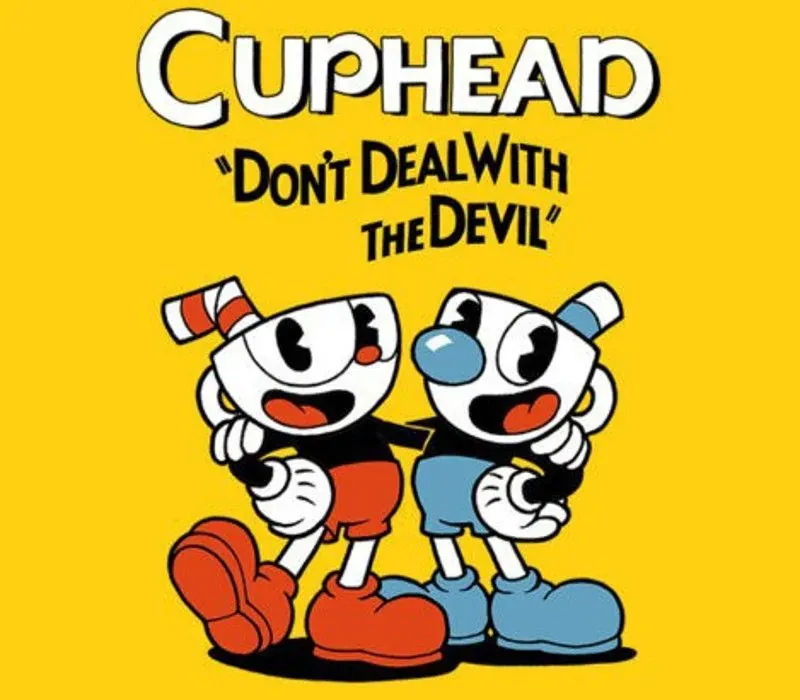
Cuphead is a classic run and gun action game heavily focused on boss battles. Inspired by cartoons of the 1930s, the visuals and audio are painstakingly created with the same techniques of the era, i.e. traditional hand drawn cel animation, watercolor backgrounds, and original jazz recordings.
Play as Cuphead or Mugman (in single player or local co-op) as you traverse strange worlds, acquire new weapons, learn powerful super moves, and discover hidden secrets while you try to pay your debt back to the devil!
System Requirements
Minimum
- OS: Windows 7
- Processor: Intel Core2 Duo E8400, 3.0GHz or AMD Athlon 64 X2 6000+, 3.0GHz or higher
- Memory: 3 GB RAM
- Graphics: Geforce 9600 GT or AMD HD 3870 512MB or higher
- DirectX: Version 11
- Storage: 4 GB available space
How to activate
- Log into your Steam account via the desktop client or browser at store.steampowered.com.
- If delivered via activation link, open the link from your order and follow the prompt to accept the bot's friend request or direct gift transfer.
- In the Steam client, click the gift envelope / notification icon in the top-right corner to open the pending gift prompt.
- Select "Accept Gift" and choose "Add to my library" to bind the game permanently to your account.
Customer Reviews
Frequently asked questions
Which region is this for?
This is the Global version: it is not region-locked.
How do I activate Cuphead PC Steam Gift on Steam?
1. Log into your Steam account via the desktop client or browser at store.steampowered.com. 2. If delivered via activation link, open the link from your order and follow the prompt to accept the bot's friend request or direct gift transfer. 3. In the Steam client, click the gift envelope / notification icon in the top-right corner to open the pending gift prompt. 4. Select "Accept Gift" and choose "Add to my library" to bind the game permanently to your account.
What does “gift” mean?
You receive the game as a gift on your Steam account. There is no key to redeem.
What does the Standard include?
Cuphead (base game)