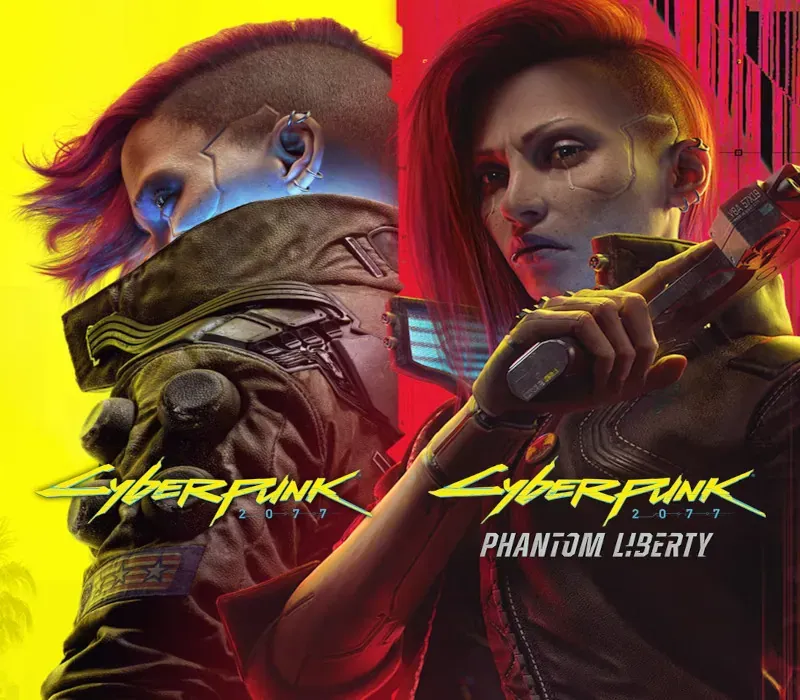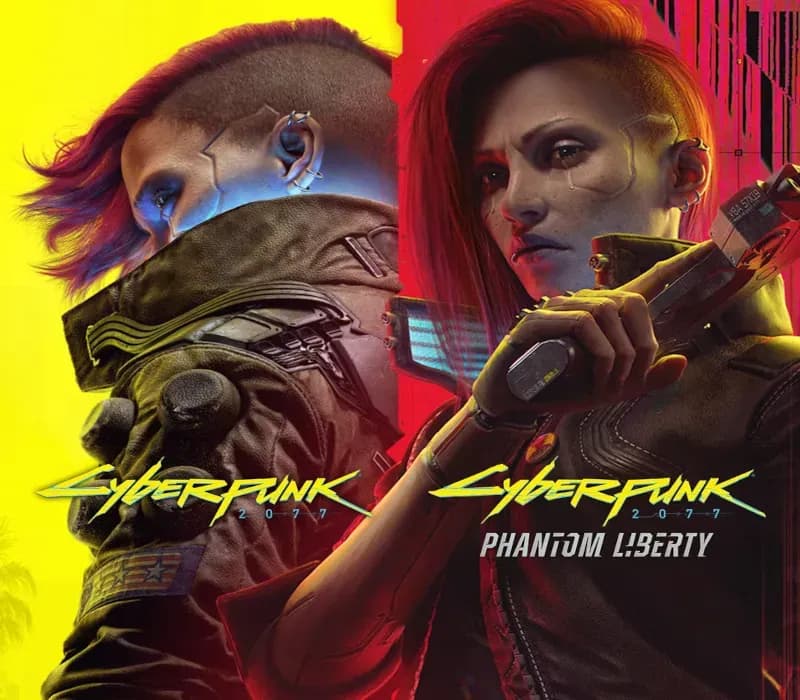

Cyberpunk 2077 & Phantom Liberty Bundle PC Steam Account
Cyberpunk 2077 & Phantom Liberty Bundle PC Steam Account is a game account for Steam, not region-locked.
⭐ 153,000+ orders delivered since 2018
 Pago Móvil
 Binance Pay
About this game
Cyberpunk 2077 is an open-world, action-adventure RPG set in the dark future of Night City — a dangerous megalopolis obsessed with power, glamor, and ceaseless body modification. Cyberpunk 2077: Ultimate Edition About the Game
System Requirements
Minimum
- OS: 64-bit Windows 10
- Processor: Core i7-6700 or Ryzen 5 1600
- Memory: 12 GB RAM
- Graphics: GeForce GTX 1060 6GB or Radeon RX 580 8GB or Arc A380
- DirectX: Version 12
- Storage: 70 GB available space
- Additional Notes: SSD required. Attention: In this game you will encounter a variety of visual effects that may provide seizures or loss of consciousness in a minority of people. If you or someone you know experiences any of the above symptoms while playing, stop and seek medical attention immediately.
Recommended
- OS: 64-bit Windows 10
- Processor: Core i7-12700 or Ryzen 7 7800X3D
- Memory: 16 GB RAM
- Graphics: GeForce RTX 2060 SUPER or Radeon RX 5700 XT or Arc A770
- DirectX: Version 12
- Storage: 70 GB available space
- Additional Notes: SSD required.
How to activate
- Log out of your personal Steam account in the client or browser.
- Log in using the provided Steam username and password delivered with your order.
- Enter the Steam Guard security verification code sent to the temporary email access included in your purchase.
- Go to Steam -> Settings -> Account, and update both the contact email address and the account password to your own credentials.
- Install the game from the Library, or configure Family Library Sharing under Settings to play from your main account.
Customer Reviews
Frequently asked questions
Which region is this for?
This is the Global version: it is not region-locked.
How do I activate Cyberpunk 2077 & Phantom Liberty Bundle PC Steam Account on Steam?
1. Log out of your personal Steam account in the client or browser. 2. Log in using the provided Steam username and password delivered with your order. 3. Enter the Steam Guard security verification code sent to the temporary email access included in your purchase. 4. Go to Steam -> Settings -> Account, and update both the contact email address and the account password to your own credentials. 5. Install the game from the Library, or configure Family Library Sharing under Settings to play from your main account.
What does “account” mean?
You receive login details for a Steam account that already owns the game.