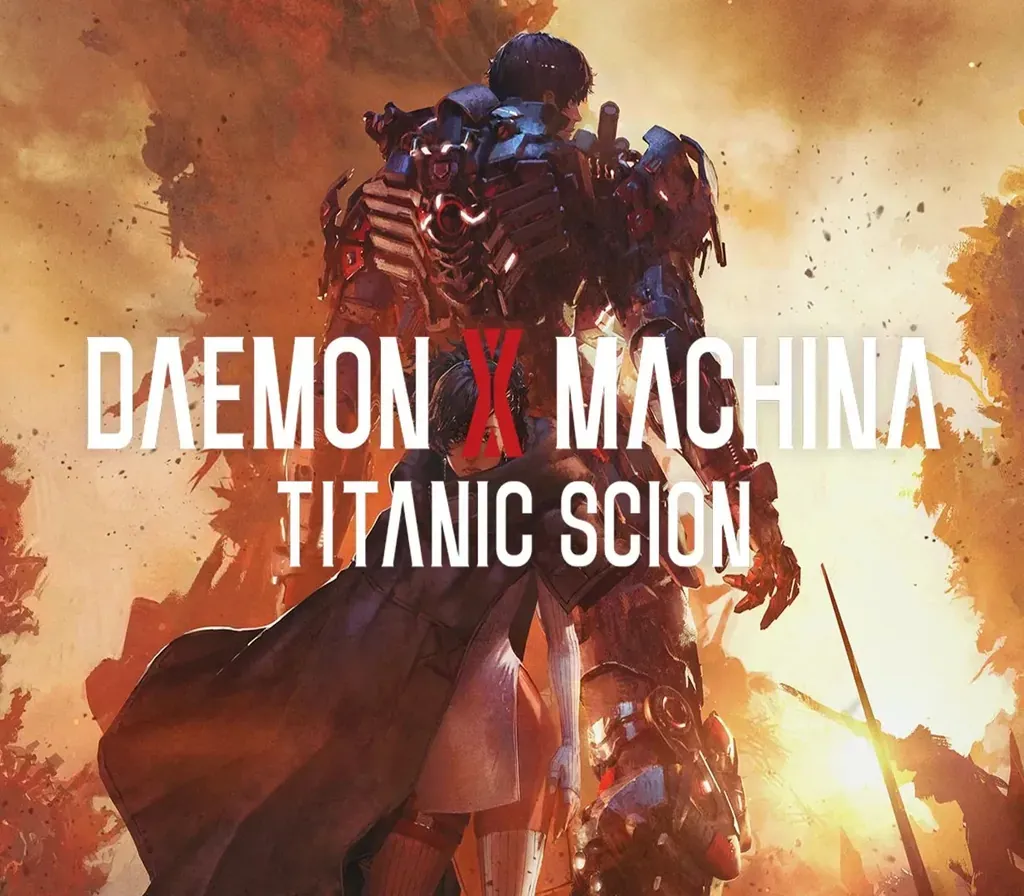
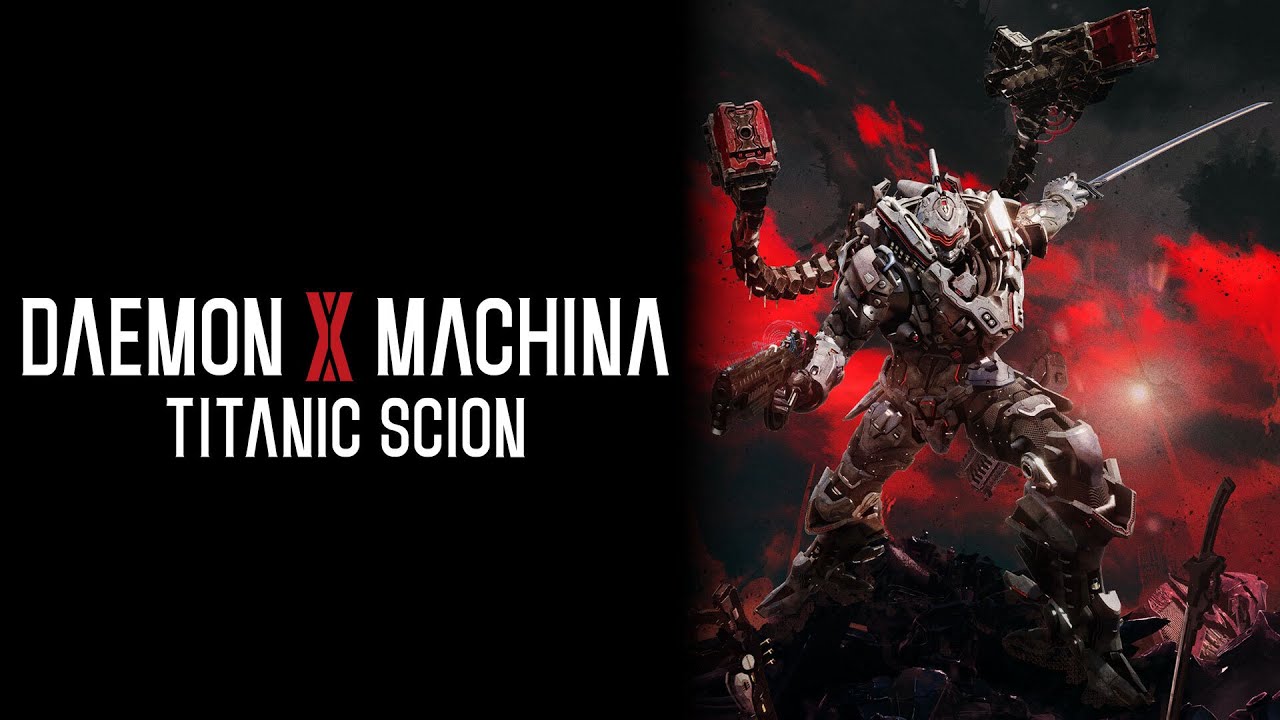
Daemon x Machina: Titanic Scion PC Steam CD Key
Daemon x Machina: Titanic Scion PC Steam CD Key is a digital key for Steam, not region-locked. Delivered instantly after payment.
⭐ 153,000+ orders delivered since 2018
 Pago Móvil
 Binance Pay
About this game
Become the ultimate high-tech warrior in an action-packed new entry in the Daemon X Machina series. Fly into battle in your customized Arsenal, unleashing a variety of attacks tailored to your playstyle. Feel the exhilaration of fast-paced combat as you freely explore a deadly and dangerous open world on land or in the air. After taking down your foes, collect their weapons and equipment, and upgrade your skills to expand your options on the battlefield.
Suit up for a dark sci-fi story where you can face the titanic boss battles alone or with up to two other players online. New and veteran Daemon X Machina players alike will find a worthy adventure in the latest from Marvelous First Studio. A Titanic Evolution Daemon X Machina’s high-octane armored action debuts on a new generation of platforms, bringing with it an epic sci-fi adventure, gameplay that’s accessible to newcomers, and an expanded scope sure to satisfy returning fans.
Together You Can Make a Difference Cooperative multiplayer means you never truly fight alone. Team up with friends online to tackle the epic story and boss battles together. Build a Better You Now a nimble suit of armor, your Arsenal can be fully customized both in design and in loadout, with the ability to craft or salvage new elements. Beautiful and Deadly Explore an alien planet in your Arsenal as you battle against mechanical and organic enemies.
Trek through the vast open world on foot, fly through the skies, or when all else fails, gallop on horseback across plains, swamps, mountains, and more.
System Requirements
- Windows: Minimum: Requires a 64-bit processor and operating system OS: Windows 10 Processor: Intel Core i5-10400 Memory: 16 GB RAM Graphics: NVIDIA GeForce GTX 1050 DirectX: Version 12 Storage: 30 GB available space Additional Notes: SSD recommended
How to activate
- Launch the Steam desktop client and log in to your account, or visit store.steampowered.com/account/registerkey in your browser.
- Click the "Games" menu at the top of the client (or click "+ Add a Game" at the bottom-left) and select "Activate a Product on Steam...".
- Follow the on-screen prompts, accept the Steam Subscriber Agreement, and enter your CD-Key in the "Product Code" field.
- Click "Next" and "Finish" to register the game. It will now appear permanently in your Steam Library ready to install.
Customer Reviews
Frequently asked questions
Which region is this for?
This is the Global version: it is not region-locked.
How do I activate Daemon x Machina: Titanic Scion PC Steam CD Key on Steam?
1. Launch the Steam desktop client and log in to your account, or visit store.steampowered.com/account/registerkey in your browser. 2. Click the "Games" menu at the top of the client (or click "+ Add a Game" at the bottom-left) and select "Activate a Product on Steam...". 3. Follow the on-screen prompts, accept the Steam Subscriber Agreement, and enter your CD-Key in the "Product Code" field. 4. Click "Next" and "Finish" to register the game. It will now appear permanently in your Steam Library ready to install.
How fast is delivery?
Your key appears in your account and is emailed to you right after payment.