Dark Souls III PC Steam CD Key
Dark Souls III PC Steam CD Key is a digital key for Steam, not region-locked. Delivered instantly after payment. Price: $32.78, 45% below the Steam MSRP of $59.99.
⭐ 153,000+ orders delivered since 2018
 Pago Móvil
 Binance Pay
Compare editions
See what's included in each edition
About this game
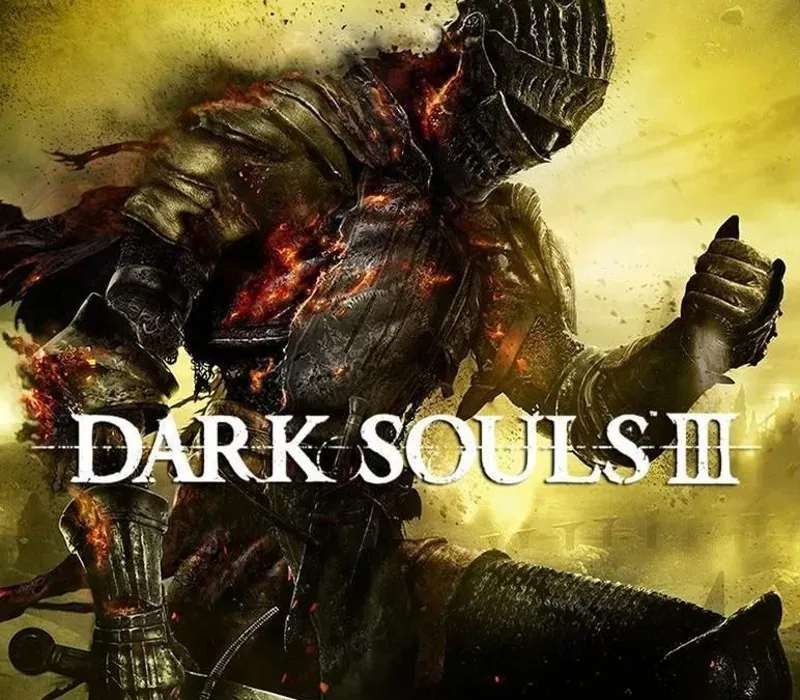
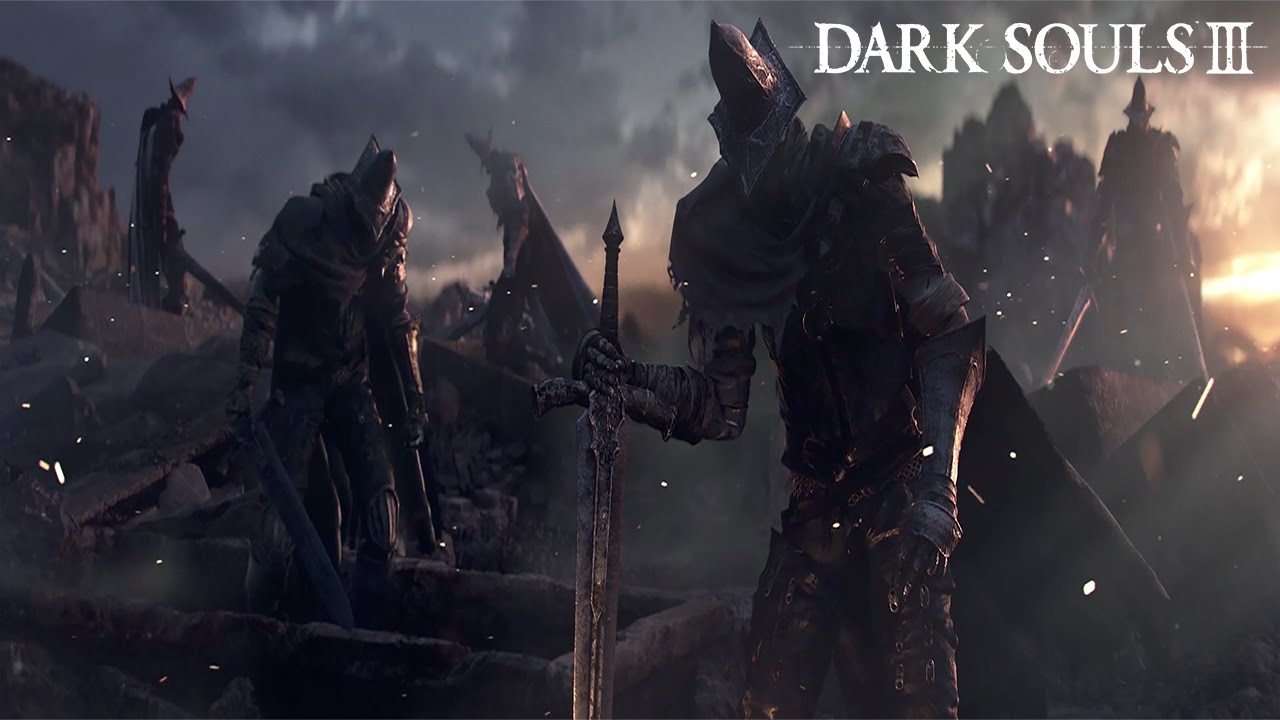
A dark and brooding fantasy adventure awaits players in a vast twisted world full of fearsome beasts, devious traps and hidden secrets. Players will travel across a wide variety of locations in an interconnected world of unrelenting challenge and deep RPG gameplay as they search for a way to survive the coming apocalypse.
As fires fade and the world falls into ruin, developer FROMSOFTWARE and director Hidetaka Miyazaki continue their critically-acclaimed and genre-defining series with Dark Souls III. Fans and newcomers alike will get lost in the games hallmark rewarding gameplay and immersive graphics. Now only embers remain…
Features
Atmospheric Visuals: dynamic lighting and particle effects immerse players into a dark fantasy world of ruin. Interconnected World: expertly crafted world encourages players to explore vast and breathtaking landscapes. Sword Action: diversifies combat action allowing players to craft their own unique play style. Unique Online System: evolution of trademark online multiplayer functionality that seamlessly integrates online interactions into single player story.
System Requirements
- Windows: OS: Windows 7 SP1 64bit, Windows 8.1 64bit Windows 10 64bit Processor: Intel Core i3-2100 / AMD® FX-6300 Memory: 4 GB RAM Graphics: NVIDIA® GeForce GTX 750 Ti / ATI Radeon HD 7950 DirectX: Version 11 Network: Broadband Internet connection Storage: 25 GB available space Sound Card: DirectX 11 sound device Additional Notes: Internet connection required for online play and product activation
How to activate
- Launch the Steam desktop client and log in to your account, or visit store.steampowered.com/account/registerkey in your browser.
- Click the "Games" menu at the top of the client (or click "+ Add a Game" at the bottom-left) and select "Activate a Product on Steam...".
- Follow the on-screen prompts, accept the Steam Subscriber Agreement, and enter your CD-Key in the "Product Code" field.
- Click "Next" and "Finish" to register the game. It will now appear permanently in your Steam Library ready to install.
Customer Reviews
Frequently asked questions
Which region is this for?
This is the Global version: it is not region-locked.
How do I activate Dark Souls III PC Steam CD Key on Steam?
1. Launch the Steam desktop client and log in to your account, or visit store.steampowered.com/account/registerkey in your browser. 2. Click the "Games" menu at the top of the client (or click "+ Add a Game" at the bottom-left) and select "Activate a Product on Steam...". 3. Follow the on-screen prompts, accept the Steam Subscriber Agreement, and enter your CD-Key in the "Product Code" field. 4. Click "Next" and "Finish" to register the game. It will now appear permanently in your Steam Library ready to install.
How fast is delivery?
Your key appears in your account and is emailed to you right after payment.
What does the Standard Edition include?
Base game