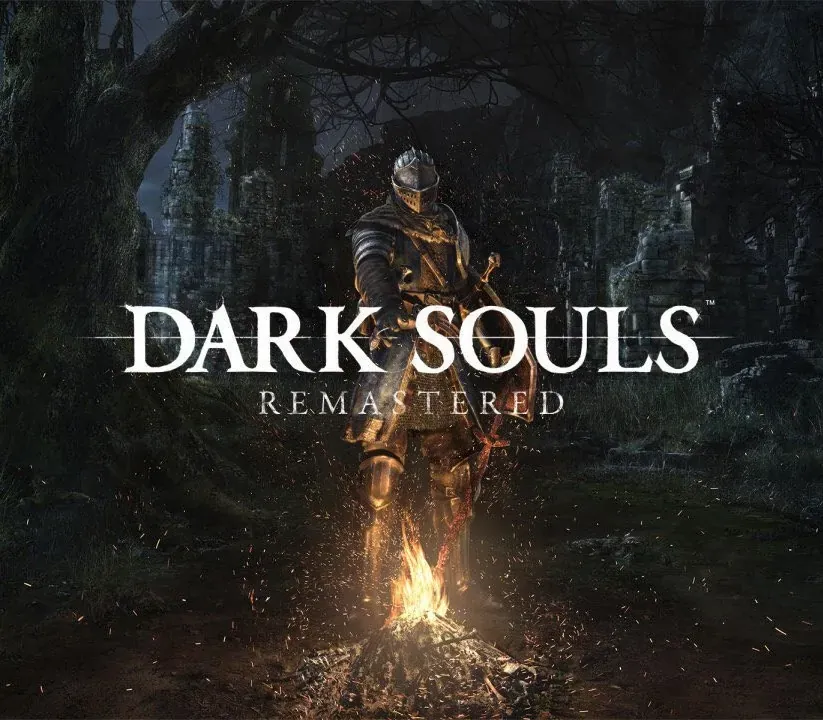
Dark Souls: Remastered PC Steam CD Key
Dark Souls: Remastered PC Steam CD Key is a digital key for Steam, not region-locked. Delivered instantly after payment. Price: $23.13, 42% below the Steam MSRP of $39.99.
⭐ 153,000+ orders delivered since 2018
 Pago Móvil
 Binance Pay
About this game
Then, there was fire. Re-experience the critically acclaimed, genre-defining game that started it all. Beautifully remastered, return to Lordran in stunning high-definition detail running at 60fps. Dark Souls Remastered includes the main game plus the Artorias of the Abyss DLC.
Features
Then, There Was Fire.
Re-experience the critically acclaimed, genre-defining game that started it all. Beautifully remastered, return to Lordran in stunning high-definition detail running at 60fps. Dark Souls Remastered includes the main game plus the Artorias of the Abyss DLC. Deep and Dark UniverseDelve into an epic dark fantasy universe stricken by decline and the Curse.
Explore its intricate world design - full of hidden passages, dungeons and secrets - and uncover its deeply rooted lore. Each End is a New BeginningEach playthrough surprises you with new challenges and unexpected facets of the game. Don’t bet on completing the game only once. Gameplay Richness and PossibilitiesHundreds of unique combinations of weaponry, armor, magic and crafting options to create your own playstyle and gaming experience.
System Requirements
- Windows: CPU: Intel Core i5 2300 2.8 GHz / AMD FX-6300 3.5 GHz RAM: 6 GB RAM GPU: NVIDIA GeForce GTX 460, 1 GB/ATI Radeon HD 6870, 1 GB DX: DirectX 11 OS: Windows 7 SP1 64 bit, Windows 8.1 64 bit, Windows 10 64 bit Store: 8 GB free space Sound: DirectX 11 or higher compatible sound card Network: Internet connection environment necessary for activation at the first start and online play Recommendedperipheral: Xbox One Controller, Xbox 360 Controller for Windows
How to activate
- Launch the Steam desktop client and log in to your account, or visit store.steampowered.com/account/registerkey in your browser.
- Click the "Games" menu at the top of the client (or click "+ Add a Game" at the bottom-left) and select "Activate a Product on Steam...".
- Follow the on-screen prompts, accept the Steam Subscriber Agreement, and enter your CD-Key in the "Product Code" field.
- Click "Next" and "Finish" to register the game. It will now appear permanently in your Steam Library ready to install.
Customer Reviews
Frequently asked questions
Which region is this for?
This is the Global version: it is not region-locked.
How do I activate Dark Souls: Remastered PC Steam CD Key on Steam?
1. Launch the Steam desktop client and log in to your account, or visit store.steampowered.com/account/registerkey in your browser. 2. Click the "Games" menu at the top of the client (or click "+ Add a Game" at the bottom-left) and select "Activate a Product on Steam...". 3. Follow the on-screen prompts, accept the Steam Subscriber Agreement, and enter your CD-Key in the "Product Code" field. 4. Click "Next" and "Finish" to register the game. It will now appear permanently in your Steam Library ready to install.
How fast is delivery?
Your key appears in your account and is emailed to you right after payment.