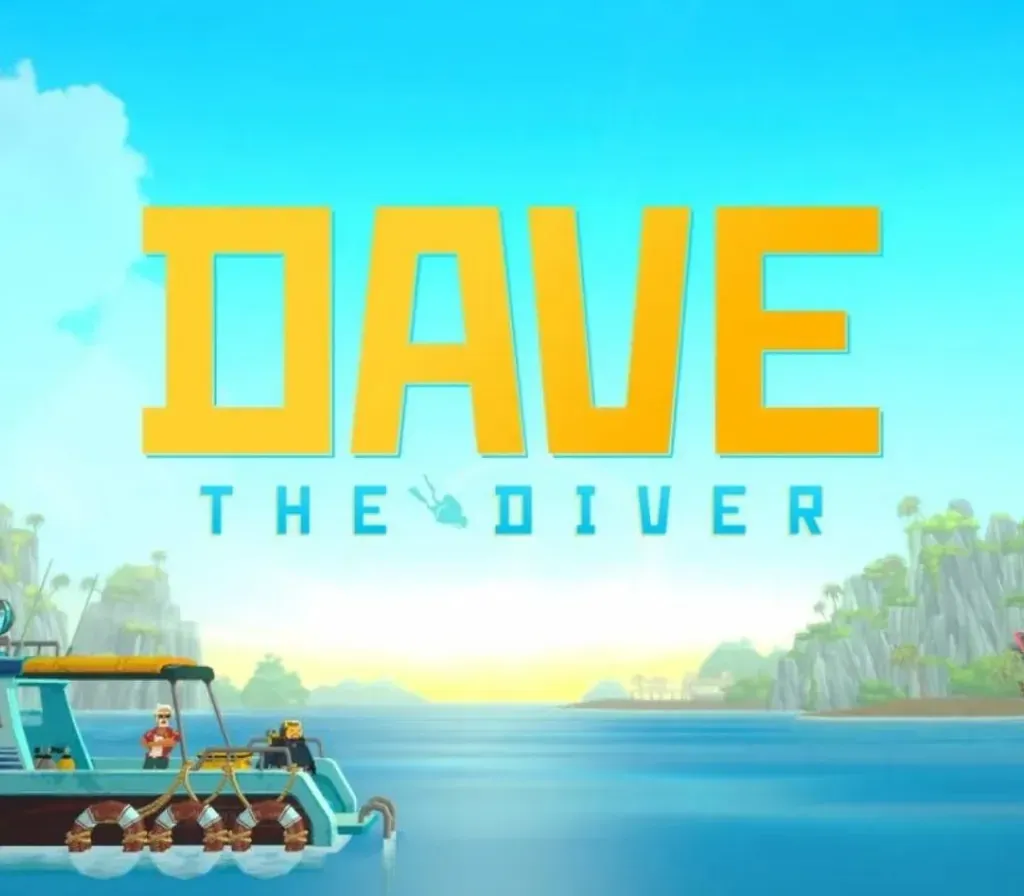

DAVE THE DIVER PC Steam CD Key
DAVE THE DIVER PC Steam CD Key is a digital key for Steam, not region-locked. Delivered instantly after payment. Price: $9.47, 52% below the Steam MSRP of $19.99.
⭐ 153,000+ orders delivered since 2018
 Pago Móvil
 Binance Pay
Compare editions
See what's included in each edition
About this game
Welcome to 'DAVE THE DIVER', a marine adventure set in the mysterious Blue Hole. Explore the sea with Dave by day, and run a sushi restaurant at night. Uncover the secrets of the Blue Hole, and unwrap this deep sea mystery involving 3 friends, each with distinct personalities. New adventures await.
Features
Explore the mysterious Blue Hole!
An enchanting sea full of all kinds of giant creatures and fish species. Aren't you curious about marine creatures that you never know when and where they will appear? Collect fresh ingredients while avoiding the threat of menacing creatures. Wonderous marine ecosystems and mysterious ancient artifacts.
A sea full of mysteries and puzzles. A sushi restaurant only open at night.
Use the fresh ingredients you caught to make and sell special sushi!!
If word gets around, a special customer may pay a surprise visit.
If you run a sushi restaurant and raise money, you can explore deeper! Danger lurks in the deep sea!
Beware! The strange Blue Hole caused by an strange phenomenon harbors an unknown creature that awaits you. Always make sure your gear is well strengthened. It will be essential to defending yourself against giant creatures.
System Requirements
- Windows: Minimum: OS: Windows 7 64 bit Processor: Intel Core i3 Dual Core Memory: 8 GB RAM Graphics: NVIDIA Geforce GTS 450 / AMD Radeon HD 3850 DirectX: Version 9.0 Storage: 4 GB available space Sound Card: Windows Compatible Audio Device
- Mac: Minimum: OS: Catalina 10.15 Processor: Intel Core i3 Quad Core 3.6GHz Memory: 8 GB RAM Graphics: Radeon Pro 555X Storage: 11 GB available space
How to activate
- Launch the Steam desktop client and log in to your account, or visit store.steampowered.com/account/registerkey in your browser.
- Click the "Games" menu at the top of the client (or click "+ Add a Game" at the bottom-left) and select "Activate a Product on Steam...".
- Follow the on-screen prompts, accept the Steam Subscriber Agreement, and enter your CD-Key in the "Product Code" field.
- Click "Next" and "Finish" to register the game. It will now appear permanently in your Steam Library ready to install.
Customer Reviews
Frequently asked questions
Which region is this for?
This is the Global version: it is not region-locked.
How do I activate DAVE THE DIVER PC Steam CD Key on Steam?
1. Launch the Steam desktop client and log in to your account, or visit store.steampowered.com/account/registerkey in your browser. 2. Click the "Games" menu at the top of the client (or click "+ Add a Game" at the bottom-left) and select "Activate a Product on Steam...". 3. Follow the on-screen prompts, accept the Steam Subscriber Agreement, and enter your CD-Key in the "Product Code" field. 4. Click "Next" and "Finish" to register the game. It will now appear permanently in your Steam Library ready to install.
How fast is delivery?
Your key appears in your account and is emailed to you right after payment.
What does the Standard Edition include?
Base game