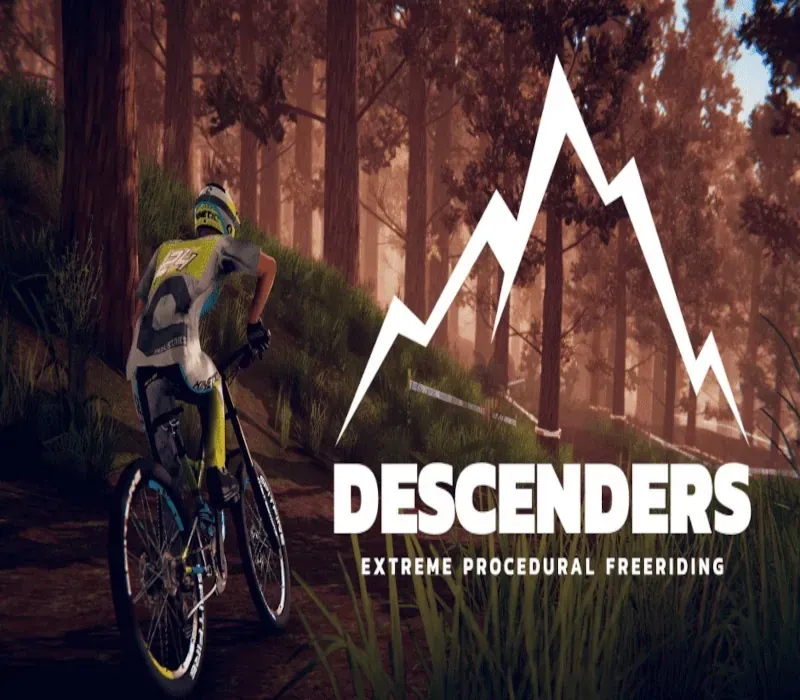
Descenders PC Steam CD Key
Descenders PC Steam CD Key is a digital key for Steam, not region-locked. Delivered instantly after payment. Price: $3.85, 84% below the Steam MSRP of $24.99.
⭐ 153,000+ orders delivered since 2018
 Pago Móvil
 Binance Pay
About this game
From the developers of Action Henk, Descenders is a fast-paced extreme downhill biking game that's easy to pick up, but difficult to master. Pick a Team, Become a LegendIn Descenders, your team is your life. When you pick a side -- Enemy, Arboreal or Kinetic -- you'll be bound together with other players who choose the same side as you. Grab your bike, pick your team, and attempt to live up to the legend of your Descender.
Will you join the die-hard, trick-frenzy ranks of Team Enemy, the proficient, off-road stylings of Team Arboreal, or the high-octane, speed-is-everything Team Kinetic? Features of Descenders Procedurally generated worlds: Take on different jumps, slopes and hillbombs every time you play Freestyle bike controls: Control every subtle movement of your rider, with an in-depth physics system made for slick whips and scrubs Risk vs reward: Push your rider for massive scores and combos -- but bail too many times and you might lose it all Build your Rep: A fully-featured online Rep system lets you show off your worth, and earn new bikes and threads Become the next Descender: Can you survive the game in a single run, and reach the ranks of the legendary Descenders?
System Requirements
- Windows: Minimum: OS: Windows 7, 8 Processor: Intel Core i5 Memory: 4 GB RAM Graphics: Nvidia Geforce GTX 550/equivalent or higher* DirectX: Version 11 Storage: 9 GB available space Additional Notes: *Incompatible with some lower end Intel HD laptop GPUs (620/520/4000/etc.)
- Linux: Minimum: OS: Ubuntu 12.04 32-bit Processor: Intel Core i5 Memory: 4 GB RAM Graphics: Nvidia Geforce GTX 650/equivalent or higher* Storage: 9 GB available space Additional Notes: *Incompatible with some lower end Intel HD laptop GPUs (620/520/4000/etc.)
- Mac: Minimum: OS: OS X 10.6 or higher Processor: Intel Core i5 Memory: 4 GB RAM Graphics: Nvidia Geforce GTX 650/equivalent or higher* Storage: 9 GB available space Additional Notes: *Incompatible with some lower end Intel HD laptop GPUs (620/520/4000/etc.)
How to activate
- Launch the Steam desktop client and log in to your account, or visit store.steampowered.com/account/registerkey in your browser.
- Click the "Games" menu at the top of the client (or click "+ Add a Game" at the bottom-left) and select "Activate a Product on Steam...".
- Follow the on-screen prompts, accept the Steam Subscriber Agreement, and enter your CD-Key in the "Product Code" field.
- Click "Next" and "Finish" to register the game. It will now appear permanently in your Steam Library ready to install.
Customer Reviews
Frequently asked questions
Which region is this for?
This is the Global version: it is not region-locked.
How do I activate Descenders PC Steam CD Key on Steam?
1. Launch the Steam desktop client and log in to your account, or visit store.steampowered.com/account/registerkey in your browser. 2. Click the "Games" menu at the top of the client (or click "+ Add a Game" at the bottom-left) and select "Activate a Product on Steam...". 3. Follow the on-screen prompts, accept the Steam Subscriber Agreement, and enter your CD-Key in the "Product Code" field. 4. Click "Next" and "Finish" to register the game. It will now appear permanently in your Steam Library ready to install.
How fast is delivery?
Your key appears in your account and is emailed to you right after payment.