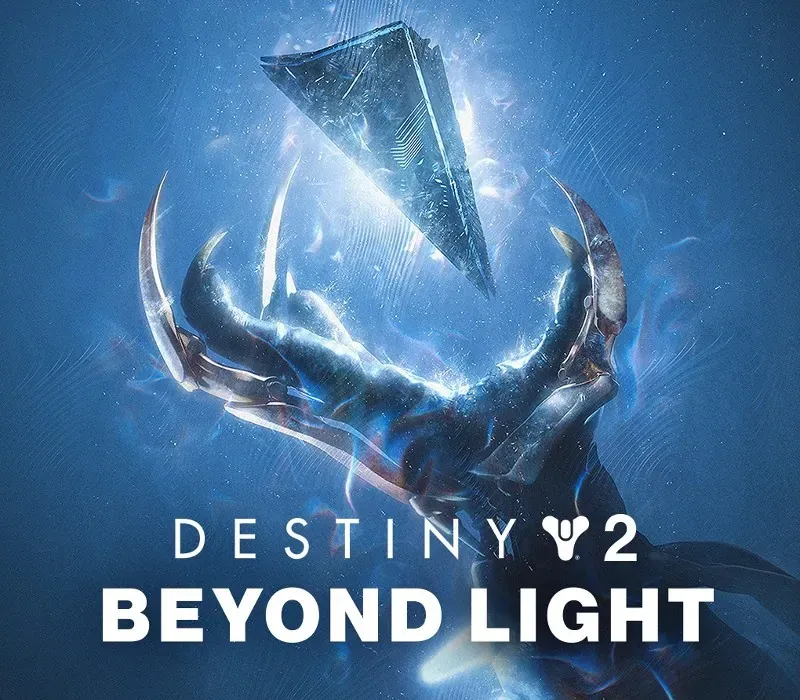

Destiny 2: Beyond Light PC Steam CD Key
Destiny 2: Beyond Light PC Steam CD Key is a digital key for Steam, not region-locked. Delivered instantly after payment. Price: $1.50, 84% below the Steam MSRP of $9.99.
⭐ 153,000+ orders delivered since 2018
 Pago Móvil
 Binance Pay
About this game
GO BEYOND THE LIGHT A new power is born out of the ancient Pyramid ship above Europa's frozen frontier, and a dark empire has risen beneath, united under the banner of the Fallen Kell of Darkness, Eramis. Join your fellow Guardians and bring down the empire at any cost – even if it means wielding the Darkness itself.
EUROPA AWAITS
The splintered houses of the Fallen have rallied and built their new empire on the icy moon of Europa. Brave the unrelenting glacial frontier, infiltrate the Golden Age Braytech facility, and uncover the secrets that lie deep under the ancient ice. WIELD THE DARKNESSAs the new threat emerges, so too does a mysterious new power – Stasis.
Rooted in Darkness, Guardians will wield this new elemental power alongside Arc, Solar, and Void, summoning epic supers to dominate the battlefield. Titans, Warlocks, and Hunters each use Stasis in a different way, from slowing down foes with Stasis fields to encasing and shattering enemies with destructive might.
EXOTIC GEAR
There are those who believe Europa is nothing more than a frozen Golden Age graveyard, its treasures long ago swallowed by ice and darkness. You know better. Beneath the ruins lie countless relics, an arsenal of weapons, and more. Claim this cutting-edge tech from the clutches of time and dare to tame the wasteland.
DEEP STONE CRYPT
Below frozen tundra of Europa lies the Deep Stone Crypt. For decades it has remained dormant. Your fireteam cautiously approaches, weapons raised, and the final plan is set in motion.
System Requirements
- Windows: Requires a 64-bit processor and operating system OS: Windows® 7 / Windows® 8.1 / Windows® 10 64-bit (latest Service Pack) Processor: Intel® Core™ i3 3250 3.5 GHz or Intel Pentium G4560 3.5 GHz / AMD FX-4350 4.2 GHz Memory: 6 GB RAM Graphics: NVIDIA® GeForce® GTX 660 2GB or GTX 1050 2GB / AMD Radeon HD 7850 2GB Network: Broadband Internet connection Storage: 105 GB available space
How to activate
- Launch the Steam desktop client and log in to your account, or visit store.steampowered.com/account/registerkey in your browser.
- Click the "Games" menu at the top of the client (or click "+ Add a Game" at the bottom-left) and select "Activate a Product on Steam...".
- Follow the on-screen prompts, accept the Steam Subscriber Agreement, and enter your CD-Key in the "Product Code" field.
- Click "Next" and "Finish" to register the game. It will now appear permanently in your Steam Library ready to install.
Customer Reviews
Frequently asked questions
Which region is this for?
This is the Global version: it is not region-locked.
How do I activate Destiny 2: Beyond Light PC Steam CD Key on Steam?
1. Launch the Steam desktop client and log in to your account, or visit store.steampowered.com/account/registerkey in your browser. 2. Click the "Games" menu at the top of the client (or click "+ Add a Game" at the bottom-left) and select "Activate a Product on Steam...". 3. Follow the on-screen prompts, accept the Steam Subscriber Agreement, and enter your CD-Key in the "Product Code" field. 4. Click "Next" and "Finish" to register the game. It will now appear permanently in your Steam Library ready to install.
How fast is delivery?
Your key appears in your account and is emailed to you right after payment.