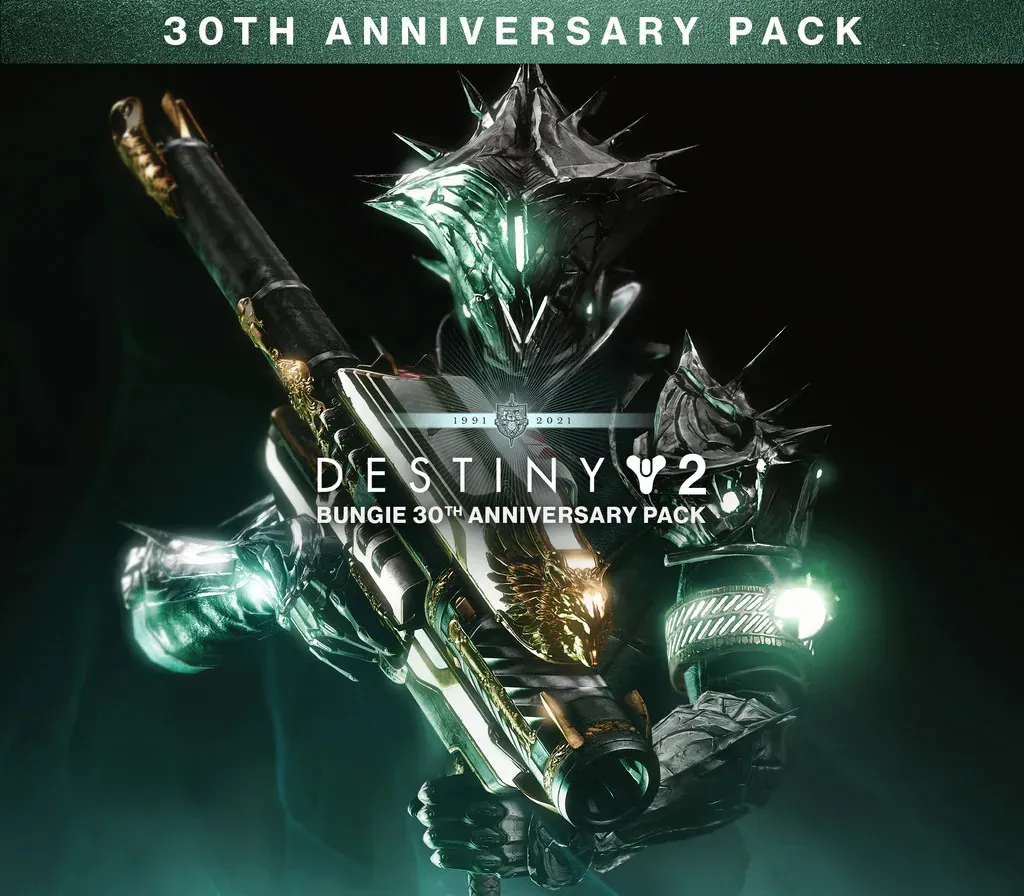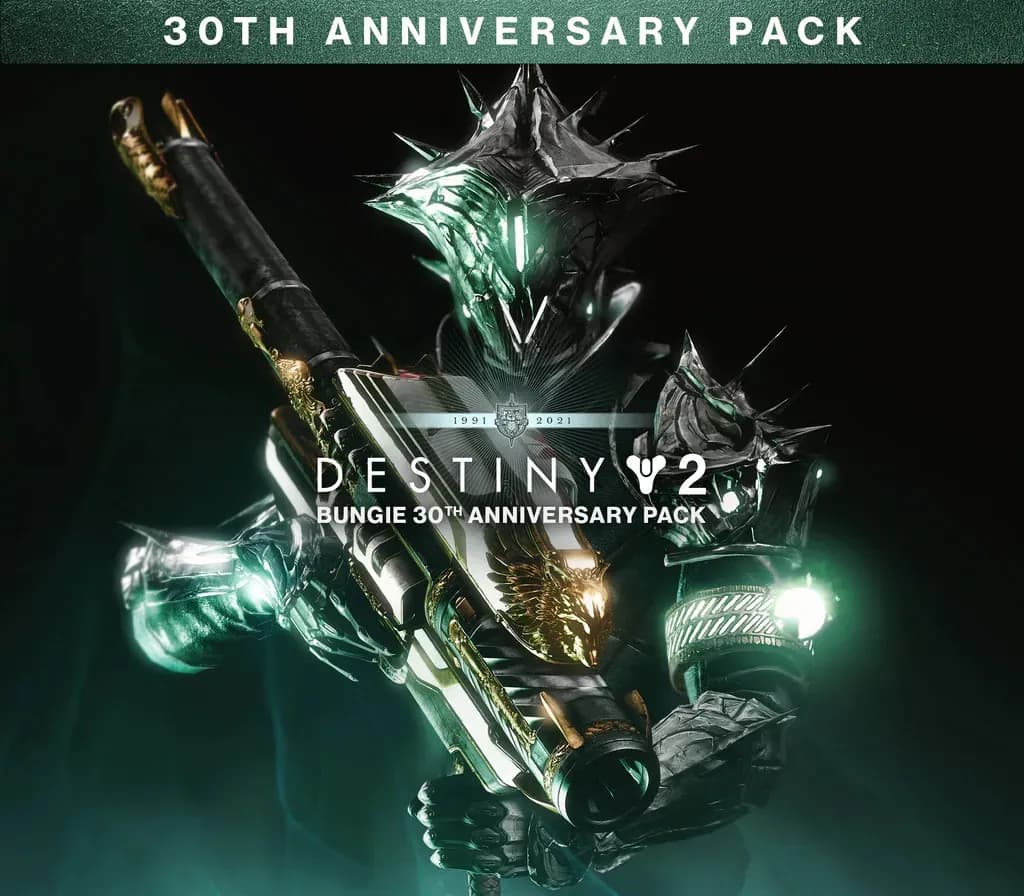
Destiny 2: Bungie 30th Anniversary Pack PC Steam CD Key
Destiny 2: Bungie 30th Anniversary Pack PC Steam CD Key is a digital key for Steam, not region-locked. Delivered instantly after payment.
⭐ 153,000+ orders delivered since 2018
 Pago Móvil
 Binance Pay
About this game
Celebrate Bungie's 30th Anniversary with a new dungeon, the Gjallarhorn Exotic Rocket Launcher, Thorn armor set, and an arsenal of weapons, gear, and cosmetics inspired by Bungie’s past.
30th Anniversary Pack owners also gain access to additional cosmetic reward chests in the free Dares of Eternity activity.
Grasp of AvaricePlunder the new three-player dungeon inspired by famed Cosmodrome loot caves of yore. Reveal a tale of riches and regret as you follow an adventurer who traded his humanity for treasure.
Treasure GaloreThe Exotic Gjallarhorn returns alongside new weapons, ornament sets, emotes, Sparrows, Ghost Shells, and more. Pack your inventory with rewards that represent 30-years of Bungie, a legendary community, and a birthday party that could only happen starside.
System Requirements
- Windows: Minimum: Requires a 64-bit processor and operating system OS: Windows® 10 64-bit (latest Service Pack) Processor: Intel® Core™ i3 3250 3.5 GHz or Intel Pentium G4560 3.5 GHz / AMD FX-4350 4.2 GHz Memory: 6 GB RAM Graphics: NVIDIA® GeForce® GTX 660 2GB or GTX 1050 2GB / AMD Radeon HD 7850 2GB Network: Broadband Internet connection Storage: 105 GB available space
How to activate
- Launch the Steam desktop client and log in to your account, or visit store.steampowered.com/account/registerkey in your browser.
- Click the "Games" menu at the top of the client (or click "+ Add a Game" at the bottom-left) and select "Activate a Product on Steam...".
- Follow the on-screen prompts, accept the Steam Subscriber Agreement, and enter your CD-Key in the "Product Code" field.
- Click "Next" and "Finish" to register the game. It will now appear permanently in your Steam Library ready to install.
Customer Reviews
Frequently asked questions
Which region is this for?
This is the Global version: it is not region-locked.
How do I activate Destiny 2: Bungie 30th Anniversary Pack PC Steam CD Key on Steam?
1. Launch the Steam desktop client and log in to your account, or visit store.steampowered.com/account/registerkey in your browser. 2. Click the "Games" menu at the top of the client (or click "+ Add a Game" at the bottom-left) and select "Activate a Product on Steam...". 3. Follow the on-screen prompts, accept the Steam Subscriber Agreement, and enter your CD-Key in the "Product Code" field. 4. Click "Next" and "Finish" to register the game. It will now appear permanently in your Steam Library ready to install.
How fast is delivery?
Your key appears in your account and is emailed to you right after payment.