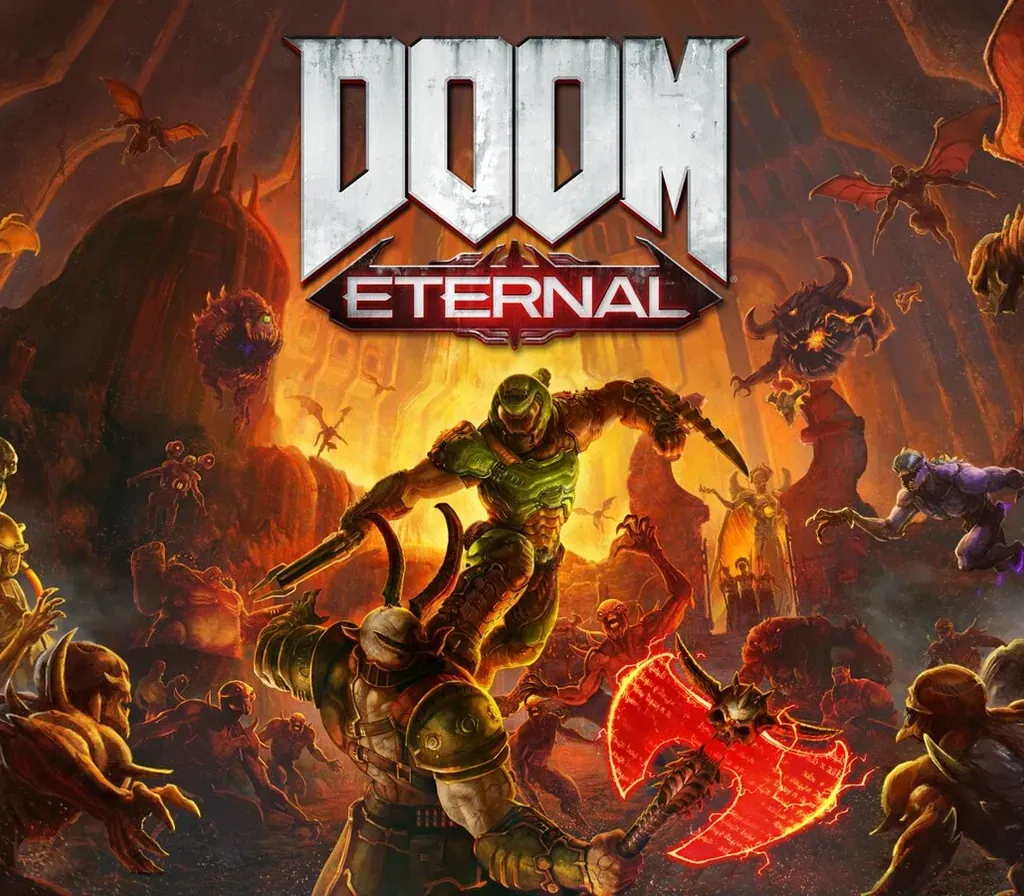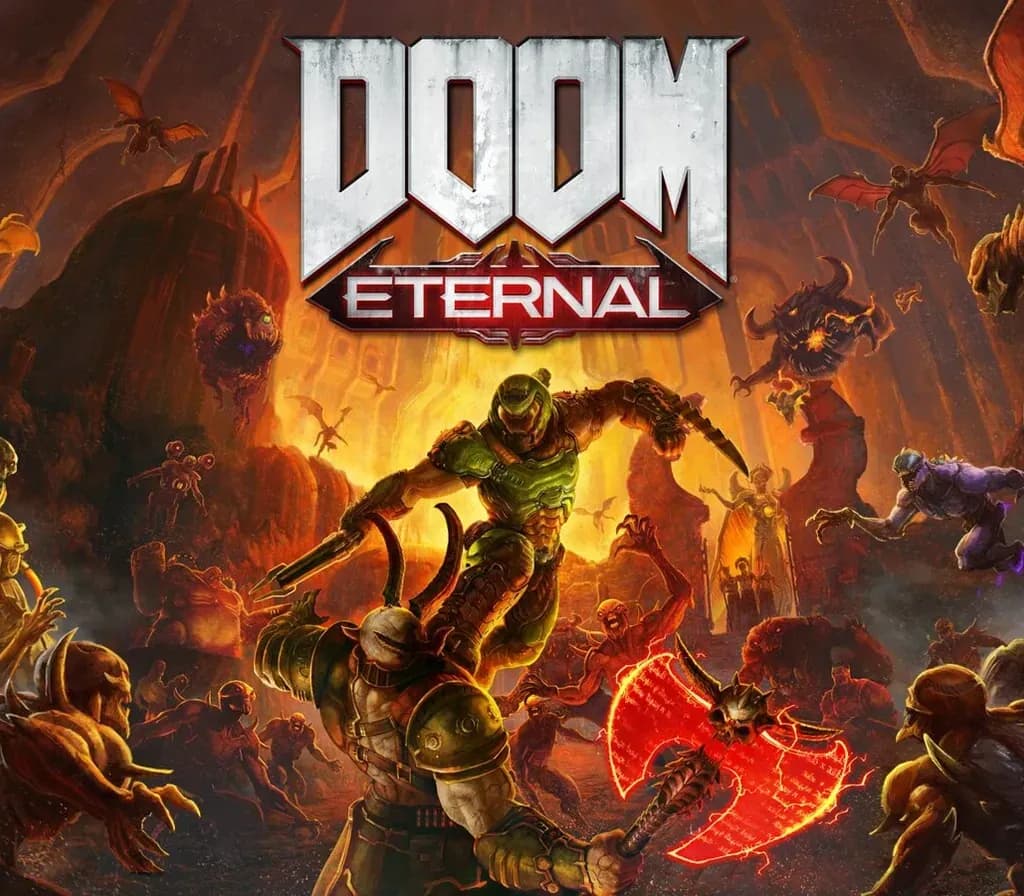

DOOM Eternal PC Steam CD Key
DOOM Eternal PC Steam CD Key is a digital key for Steam, not region-locked. Delivered instantly after payment. Price: $11.79, 60% below the Steam MSRP of $29.99.
⭐ 153,000+ orders delivered since 2018
 Pago Móvil
 Binance Pay
Compare editions
See what's included in each edition
About this game
Hell’s armies have invaded Earth. Become the Slayer in an epic single-player campaign to conquer demons across dimensions and stop the final destruction of humanity.
Features
The Only Thing they Fear... Is You.
Experience the ultimate combination of speed and power in DOOM Eternal - the next leap in push-forward, first-person combat. Slayer Threat Level At MaximumArmed with a shoulder-mounted flamethrower, retractable wrist-mounted blade, upgraded guns and mods, and abilities, you're faster, stronger, and more versatile than ever.
Unholy TrinityTake what you need from your enemies: Glory kill for extra health, incinerate for armor, and chainsaw demons to stock up on ammo to become the ultimate demon-slayer. Enter BattlemodeA new 2 versus 1 multiplayer experience. A fully-armed DOOM Slayer faces off against two player-controlled demons, fighting it out in a best-of-five round match of intense first-person combat.
System Requirements
- Windows: Requires a 64-bit processor and operating system OS: 64-bit Windows 7 / 64-Bit Windows 10 Processor: Intel Core i5 @ 3.3 GHz or better, or AMD Ryzen 3 @ 3.1 GHz or better Memory: 8 GB RAM Graphics: NVIDIA GeForce GTX 1050Ti (4GB), GTX 1060 (3GB), GTX 1650 (4GB) or AMD Radeon R9 280(3GB), AMD Radeon R9 290 (4GB), RX 470 (4GB) Network: Broadband Internet connection Storage: 50 GB available space Additional Notes: ( 1080p / 60 FPS / Low Quality Settings )
How to activate
- Launch the Steam desktop client and log in to your account, or visit store.steampowered.com/account/registerkey in your browser.
- Click the "Games" menu at the top of the client (or click "+ Add a Game" at the bottom-left) and select "Activate a Product on Steam...".
- Follow the on-screen prompts, accept the Steam Subscriber Agreement, and enter your CD-Key in the "Product Code" field.
- Click "Next" and "Finish" to register the game. It will now appear permanently in your Steam Library ready to install.
Customer Reviews
Frequently asked questions
Which region is this for?
This is the Global version: it is not region-locked.
How do I activate DOOM Eternal PC Steam CD Key on Steam?
1. Launch the Steam desktop client and log in to your account, or visit store.steampowered.com/account/registerkey in your browser. 2. Click the "Games" menu at the top of the client (or click "+ Add a Game" at the bottom-left) and select "Activate a Product on Steam...". 3. Follow the on-screen prompts, accept the Steam Subscriber Agreement, and enter your CD-Key in the "Product Code" field. 4. Click "Next" and "Finish" to register the game. It will now appear permanently in your Steam Library ready to install.
How fast is delivery?
Your key appears in your account and is emailed to you right after payment.
What does the Standard Edition include?
Base game