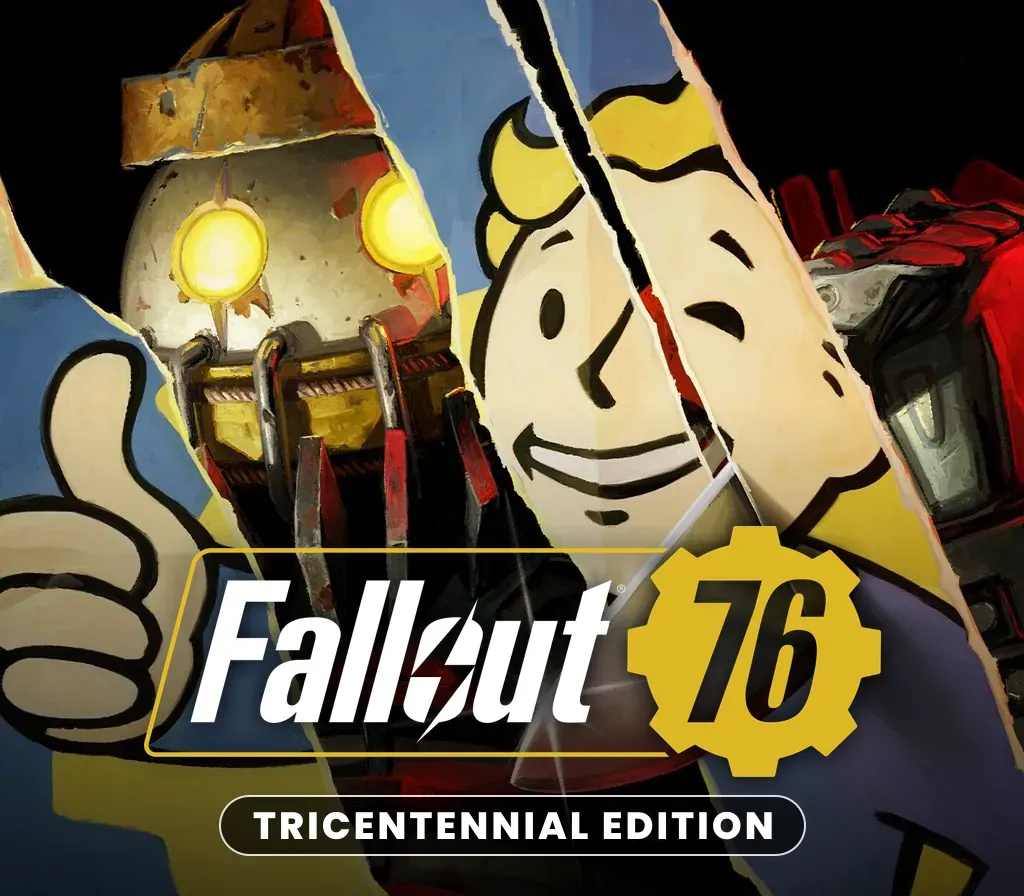
Fallout 76 Tricentennial Edition PC Steam CD Key
Fallout 76 Tricentennial Edition PC Steam CD Key is a digital key for Steam, not region-locked. Delivered instantly after payment.
⭐ 153,000+ orders delivered since 2018
 Pago Móvil
 Binance Pay
About this game
Includes
main game Tricentennial Power Armor Customization for the T-51, T-45, T-60, and X-01 Power Armors Tricentennial Weapon Customization for the 10MM Pistol, Hatchet, and Laser Rifle Spectacularly Handsome Vault Boy Mascot Head Patriotic Uncle Sam Outfit Celebratory Vault Boy Saluting Emote First-Class Tricentennial Workshop Posters Tricentennial Commemorative Photo Frame Bethesda Game Studios, the award-winning creators of Skyrim and Fallout 4, welcome you to Fallout 76, the online prequel where every surviving human is a real person. Work together, or not, to survive.
Under the threat of nuclear annihilation, you’ll experience the largest, most dynamic world ever created in the legendary Fallout universe.
System Requirements
- Windows: Requires 64-bit processor and operating system OS: Windows 7/8/10 (64-bit OS required) Processor: Intel Core i5-6600k 3.5 GHz/AMD Ryzen 3 1300X 3.5 GHz or equivalent Graphics: NVIDIA GTX 780 3GB/AMD Radeon R9 285 2GB or equivalent Memory: 8GB RAM Storage: 60GB of free disk space
How to activate
- Launch the Steam desktop client and log in to your account, or visit store.steampowered.com/account/registerkey in your browser.
- Click the "Games" menu at the top of the client (or click "+ Add a Game" at the bottom-left) and select "Activate a Product on Steam...".
- Follow the on-screen prompts, accept the Steam Subscriber Agreement, and enter your CD-Key in the "Product Code" field.
- Click "Next" and "Finish" to register the game. It will now appear permanently in your Steam Library ready to install.
Customer Reviews
Frequently asked questions
Which region is this for?
This is the Global version: it is not region-locked.
How do I activate Fallout 76 Tricentennial Edition PC Steam CD Key on Steam?
1. Launch the Steam desktop client and log in to your account, or visit store.steampowered.com/account/registerkey in your browser. 2. Click the "Games" menu at the top of the client (or click "+ Add a Game" at the bottom-left) and select "Activate a Product on Steam...". 3. Follow the on-screen prompts, accept the Steam Subscriber Agreement, and enter your CD-Key in the "Product Code" field. 4. Click "Next" and "Finish" to register the game. It will now appear permanently in your Steam Library ready to install.
How fast is delivery?
Your key appears in your account and is emailed to you right after payment.