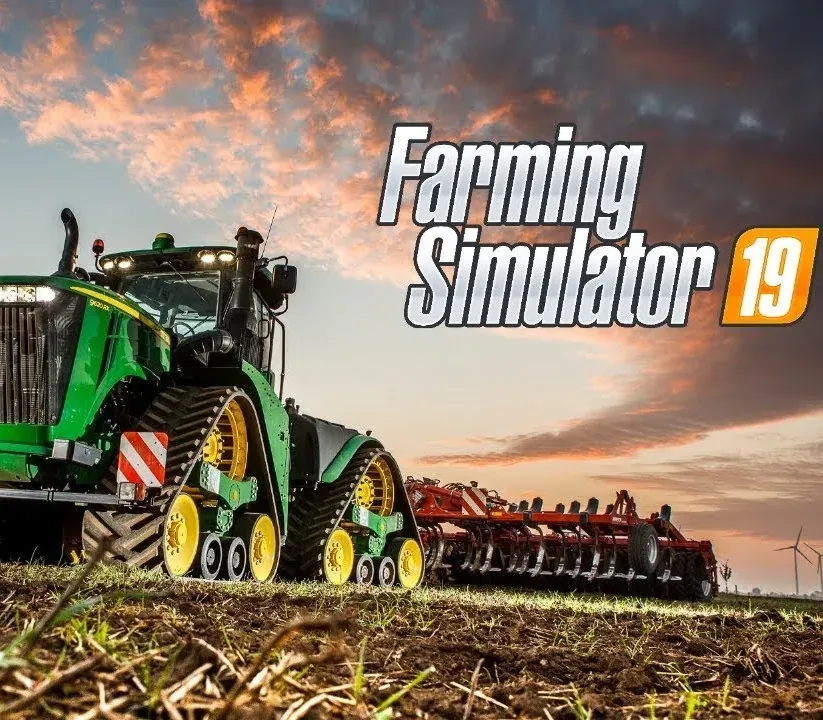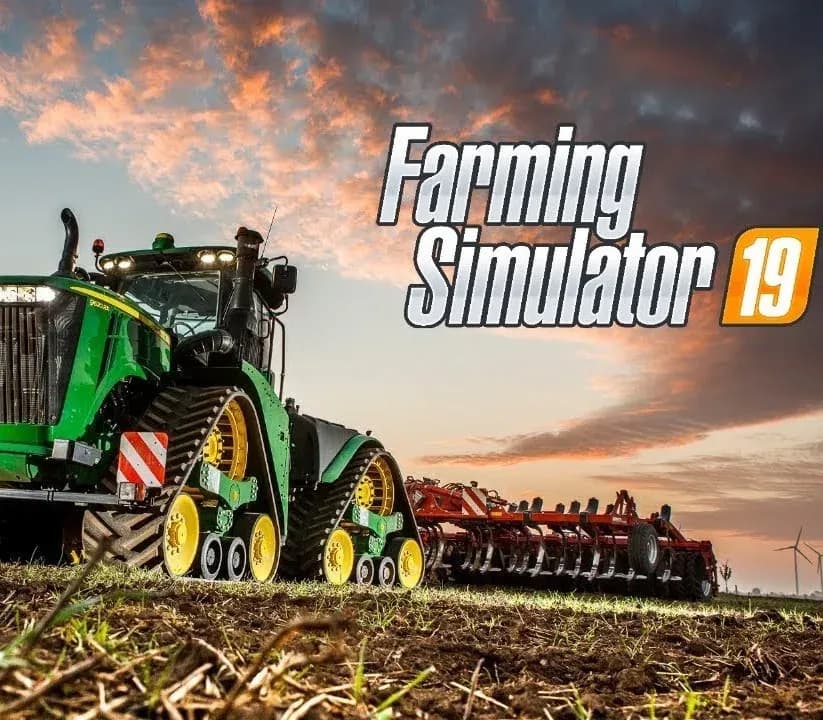
Farming Simulator 19 PC Steam CD Key
Farming Simulator 19 PC Steam CD Key is a digital key for Steam, not region-locked. Delivered instantly after payment. Price: $9.81, 45% below the Steam MSRP of $17.99.
⭐ 153,000+ orders delivered since 2018
 Pago Móvil
 Binance Pay
About this game
The best-selling franchise returns this year with a complete overhaul of the graphics engine, offering the most striking and immersive visuals and effects, along with the deepest and most complete farming experience ever.
Farming Simulator 19 takes the biggest step forward yet with the franchise’s most extensive vehicle roster ever! You’ll take control of vehicles and machines faithfully recreated from all the leading brands in the industry, including for the first time John Deere, the largest agriculture machinery company in the world, Case IH, New Holland, Challenger, Fendt, Massey Ferguson, Valtra, Krone, Deutz-Fahr and many more.
Farming Simulator 19 will feature new American and European environments in which to develop and expand your farm and will introduce many exciting new farming activities, including new machinery and crops with cotton and oat! Tend to your livestock of pigs, cows, sheep, and chickens - or ride your horses for the first time, letting you explore in a brand-new way the vast land around your farm.
Farming Simulator 19 is the richest and most complete farming experience ever made!
MAIN FEATURES
- 3 BONUS VEHICLES: Download for free 3 bonus vehicles available now in the ModHub: John Deere XUV865M Gator, CLAAS DOMINATOR 108 SL MAXI, CLAAS TORION 1914 Dev Mule
- The biggest step forward for the Farming Simulator franchise, offering the most striking and immersive graphics ever
- Use and drive hundreds of faithfully reproduced farming vehicles and tools, including for the first time John Deere
- Tend to your livestock including pigs, cows, sheep, chicken, and for the first time horses
- Ride your own horses and explore the vast areas offered in huge open worlds loaded with farming activities
- Develop your farm online with up to 16 players and enrich your Farming experience with community-created mods
System Requirements
Minimum
- OS: 64-bit Windows 7, Windows 8, Windows 10
- Processor: Intel Core i3-2100T @ 2.5GHz or AMD FX-4100 @3.6 GHz
- Memory: 4 GB RAM
- Graphics: Nvidia Geforce GTX 650, AMD Radeon HD 7770 graphics card or better (min. 2 GB VRAM, DX11 support)
- Network: Broadband Internet connection
- Storage: 20 GB available space
- Additional Notes: INTERNET CONNECTION REQUIRED FOR THE ONLINE GAME
How to activate
- Launch the Steam desktop client and log in to your account, or visit store.steampowered.com/account/registerkey in your browser.
- Click the "Games" menu at the top of the client (or click "+ Add a Game" at the bottom-left) and select "Activate a Product on Steam...".
- Follow the on-screen prompts, accept the Steam Subscriber Agreement, and enter your CD-Key in the "Product Code" field.
- Click "Next" and "Finish" to register the game. It will now appear permanently in your Steam Library ready to install.
Customer Reviews
Frequently asked questions
Which region is this for?
This is the Global version: it is not region-locked.
How do I activate Farming Simulator 19 PC Steam CD Key on Steam?
1. Launch the Steam desktop client and log in to your account, or visit store.steampowered.com/account/registerkey in your browser. 2. Click the "Games" menu at the top of the client (or click "+ Add a Game" at the bottom-left) and select "Activate a Product on Steam...". 3. Follow the on-screen prompts, accept the Steam Subscriber Agreement, and enter your CD-Key in the "Product Code" field. 4. Click "Next" and "Finish" to register the game. It will now appear permanently in your Steam Library ready to install.
How fast is delivery?
Your key appears in your account and is emailed to you right after payment.