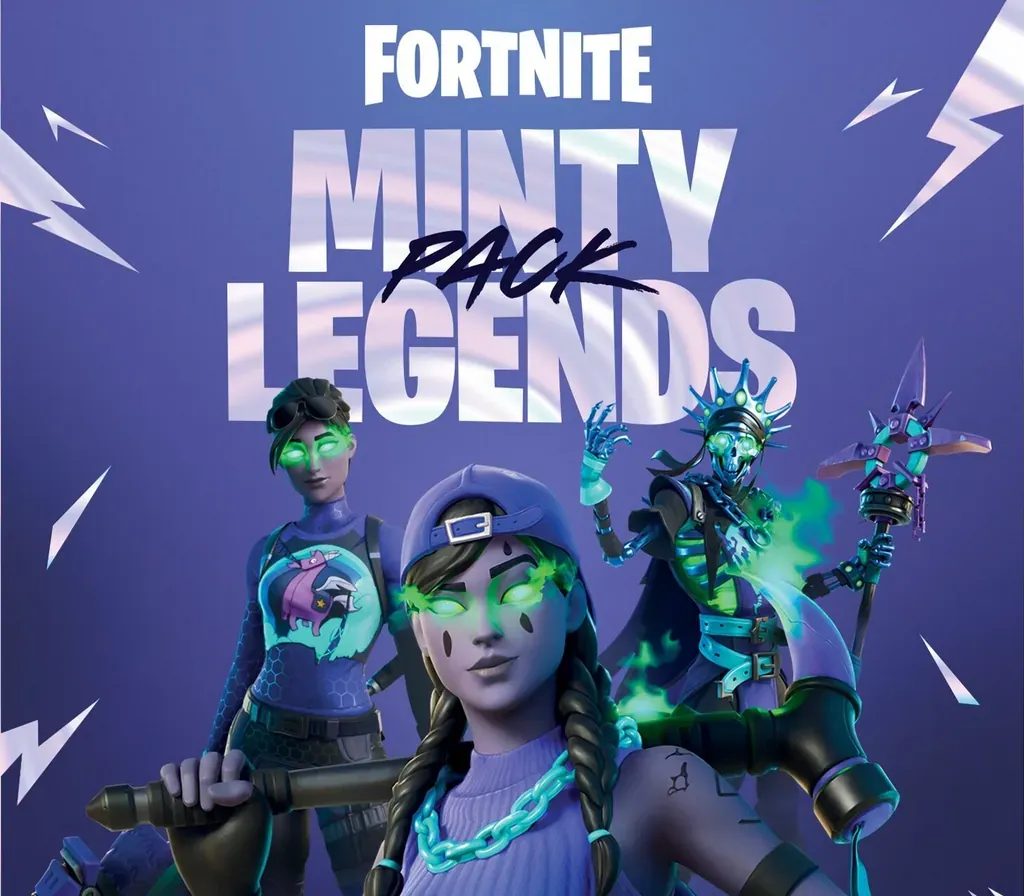
Fortnite Minty Legends Pack + 1000 V-Bucks Xbox Series X|S CD Key
Fortnite Minty Legends Pack + 1000 V-Bucks Xbox Series X|S CD Key is a digital key for Xbox, not region-locked. Delivered instantly after payment.
⭐ 153,000+ orders delivered since 2018
 Pago Móvil
 Binance Pay
About this game
Includes
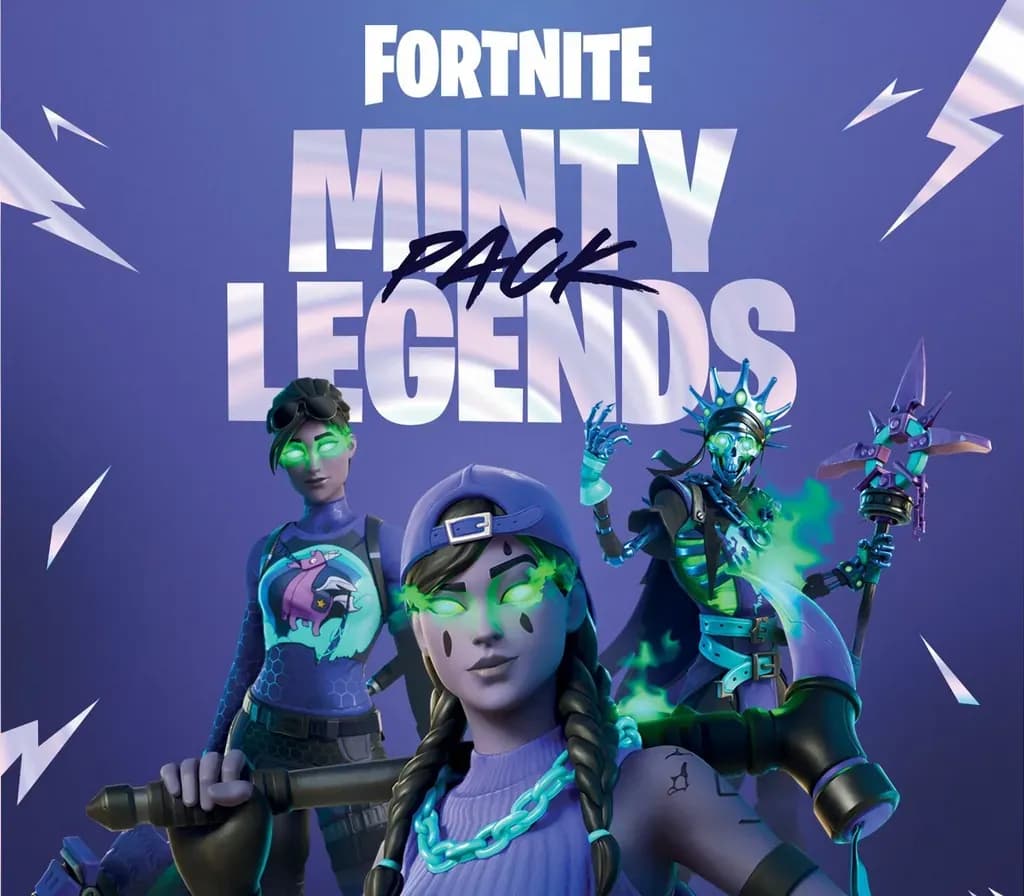
Fresh Aura Outfit Minty Multipack Back Bling Minty Mountaineer Pickaxe Minty Bomber Outfit Spearmint Satchel Back Bling Freshbreaker Pickaxe Skellemint Oro Outfit Minty Mantle Back Bling Triple Mint Scepter Pickaxe Fire Mint Wrap 1, 000 V-Bucks! Keep it fresh and fierce with the Minty Legends Pack. Everything you need to chill out the competition. V-Bucks are in-game currency that can be spent in Fortnite Battle Royale, Creative, and Save the World modes.
In Battle Royale and Creative you can purchase new customization items like New Outfits, Gliders, Pickaxes, Emotes, and Wraps! In Save the World, you can purchase X-Ray Llamas that contain weapon and trap schematics, plus new Heroes, and more!
How to activate
- Open redeem.microsoft.com in any web browser, or press the Xbox button on your console and select Store -> Redeem.
- Sign in with the Microsoft / Xbox account on which you want to activate the game.
- Enter the 25-character digital game code (hyphens are automatically inserted).
- Click "Next" and confirm. The game is added to your library and will appear in "My games & apps" on console or Xbox App for PC.
Customer Reviews
Frequently asked questions
Which region is this for?
This is the Global version: it is not region-locked.
How do I activate Fortnite Minty Legends Pack + 1000 V-Bucks Xbox Series X|S CD Key on Xbox?
1. Open redeem.microsoft.com in any web browser, or press the Xbox button on your console and select Store -> Redeem. 2. Sign in with the Microsoft / Xbox account on which you want to activate the game. 3. Enter the 25-character digital game code (hyphens are automatically inserted). 4. Click "Next" and confirm. The game is added to your library and will appear in "My games & apps" on console or Xbox App for PC.
How fast is delivery?
Your key appears in your account and is emailed to you right after payment.