Forts PC Steam CD Key
Forts PC Steam CD Key is a digital key for Steam, not region-locked. Delivered instantly after payment. Price: $8.50, 43% below the Steam MSRP of $14.99.
⭐ 153,000+ orders delivered since 2018
 Pago Móvil
 Binance Pay
About this game
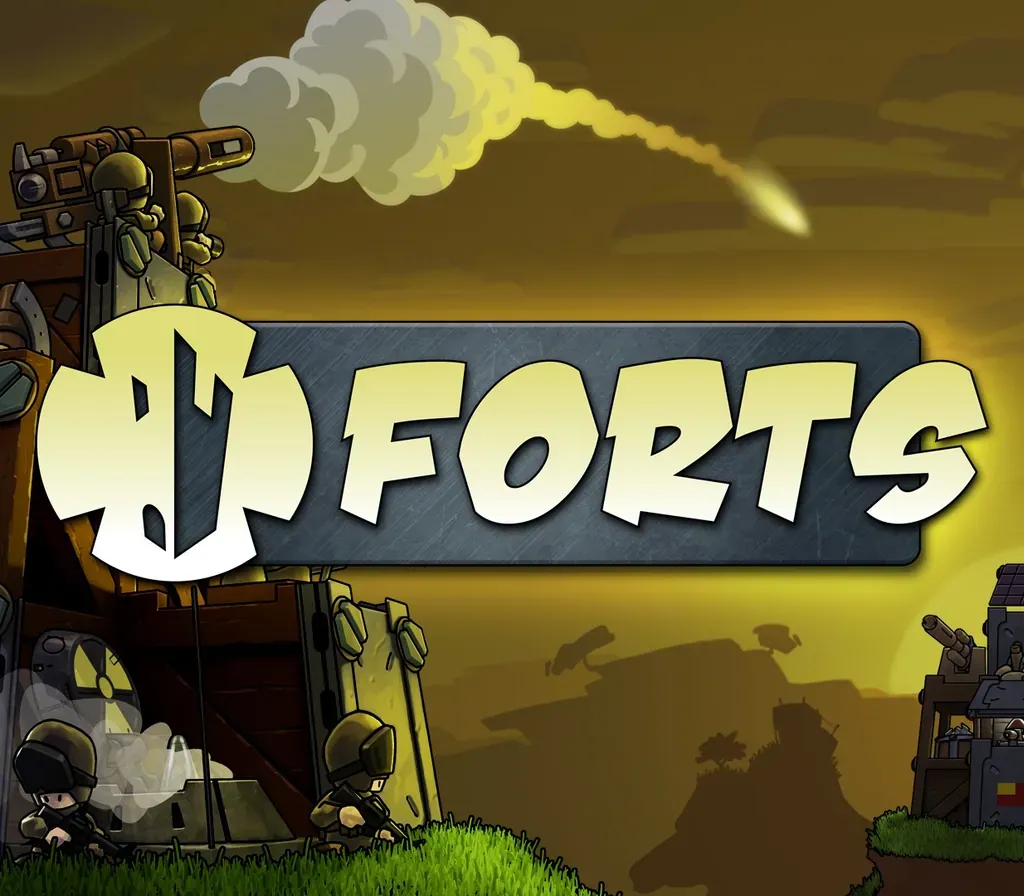
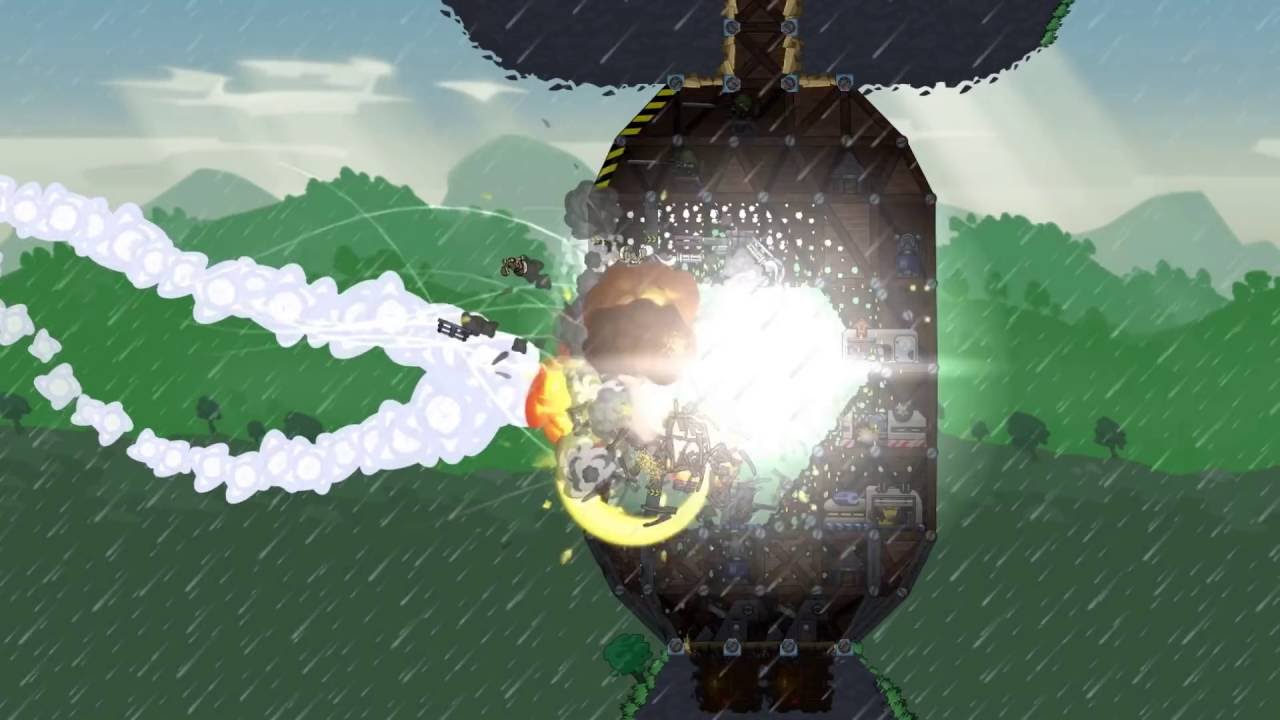
Forts is a physics-based RTS where foes design and build custom bases, arm them to the teeth and blast their opponent's creations to rubble. Build an armoured fort in real-time and arm it to the teeth. Collect resources, develop your tech-tree, unlock advanced weapons to target your opponent's weak points, and feel the satisfaction as their fort comes crashing down.
Features
Build forts of any size and shape, as you fight; Up to 8 players in online multiplayer with co-op and team death match; 28 mission single-player campaign; Challenging skirmish mode; Unlockable tech-tree; Various materials and hidden rooms; Ten unique weapons; Three factions; Commander characters with unique game-changing abilities; Powerful replay system; Built-in level editor; Designed from the ground up to support mods;
System Requirements
- Windows: OS: Windows Vista, 7, 8 or 10 Processor: Pentium Dual-Core 2.7GHz Memory: 4 GB RAM Graphics: Intel HD Graphics 520 DirectX: Version 9.0c Storage: 1 GB available space
How to activate
- Launch the Steam desktop client and log in to your account, or visit store.steampowered.com/account/registerkey in your browser.
- Click the "Games" menu at the top of the client (or click "+ Add a Game" at the bottom-left) and select "Activate a Product on Steam...".
- Follow the on-screen prompts, accept the Steam Subscriber Agreement, and enter your CD-Key in the "Product Code" field.
- Click "Next" and "Finish" to register the game. It will now appear permanently in your Steam Library ready to install.
Customer Reviews
Frequently asked questions
Which region is this for?
This is the Global version: it is not region-locked.
How do I activate Forts PC Steam CD Key on Steam?
1. Launch the Steam desktop client and log in to your account, or visit store.steampowered.com/account/registerkey in your browser. 2. Click the "Games" menu at the top of the client (or click "+ Add a Game" at the bottom-left) and select "Activate a Product on Steam...". 3. Follow the on-screen prompts, accept the Steam Subscriber Agreement, and enter your CD-Key in the "Product Code" field. 4. Click "Next" and "Finish" to register the game. It will now appear permanently in your Steam Library ready to install.
How fast is delivery?
Your key appears in your account and is emailed to you right after payment.