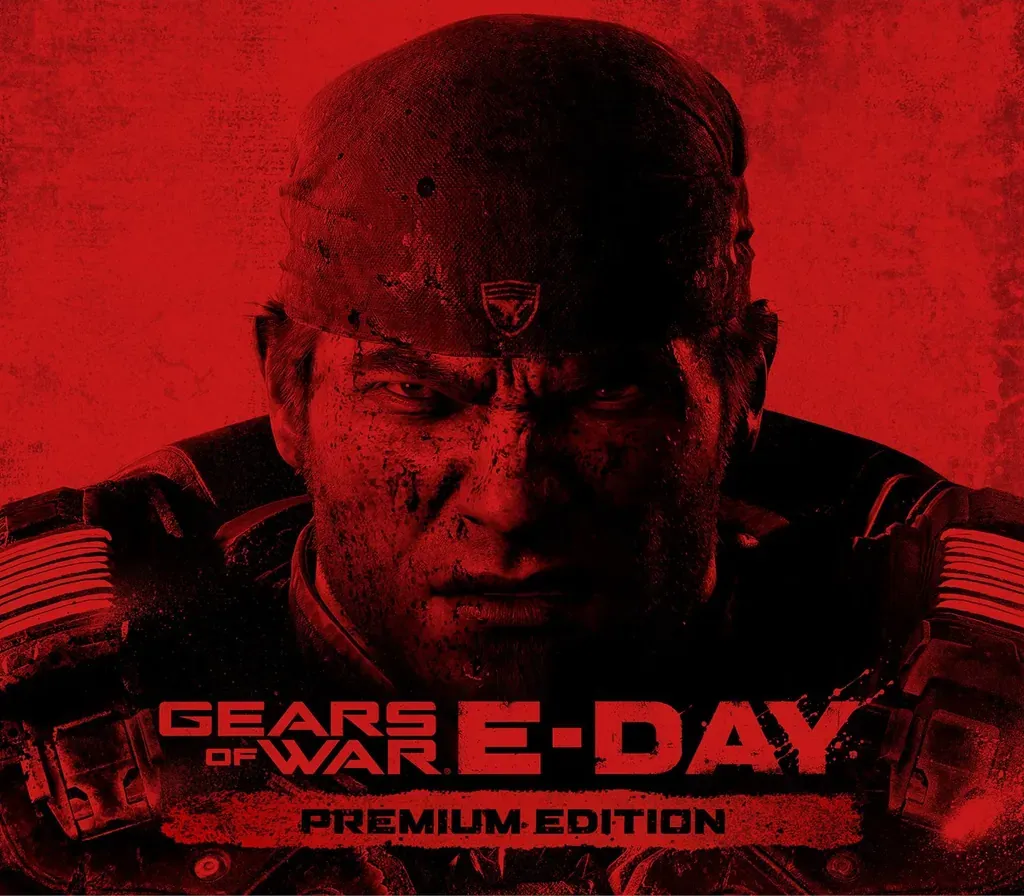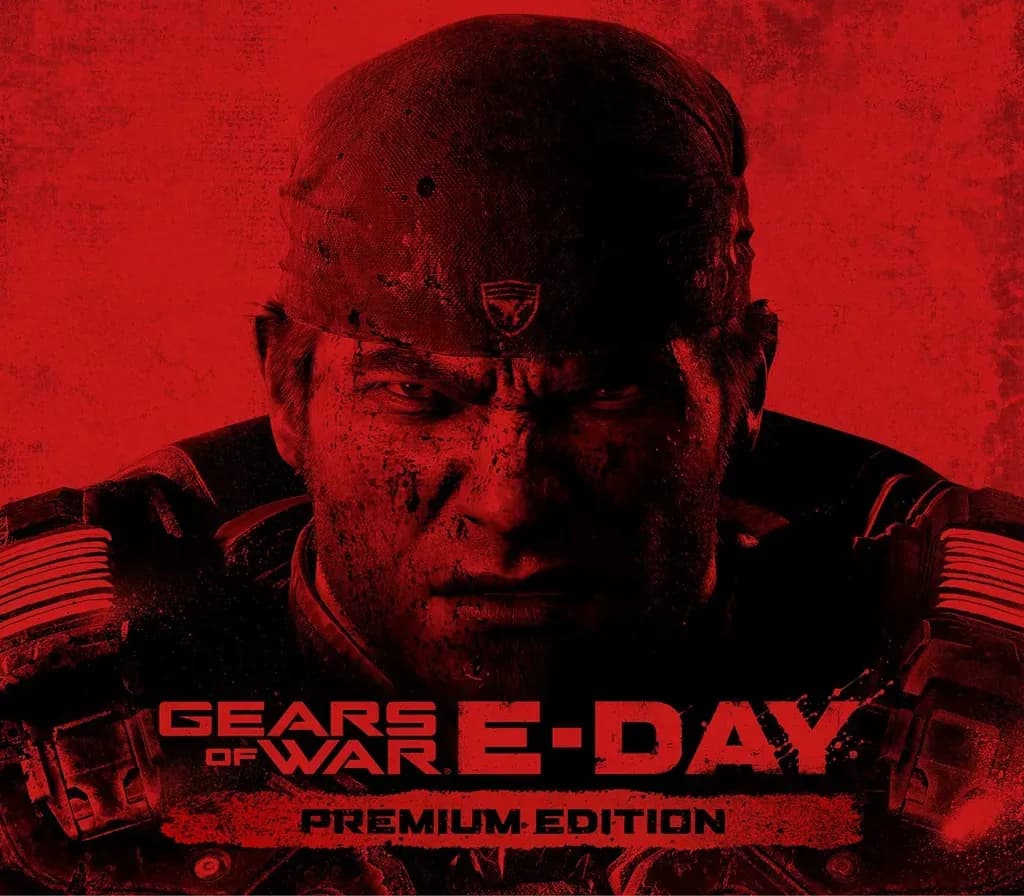
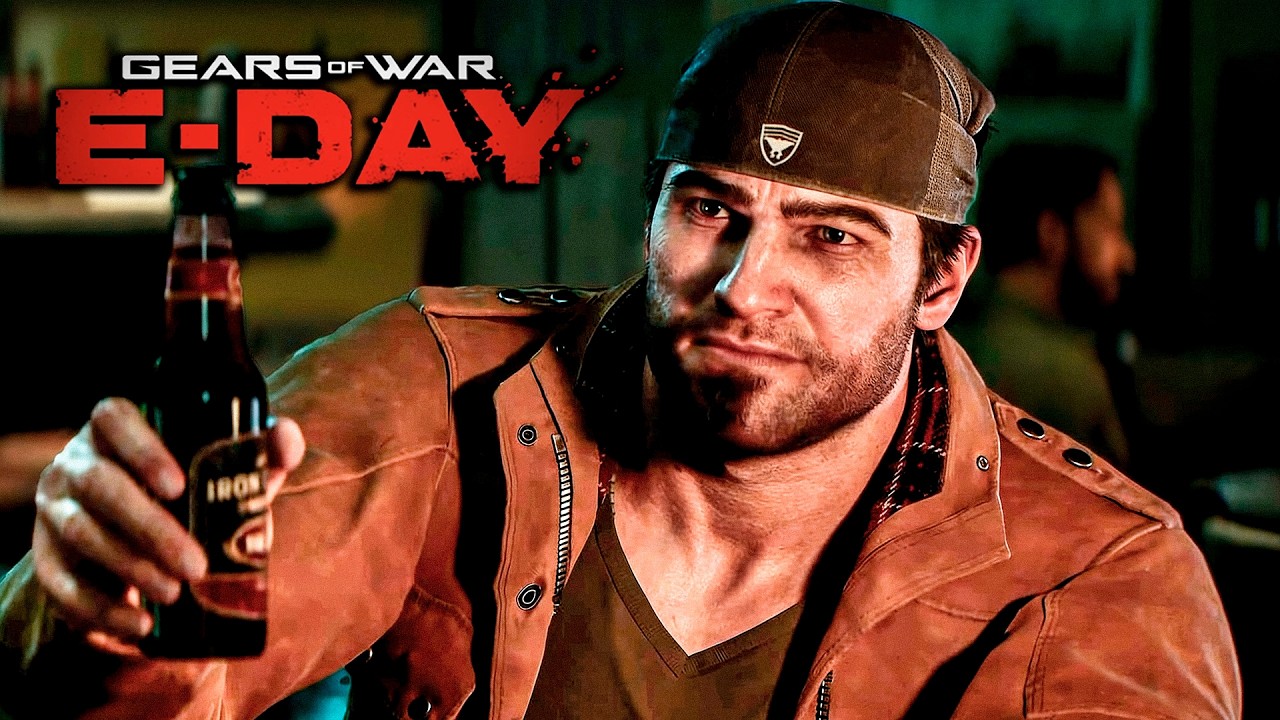
Gears of War: E-Day Premium Edition PC Steam Account
Gears of War: E-Day Premium Edition PC Steam Account is a game account for Steam, not region-locked. Price: $79.67, 20% below the Steam MSRP of $99.99.
⭐ 153,000+ orders delivered since 2018
 Pago Móvil
 Binance Pay
About this game
Emergence Begins Experience the horror and brutality of Emergence Day. Fourteen years before the original Gears of War, join Marcus Fenix and Dominic Santiago in a gripping origin-story campaign as the Locust Horde first erupt from below, igniting a desperate fight for survival. Rally your squad and fight on in multiplayer with a reimagination of Gears’ iconic PvE mode, Horde Siege, or go head-to-head with a refined Versus PvP.* Built from the ground up in Unreal Engine 5, Gears of War: E-Day delivers the most immersive Gears yet. The Story of E-Day Fight through the chaos of Emergence Day in a gripping origin story campaign. Battle alone or rally up to four players online across Campaign, Horde Siege, and Versus.* Horde Siege PvE – Back and Bigger Than Ever Survive a city under siege in an evolved take on Gears’ iconic co-op wave survival mode built for larger maps, more players, and bigger battles. Choose your class - Assault, Marksman, Medic, or Breacher - then drop in as a 4-player squad to fight back the Locust. Team up with multiple squads to conquer shared objectives and take down world bosses. Survive to earn rewards, unlock customization and improve your loadout for the next match. Versus Returns – Refined and Focused PvP Battle across all-new maps and refined fan-favorite 4v4 modes. Choose your level of competition. Lock in and climb the ranks in Ranked or jump into Social playlists for a more relaxed match. Modernized controls and movement make combat feel more fluid while retaining Gears’ signature cover-based feel. Jump, vault, slide, and flank with intent. A Terrifying Threat from Below A darker, grittier tone and reimagined enemies restore fear and dread to the series. Atmosphere and detail are pushed further than ever. The world feels
How to activate
- Log out of your personal Steam account in the client or browser.
- Log in using the provided Steam username and password delivered with your order.
- Enter the Steam Guard security verification code sent to the temporary email access included in your purchase.
- Go to Steam -> Settings -> Account, and update both the contact email address and the account password to your own credentials.
- Install the game from the Library, or configure Family Library Sharing under Settings to play from your main account.
Customer Reviews
Frequently asked questions
Which region is this for?
This is the Global version: it is not region-locked.
How do I activate Gears of War: E-Day Premium Edition PC Steam Account on Steam?
1. Log out of your personal Steam account in the client or browser. 2. Log in using the provided Steam username and password delivered with your order. 3. Enter the Steam Guard security verification code sent to the temporary email access included in your purchase. 4. Go to Steam -> Settings -> Account, and update both the contact email address and the account password to your own credentials. 5. Install the game from the Library, or configure Family Library Sharing under Settings to play from your main account.
What does “account” mean?
You receive login details for a Steam account that already owns the game.