
 1 of 2
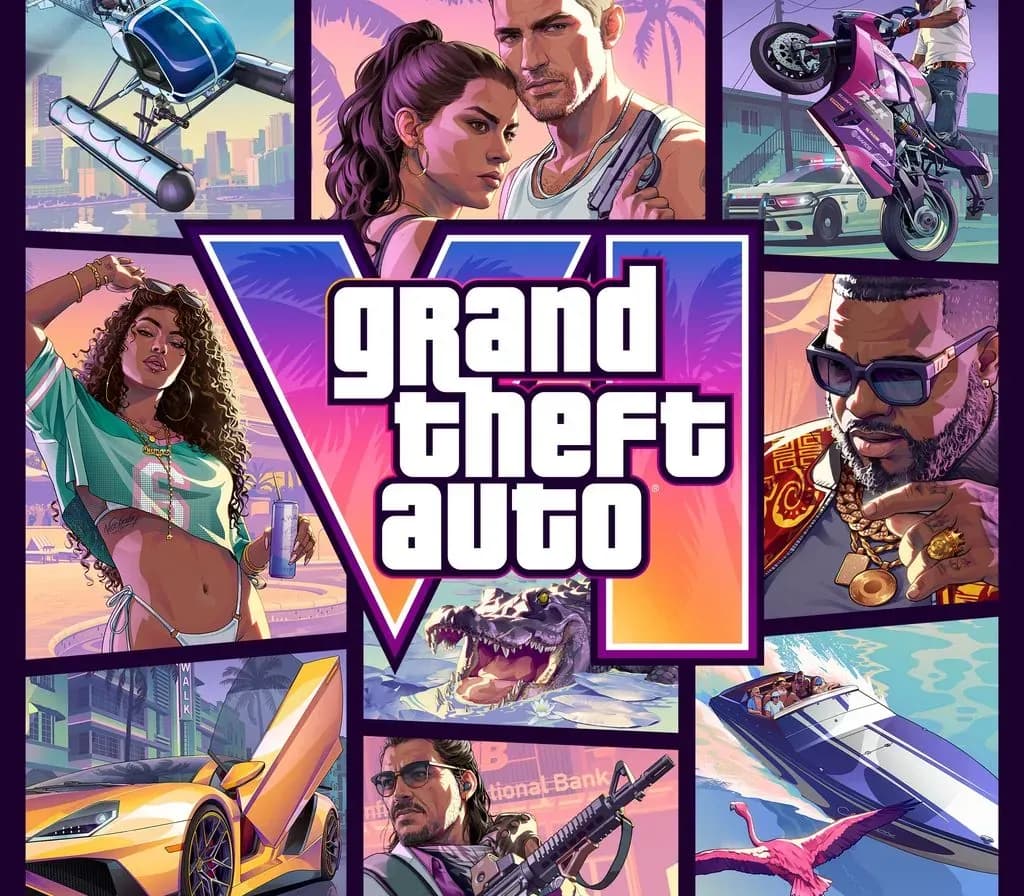
Grand Theft Auto VI Xbox Series X|S Account
Release: Nov 19, 2026 · Developer: Rockstar Games
Grand Theft Auto VI — Xbox account for Xbox Series X|S, Global. Delivered as a ready-to-play account.
- Pay securelyInstant
- Key revealed in your account~60s
- Redeem on XboxDirect activation
 Pago Móvil
 Binance Pay
 Crypto
 Wallet
154,000+ sales in our store and on marketplaces · Latest order delivered: 57 minutes ago
How to activate
- 1Press the Xbox button on your controller, navigate to "Profile & system" -> "Add or switch" -> "Add new".
- 2Enter the Microsoft email and password provided in your order details; select "No barriers" for sign-in security.
- 3Go to Settings -> General -> Personalisation -> "My home Xbox" and select "Make this my home Xbox".
- 4Open "My games & apps" -> "Full library" -> "Owned games", download the purchased game, then switch back to your main personal profile to play.
About this game
Grand Theft Auto VI Xbox Series X|S Account is a game account for Xbox, not region-locked.
Experience the biggest, most immersive evolution of the Grand Theft Auto series. Jason and Lucia have always known the deck is stacked against them. But when an easy score goes wrong, they find themselves on the darkest side of the sunniest place in America, in the middle of a criminal conspiracy stretching across the state of Leonida - forced to rely on each other more than ever if they want to make it out alive.
Frequently asked questions
Which region is this for?
This is the Global version: it is not region-locked.
How do I activate Grand Theft Auto VI Xbox Series X|S Account on Xbox?
1. Press the Xbox button on your controller, navigate to "Profile & system" -> "Add or switch" -> "Add new". 2. Enter the Microsoft email and password provided in your order details; select "No barriers" for sign-in security. 3. Go to Settings -> General -> Personalisation -> "My home Xbox" and select "Make this my home Xbox". 4. Open "My games & apps" -> "Full library" -> "Owned games", download the purchased game, then switch back to your main personal profile to play.
What does “account” mean?
You receive login details for a Xbox account that already owns the game.
Customer Reviews
See all reviews and write yours
Customer Reviews
Nobody has reviewed this game yet. If you buy it, tell us how it went.
You may also like
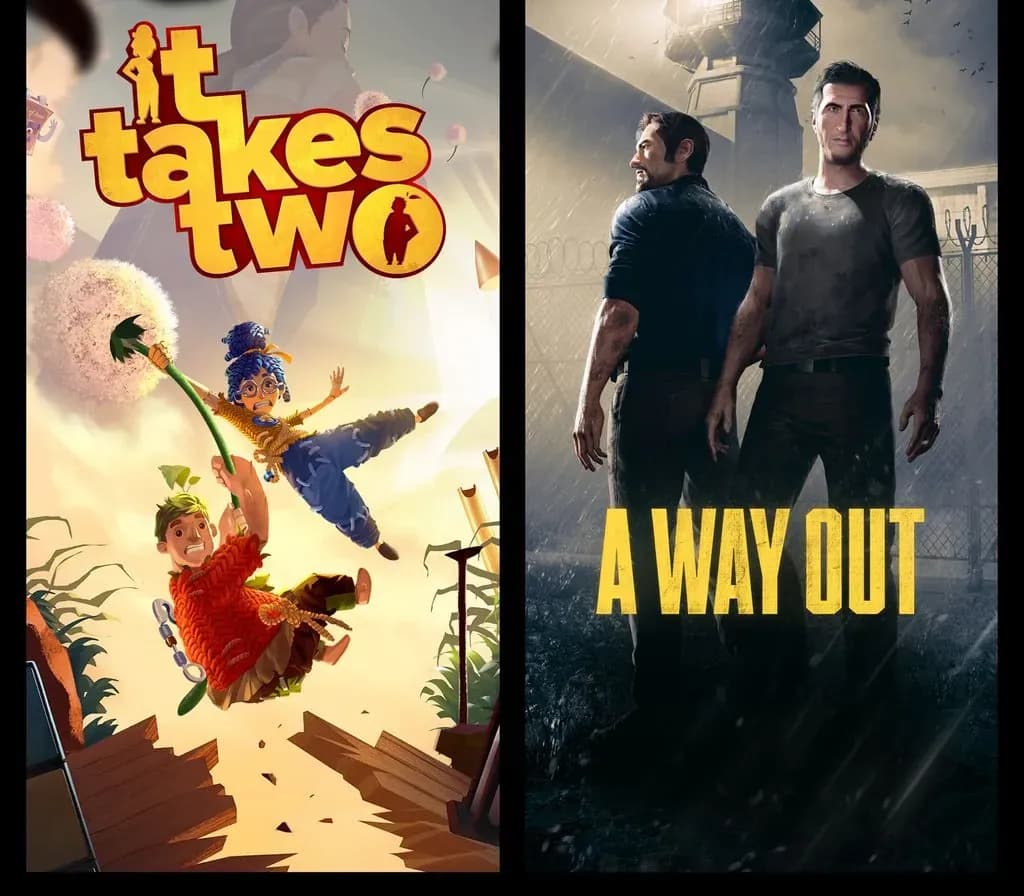
Hazelight Bundle - A Way Out + It Takes Two Xbox Series X|S CD Key (EU)
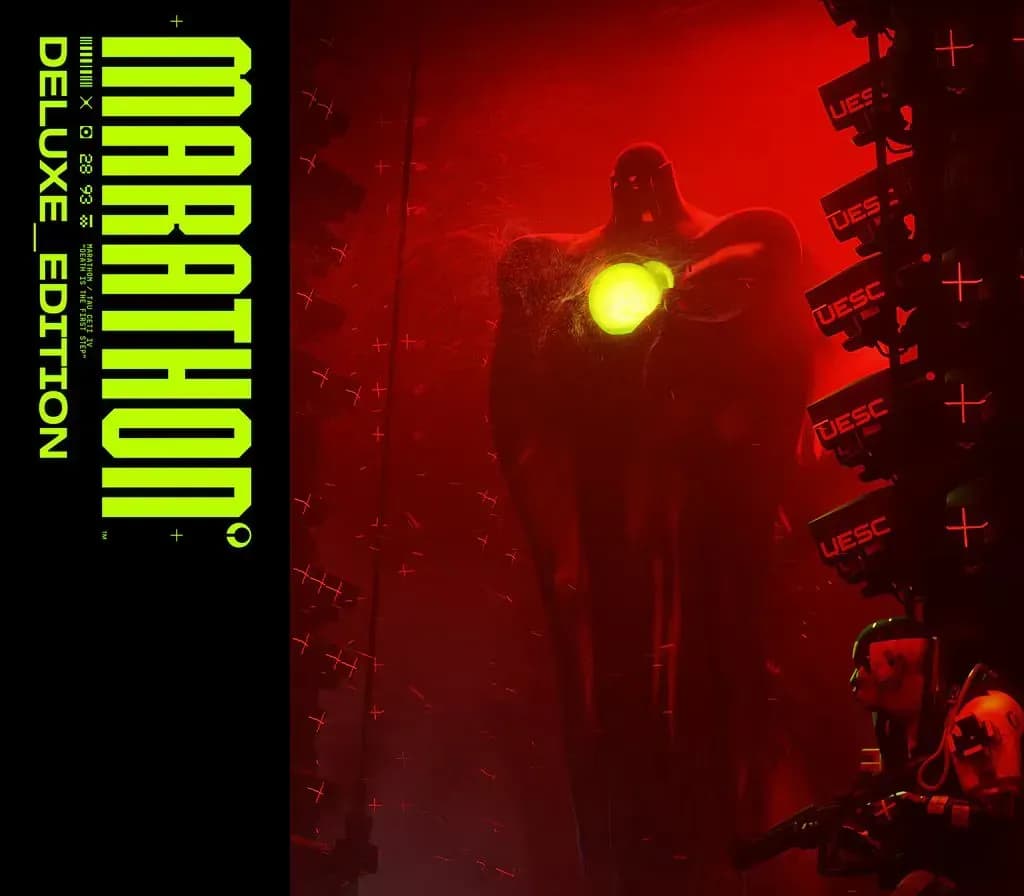
Marathon Deluxe Edition Xbox Series X|S CD Key (EU)
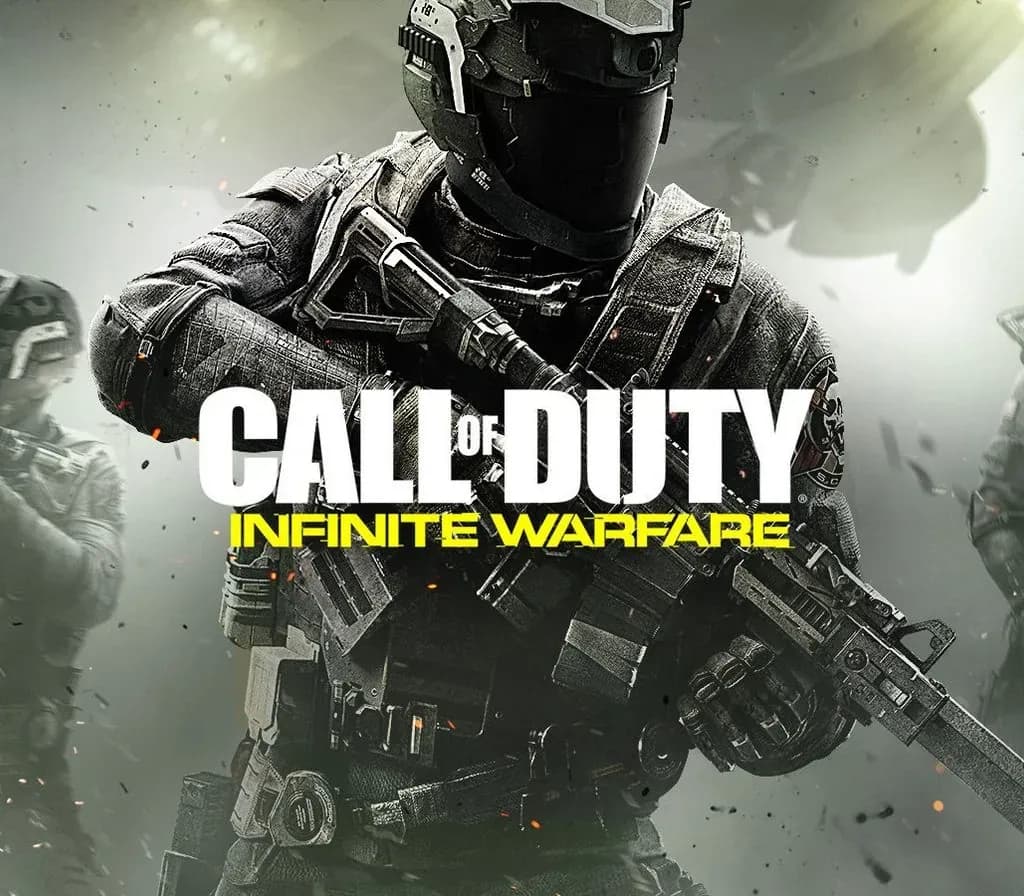
Call of Duty: Infinite Warfare Xbox One CD Key (US)
Bugsnax Xbox Series X|S / PC CD Key (EU)
 −8%