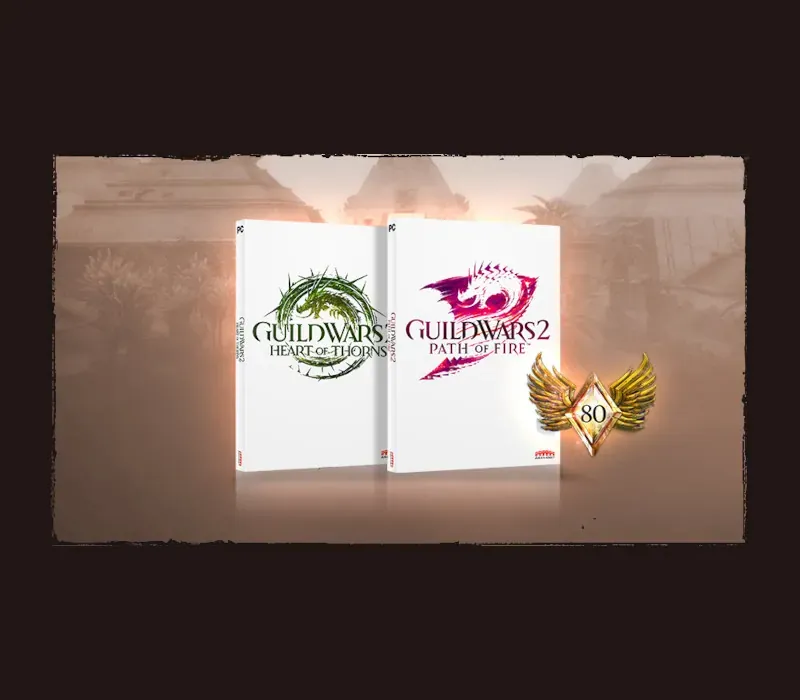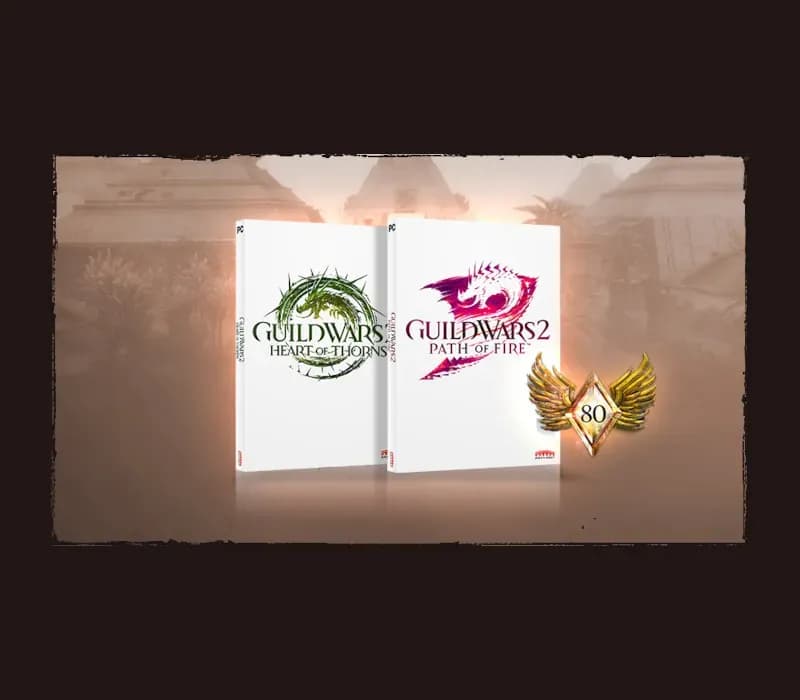
Guild Wars 2 Heart of Thorns & Path of Fire PC Steam CD Key
Guild Wars 2 Heart of Thorns & Path of Fire PC Steam CD Key is a digital key for Steam, not region-locked. Delivered instantly after payment.
⭐ 153,000+ orders delivered since 2018
 Pago Móvil
 Binance Pay
About this game
Includes
Path of Fire expansion Heart of Thorns expansion INTRODUCING MOUNTS*Mounts are far more than a speed boost—they’re a whole new way to move through the world of Tyria. Unlock and train your new companions using the Mastery system, and explore freely by leaping across canyons, bounding up high cliffs, and skimming over water and quicksand. *Additional DLC purchase is required to unlock Roller Beettle and Skyscale mounts.
ELITE SPECIALIZATIONS
Customize your character with a new elite specialization for each of your favorite professions. With a new variety of playstyles, weapon choices, and traits to choose from, there are more options than ever to play your way.
DISCOVER THE FORGOTTEN LAND
Balthazar threatens the Crystal Desert and adjoining kingdom of Elona with his Forged legions. Explore vast new maps filled with magic-drenched desert plains, ancient temples and ruins, and beautiful oases. Uncover the secrets of Tyria's history, and discover the fate of the Elonian people after years of silence.
System Requirements
- Windows: OS: Windows 7 or better (64 bit only) Processor: Intel Core 2 Quad 2.4 GHz, Core i3, AMD Athlon 64 X2 or better Memory: 4 GB RAM Graphics: NVIDIA GeForce 8800GTS, ATI Radeon HD 2900 XT Storage: 70GB available HDD space Broadband Internet connection Keyboard and mouse
How to activate
- Launch the Steam desktop client and log in to your account, or visit store.steampowered.com/account/registerkey in your browser.
- Click the "Games" menu at the top of the client (or click "+ Add a Game" at the bottom-left) and select "Activate a Product on Steam...".
- Follow the on-screen prompts, accept the Steam Subscriber Agreement, and enter your CD-Key in the "Product Code" field.
- Click "Next" and "Finish" to register the game. It will now appear permanently in your Steam Library ready to install.
Customer Reviews
Frequently asked questions
Which region is this for?
This is the Global version: it is not region-locked.
How do I activate Guild Wars 2 Heart of Thorns & Path of Fire PC Steam CD Key on Steam?
1. Launch the Steam desktop client and log in to your account, or visit store.steampowered.com/account/registerkey in your browser. 2. Click the "Games" menu at the top of the client (or click "+ Add a Game" at the bottom-left) and select "Activate a Product on Steam...". 3. Follow the on-screen prompts, accept the Steam Subscriber Agreement, and enter your CD-Key in the "Product Code" field. 4. Click "Next" and "Finish" to register the game. It will now appear permanently in your Steam Library ready to install.
How fast is delivery?
Your key appears in your account and is emailed to you right after payment.