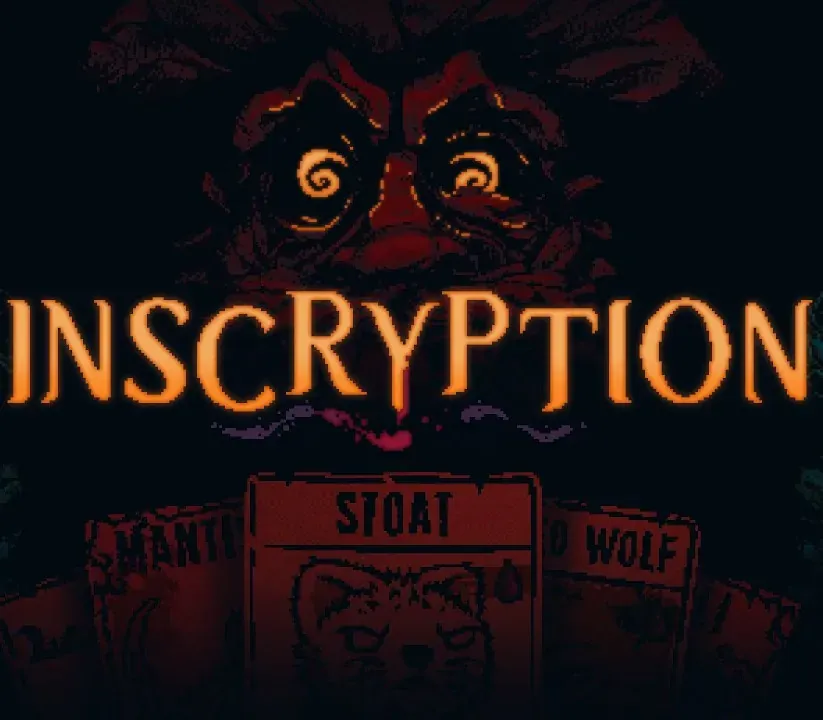
Inscryption PC Steam CD Key
Inscryption PC Steam CD Key is a digital key for Steam, not region-locked. Delivered instantly after payment. Price: $8.95, 55% below the Steam MSRP of $19.99.
⭐ 153,000+ orders delivered since 2018
 Pago Móvil
 Binance Pay
About this game
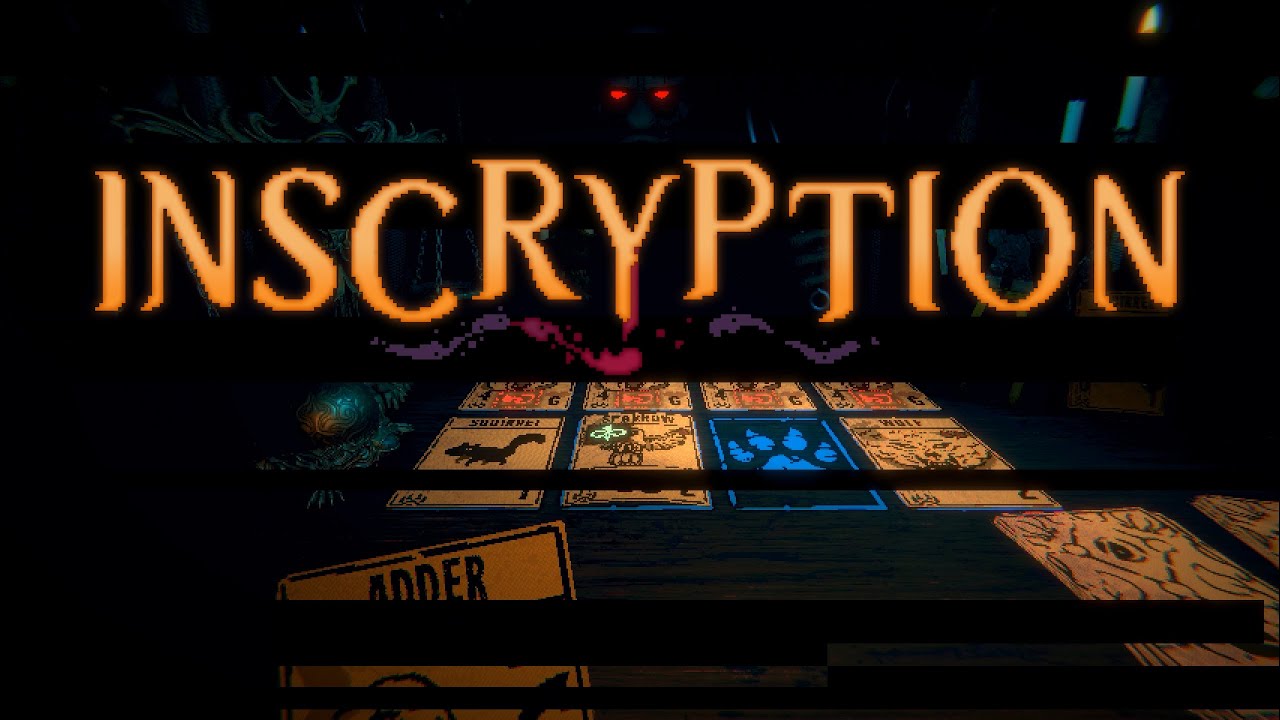
From the creator of Pony Island and The Hex comes the latest mind melting, self-destructing love letter to video games. Inscryption is an inky black card-based odyssey that blends the deckbuilding roguelike, escape-room style puzzles, and psychological horror into a blood-laced smoothie. Darker still are the secrets inscrybed upon the cards...
Features
Acquire a deck of woodland creature cards by draft, surgery, and self mutilation Unlock the secrets lurking behind the walls of Leshy's cabin Embark on an unexpected and deeply disturbing odyssey
System Requirements
- Windows: Minimum: OS: Windows 7 Processor: Intel Core i5-760 (4 * 2800); AMD Athlon II X4 645 AM3 (4 * 3100) Memory: 4 GB RAM Graphics: GeForce GTX 550 Ti (3072 VRAM); Radeon HD 6850 (1024 VRAM) Storage: 2 GB available space
- Linux: Minimum: OS: Ubuntu 12.04 Memory: 2 GB RAM Storage: 1 GB available space
- Mac: Minimum: OS: Mac OS X 10.7 Memory: 3 GB RAM Storage: 2 GB available space
How to activate
- Launch the Steam desktop client and log in to your account, or visit store.steampowered.com/account/registerkey in your browser.
- Click the "Games" menu at the top of the client (or click "+ Add a Game" at the bottom-left) and select "Activate a Product on Steam...".
- Follow the on-screen prompts, accept the Steam Subscriber Agreement, and enter your CD-Key in the "Product Code" field.
- Click "Next" and "Finish" to register the game. It will now appear permanently in your Steam Library ready to install.
Customer Reviews
Frequently asked questions
Which region is this for?
This is the Global version: it is not region-locked.
How do I activate Inscryption PC Steam CD Key on Steam?
1. Launch the Steam desktop client and log in to your account, or visit store.steampowered.com/account/registerkey in your browser. 2. Click the "Games" menu at the top of the client (or click "+ Add a Game" at the bottom-left) and select "Activate a Product on Steam...". 3. Follow the on-screen prompts, accept the Steam Subscriber Agreement, and enter your CD-Key in the "Product Code" field. 4. Click "Next" and "Finish" to register the game. It will now appear permanently in your Steam Library ready to install.
How fast is delivery?
Your key appears in your account and is emailed to you right after payment.