Kerbal Space Program Complete Edition PC Steam CD Key
Kerbal Space Program Complete Edition PC Steam CD Key is a digital key for Steam, not region-locked. Delivered instantly after payment. Price: $19.47, 51% below the Steam MSRP of $39.99.
⭐ 153,000+ orders delivered since 2018
 Pago Móvil
 Binance Pay
Choose your edition
Edition
Delivery
Compare editions
See what's included in each edition
About this game
Includes
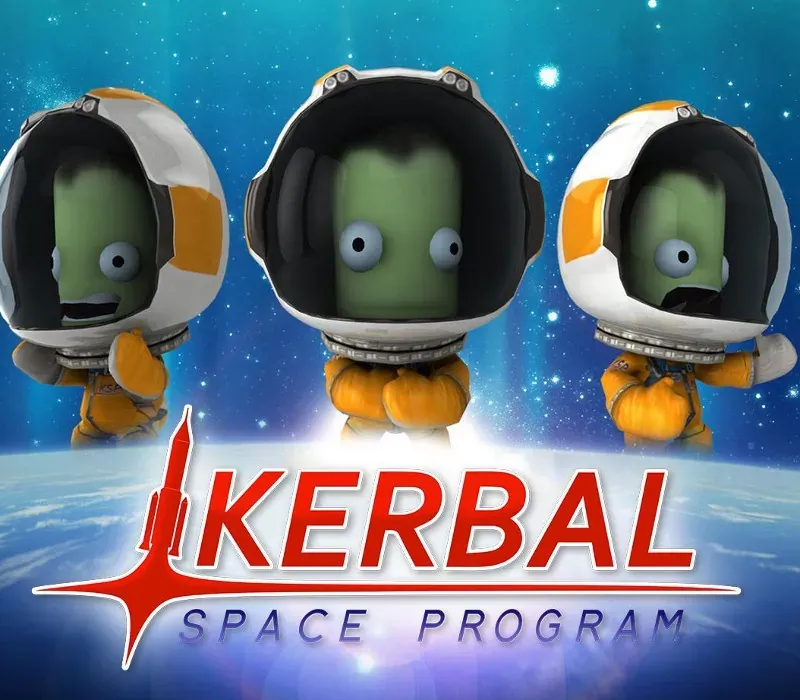
base game, Making History DLC, Breaking Ground DLC The Kerbal Space Program Complete Bundle includes the heavily-awarded and ever evolving space simulation game Kerbal Space Program as well as the Making History & Breaking Ground expansions for a bundled discount. In Kerbal Space Program, take charge of the space program for the alien race known as the Kerbals.
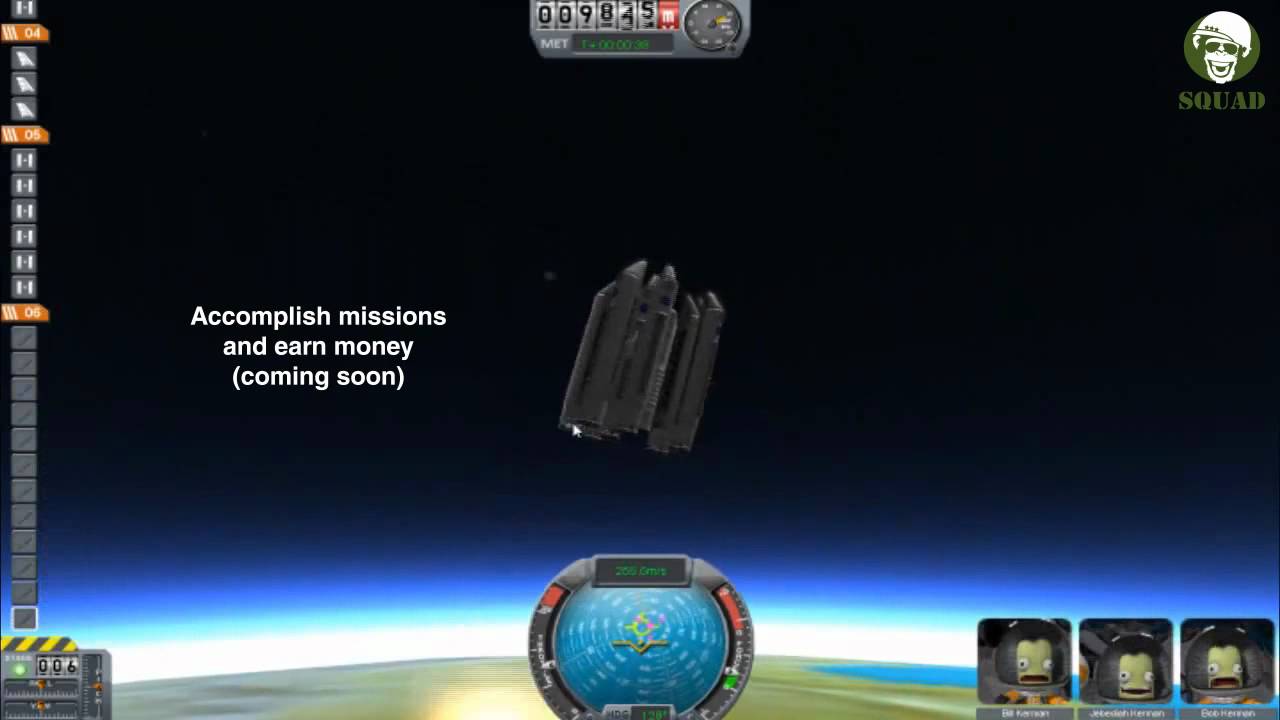
You have access to an array of parts to assemble fully-functional spacecraft that flies (or doesn’t) based on realistic aerodynamic and orbital physics. Launch your Kerbal crew into orbit and beyond (while keeping them alive) to explore moons and planets in the Kerbal solar system, constructing bases and space stations to expand the reach of your expedition. Kerbal Space Program features three gameplay modes.
In Science Mode, perform space experiments to unlock new technology and advance the knowledge of Kerbalkind. In Career Mode, oversee every aspect of the space program, including construction, strategy, funding, upgrades, and more. In Sandbox, you are free to build any spacecraft you can think of, with all parts and technology in the game.
System Requirements
- Windows: OS:Windows XP Processor:Core 2 Duo Memory:2 GB RAM Graphics:SM3 512MB VRAM Hard Drive:1 GB HD space
- Mac: OS:Windows XP Processor:Core 2 Duo Memory:2 GB RAM Graphics:SM3 512MB VRAM Hard Drive:1 GB HD space
- Linux: OS: Linux (Most distros should work) Processor: Core 2 Duo Memory: 2 GB RAM Hard Disk Space: 1.5 GB HD space Video Card: SM3 512MB VRAM
How to activate
- Launch the Steam desktop client and log in to your account, or visit store.steampowered.com/account/registerkey in your browser.
- Click the "Games" menu at the top of the client (or click "+ Add a Game" at the bottom-left) and select "Activate a Product on Steam...".
- Follow the on-screen prompts, accept the Steam Subscriber Agreement, and enter your CD-Key in the "Product Code" field.
- Click "Next" and "Finish" to register the game. It will now appear permanently in your Steam Library ready to install.
Customer Reviews
Frequently asked questions
Which region is this for?
This is the Global version: it is not region-locked.
How do I activate Kerbal Space Program Complete Edition PC Steam CD Key on Steam?
1. Launch the Steam desktop client and log in to your account, or visit store.steampowered.com/account/registerkey in your browser. 2. Click the "Games" menu at the top of the client (or click "+ Add a Game" at the bottom-left) and select "Activate a Product on Steam...". 3. Follow the on-screen prompts, accept the Steam Subscriber Agreement, and enter your CD-Key in the "Product Code" field. 4. Click "Next" and "Finish" to register the game. It will now appear permanently in your Steam Library ready to install.
How fast is delivery?
Your key appears in your account and is emailed to you right after payment.
What does the Complete Edition include?
Base game, Making History Expansion, Breaking Ground Expansion